Airbnb photo requirements - and the AI rule hosts miss.
What Airbnb actually publishes about listing photos, where its own help pages disagree, and the ground rule on AI-edited images that can get a listing suspended.
Your first 2 photos are free previews - no card, just confirm your email.
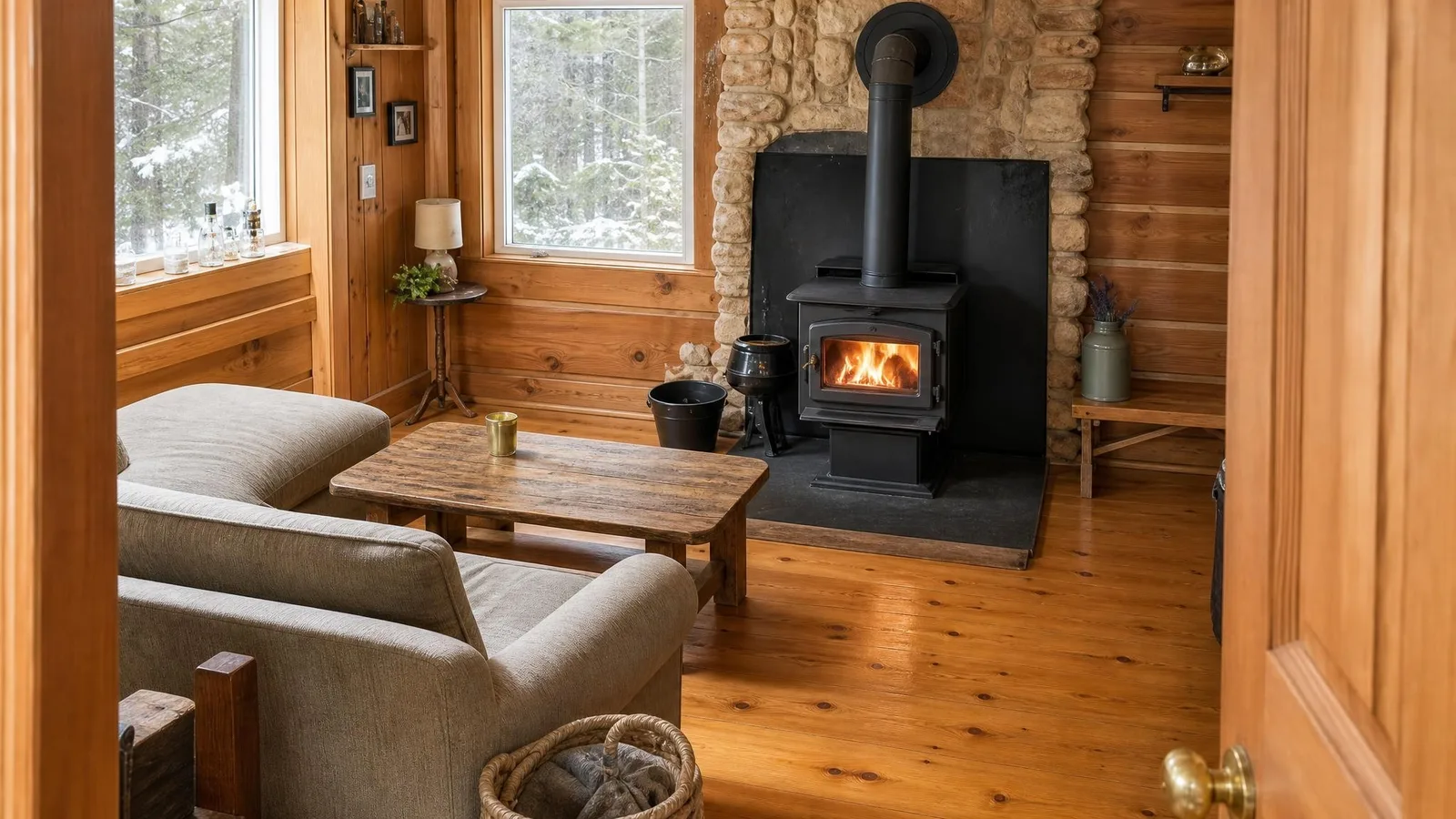 Living room
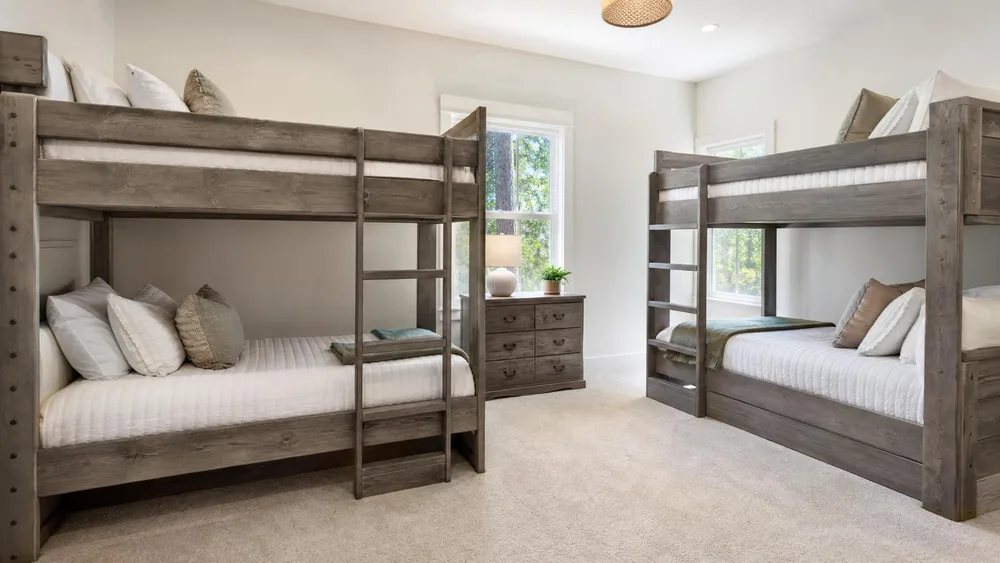
  Bedroom
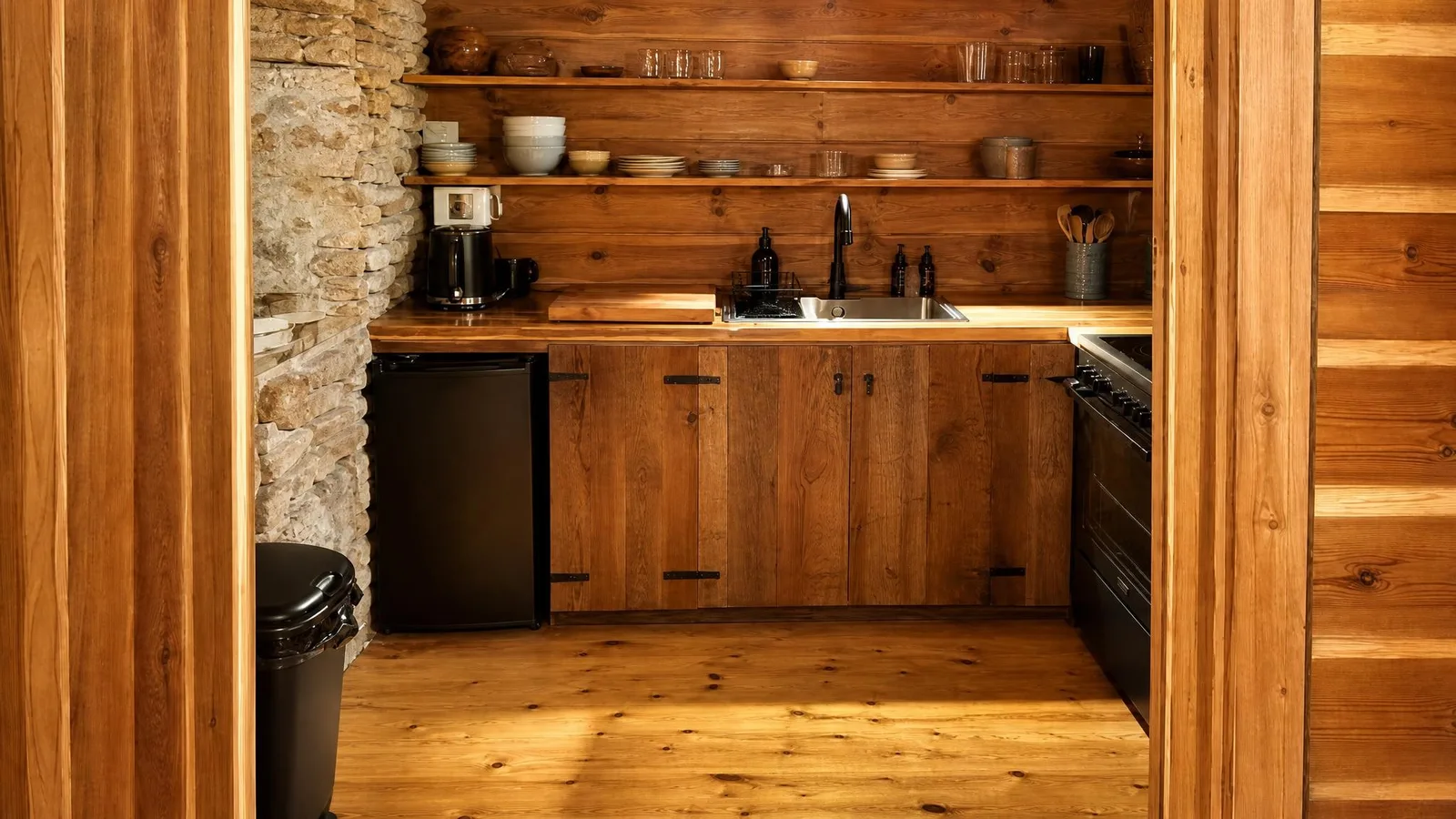
  Kitchen
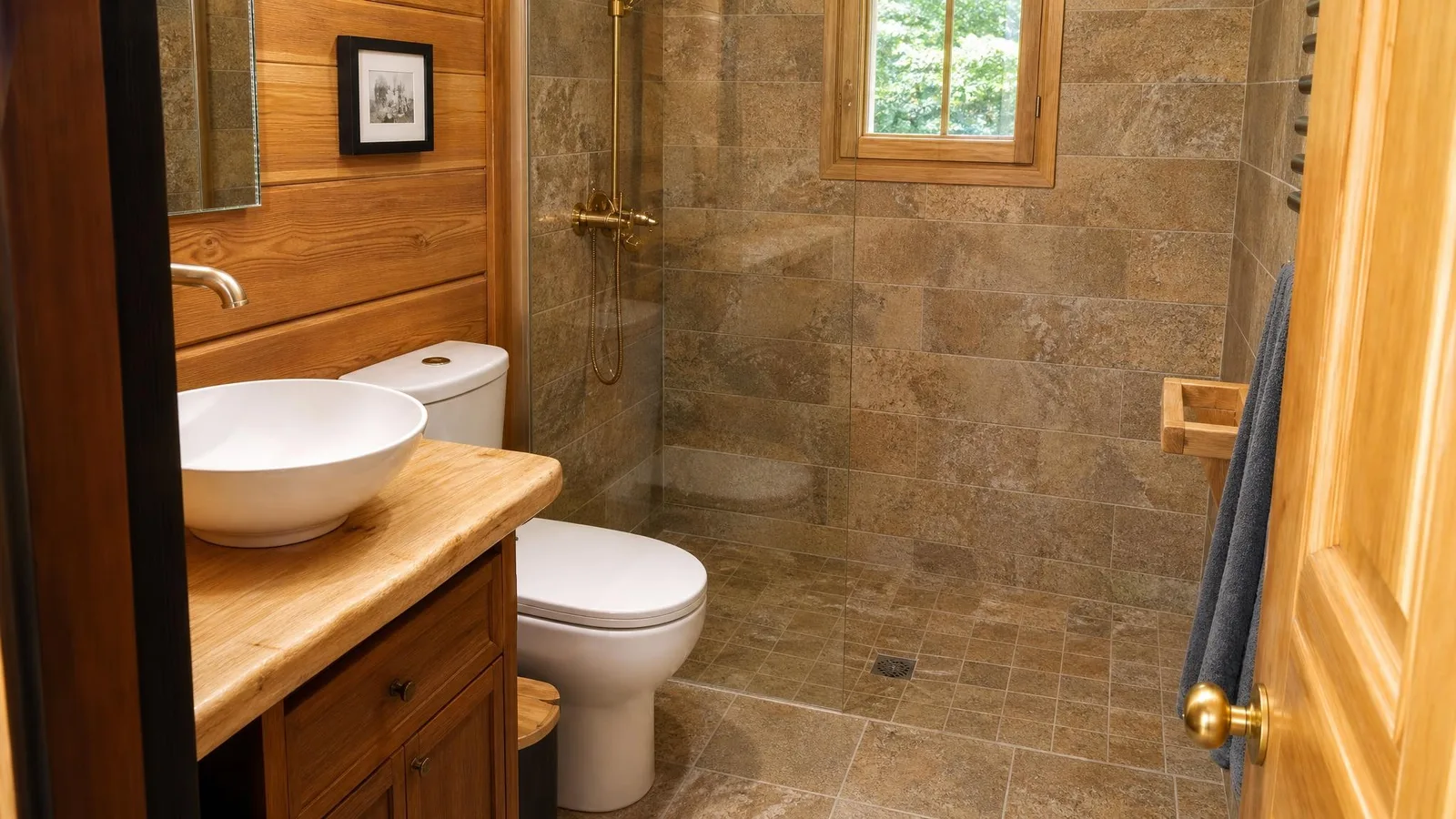
  Detail
 What Airbnb publishes.
Pulled from Airbnb’s Help Centre, Resource Centre and host ground rules. Airbnb documents far less than the marketplaces do - and contradicts itself twice, so both numbers are given.
| Minimum resolution | At least 1,024 × 683 px, per Airbnb’s Help Centre. Airbnb’s own Resource Centre says 1,200 × 800 instead. Both pages are live and neither reconciles the other - treat 1,024 × 683 as the floor and 1,200 × 800 as the target. |
|---|---|
| File size | Bigger files are better, up to about 10 MB. |
| Orientation | Landscape. Airbnb says listing pages display photos in landscape, and that vertical photos don’t show a space as well. |
| Minimum photos | At least 5 to publish a listing. The first 5 are displayed most prominently, and the first is the large one shown in search results. |
| Coverage | Every room or space needs at least one photo to appear in the photo tour. |
| Maximum photos | Not published by Airbnb. The “100 photos” limit quoted across host blogs doesn’t appear on any Airbnb page we could find. |
| File formats | Not published by Airbnb either. |
| Text and logos in photos | Airbnb scans text inside listing images to block contact details, and prohibits superimposed logos, links or company names advertising a business unrelated to the listing. |
| Why quality matters beyond looks | Airbnb states that listing quality - photos included - influences how a listing ranks in search. |
Verified against Airbnb’s Help Centre, Resource Centre and host ground rules in July 2026. Airbnb publishes no accepted-format list, no hard file-size cap, no maximum photo count and no aspect ratio - wherever you see those quoted as Airbnb rules, they’re third-party guesses. Sources:Airbnb Help - photo tips , Airbnb Help - adding photos , Airbnb - ground rules for hosts .
Four things that cost hosts bookings.
Vertical phone photos.
Airbnb displays listing photos in landscape. A portrait shot gets letterboxed or cropped, and a room photographed vertically shows a slice of the space instead of the space.
Rooms missing from the tour.
Every room needs at least one photo to appear in the photo tour. Guests read a missing room as something being hidden - and it’s often the bathroom, which is exactly what they wanted to check.
A dark hero shot.
The first photo is the large one in search results, competing against professionally lit listings. An under-exposed living room at dusk loses that comparison before anyone reads the title.
Editing that changes the space.
This is the one that gets listings suspended rather than merely ignored - see the rule below. Straightening and relighting is fine; adding, removing or hiding things is not.
Relight what you actually rent.
The legitimate job here is narrow and worth doing well: your real space, photographed at its best.
Shoot each room honestly.
Landscape, from a corner, at the widest angle your phone manages without distorting. Tidy first - clutter you remove in real life is fine; clutter you erase afterwards is not.
Relight and straighten.
Phoxel re-renders the room with even, natural light and corrected framing, keeping the furniture, layout, finishes and view exactly as your reference shows them.
Check it against the real thing.
Put the generated photo beside the original. If a guest walking in would be surprised by anything - brighter, bigger, different - don’t publish it. That’s the whole test Airbnb applies.
The rule that gets Airbnb listings suspended.
Airbnb’s ground rules for hosts are explicit: “We will ask hosts to remove content if AI or other digital technology has been used to edit flaws, hide damage, add amenities or attributes that are not part of a listing, or otherwise misrepresent the listing.” Enforcement runs from a warning, through forced removal of the content, to suspending the listing or losing Superhost status.
Note what the test is. Airbnb does not ask you to label or disclose AI-assisted photos - we could find no disclosure requirement anywhere in its published policies. It asks whether the photo misrepresents the space. So the line is clean: relighting a room you actually rent, straightening the framing and showing it at its best is the same job a professional photographer does. Adding a sofa that isn’t there, erasing a stain, or inventing a view is what gets a listing pulled.
Phoxel is built for the first job. If a photo would surprise a guest at check-in, don’t publish it - and no tool should help you.
Buy credits. 10 credits = 1 photo.
Credits work across every Phoxel niche - no subscription, no expiry. Failed generations retry for free.
Starter
- 20 photos - two listings’ worth
- Try it on your worst photo
- JPG download + ZIP
Plus
- 60 photos - a few listings
- Mix angles & backgrounds
- Save 17% vs starter
Pro
- 150 photos - a full catalogue
- One project per item
- Use across other niches too
- Save 36% vs starter
Studio
- 300 photos - full shop refresh
- Every item, multiple looks
- Save 46% vs starter
Airbnb photo questions, sorted.
Your first photo competes in a grid of professional shoots.
Twenty relit shots of the space you actually rent, for $6. Same rooms, same furniture - just lit like someone was paid to do it.
Your first 2 photos are free previews - no card, just confirm your email.