Booking.com counts pixels. Vrbo counts photos - and suspends at five.
The two big Airbnb alternatives publish real, different requirements. Here they are side by side: Booking.com’s resolution and editing rules, Vrbo’s photo-count penalty, and the ban lists both apply to over-processed images.
Your first 2 photos are free previews - no card, just confirm your email.
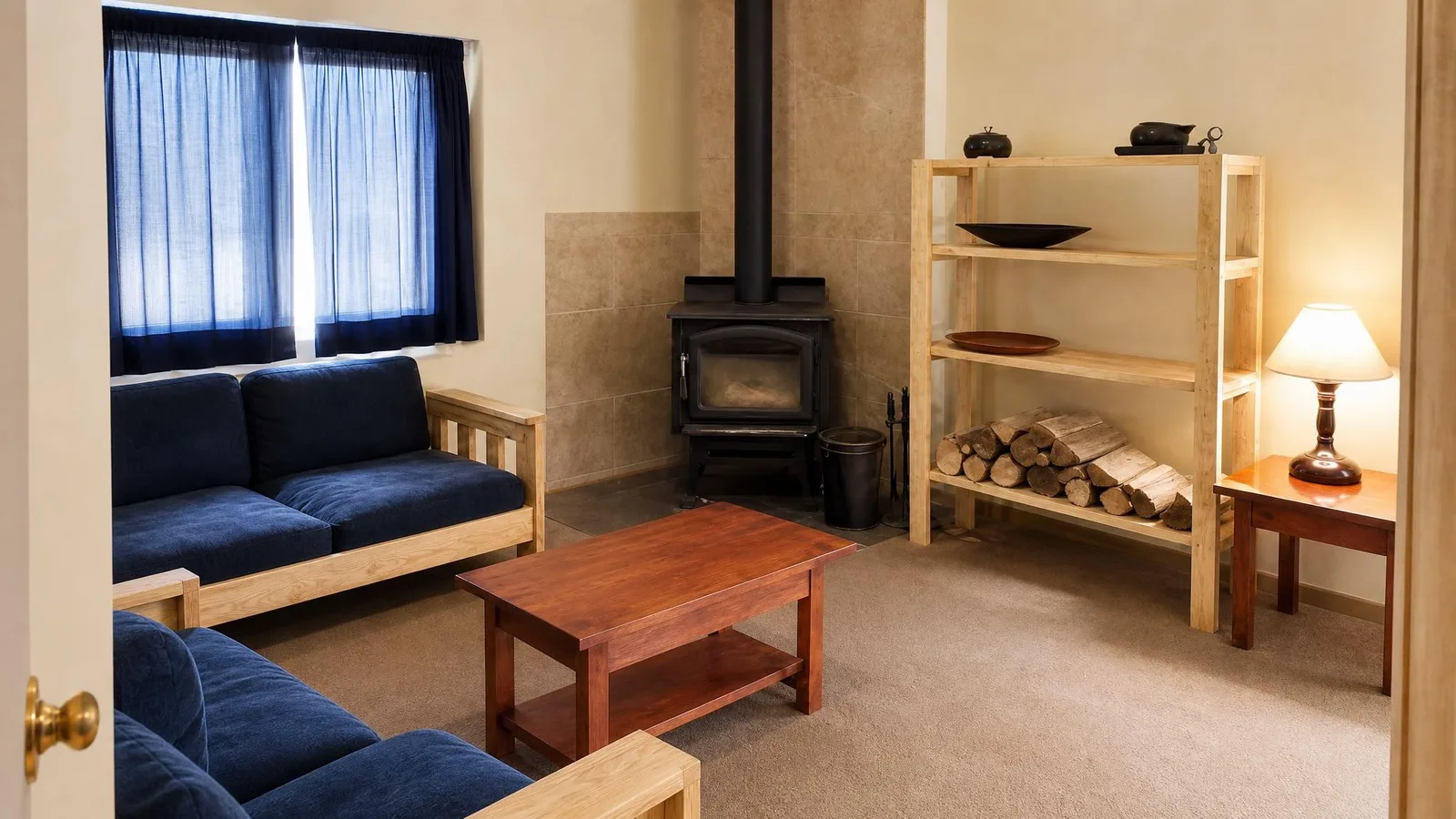 Living room
 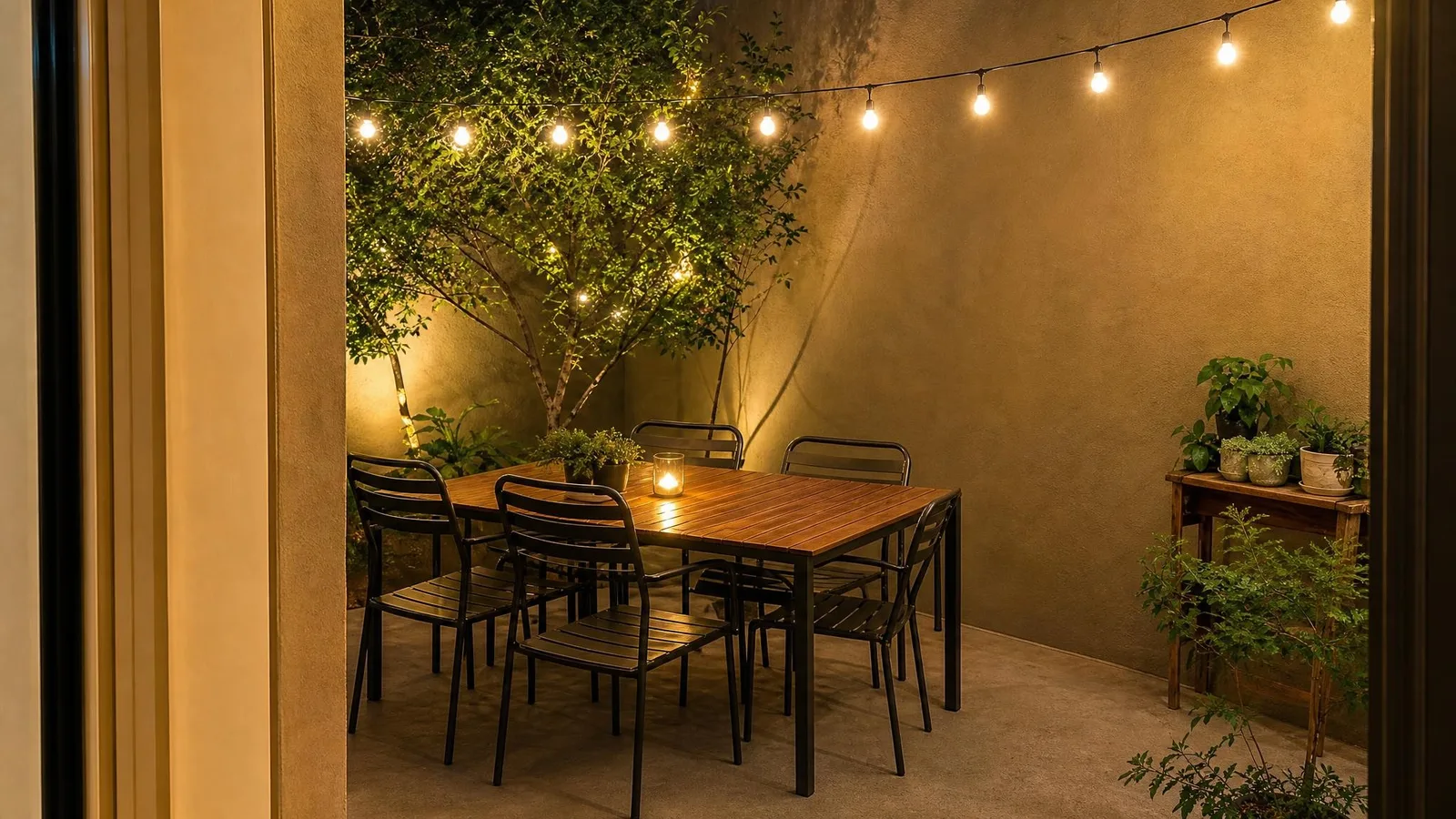 Bedroom
 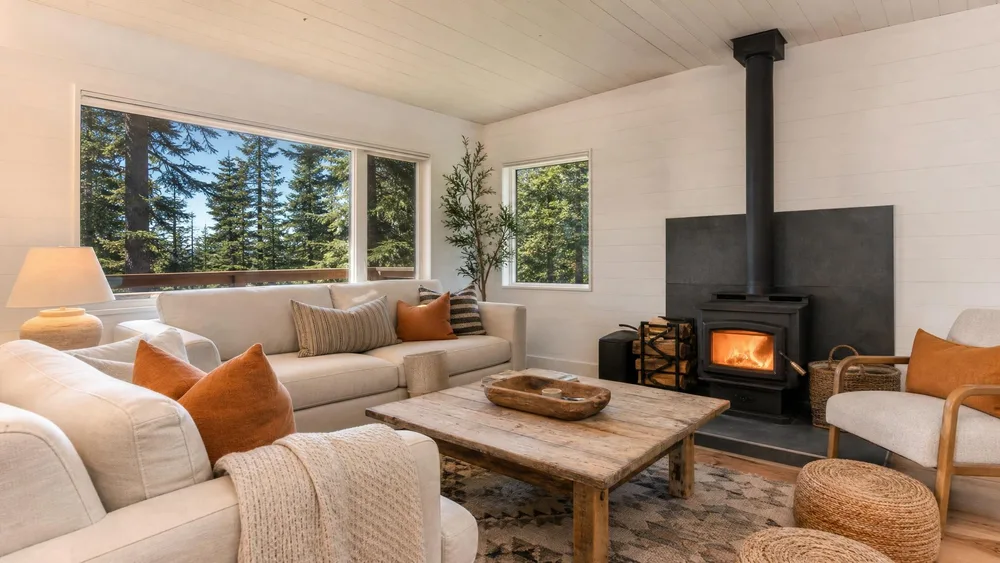 Apartment
 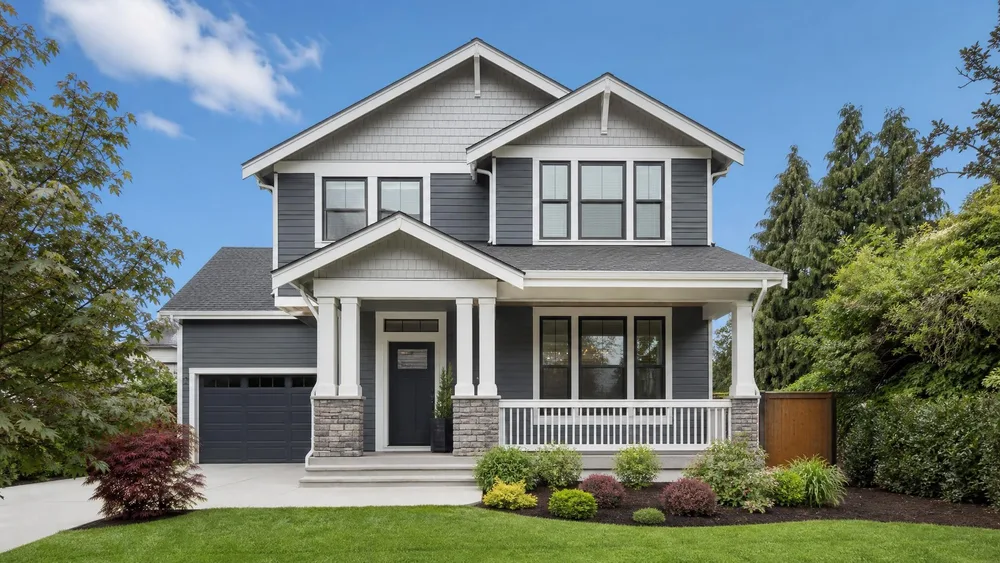 Exterior
 What each platform publishes.
From Booking.com’s partner help centre and Vrbo’s photo guidelines. The numbers differ, the editing bans rhyme.
| Booking.com - resolution | At least 2,048 × 1,080 pixels, but preferably 4,000 × 3,000. Landscape (horizontal) images only. The floor is broadcast-sized. A phone shot passes; a website thumbnail export does not. |
|---|---|
| Booking.com - how many | Take at least 10 photos. Shoot from 3–5 feet height, from room corners for depth. |
| Booking.com - 360° photos | A 2:1 aspect ratio (width double the height), minimum 1,280 × 900 pixels. |
| Booking.com - what gets rejected | Grainy or pixelated photos; blurry or tilt-shift photos; over-processed photos; filters, strong contrast, over-saturation or excessive HDR; collages; watermarks or illustrations; skewed, stretched or distorted photos; black-and-white; extreme wide-angle or fisheye. This list is the platform saying “make it look like the room actually looks”. Remember it when an editing preset promises “that premium HDR real-estate look”. |
| Booking.com - people and PII | No images with personally identifiable information; avoid portraits or photos where people are the main focus; avoid photos that mainly show contact details. |
| Vrbo - the photo count rule | At least 6 photos published at all times. Fewer than 6 for more than 30 days can result in an indefinite suspension penalty. The only rule on this page with a suspension attached - and the easiest one to fix. |
| Vrbo - resolution & formats | At least 1,024 × 683 pixels, ideally 3,840 × 2,160 or higher. JPEG, PNG, WebP, AVIF or SVG. Horizontal orientation displays best (vertical is acceptable). |
| Vrbo - what gets rejected | Black-and-white or sepia; blank, duplicated or near-duplicate photos; blurry or pixelated photos (Vrbo specifically says avoid Portrait Mode); documents, certificates, illustrations or posters; text overlays such as URLs or contact information; graphic overlays such as watermarks, logos or borders. Floor plans are explicitly acceptable; area maps are not. Duplicates are removed and don’t count toward your six. |
| Vrbo - multi-unit properties | The six must include: 1 building exterior, 1 interior or lobby, 3 guest room photos, 1 bathroom. |
Verified against Booking.com’s “Understanding photo requirements for your property” and Vrbo’s “Photo guidelines” in August 2026. Vrbo’s page publishes no file-size cap, and Booking.com’s partner pages are inconsistent about the minimum display size - where a number isn’t on a page we could read, it isn’t on this one either. Sources:Booking.com - photo requirements , Vrbo - photo guidelines .
What actually gets rental photos rejected.
The “premium HDR look”.
Booking.com names filters, strong contrast, over-saturation and excessive HDR as rejection reasons. The glowing-windows, radioactive-lawn preset that photographers sell for other platforms is precisely what this list bans. Enhanced needs to stay photographic.
Portrait Mode interiors.
Vrbo calls it out by name: Portrait Mode’s synthetic background blur reads as “blurry or pixelated” to their review. Turn it off for rooms - depth-of-field belongs on faces, and faces aren’t allowed anyway.
A watermarked photographer’s proof.
Both platforms reject watermarks, logos and borders outright. If your photographer delivers proofs with a corner mark, those files cannot go up - and neither can a photo with your phone number burned in.
Letting a Vrbo listing drift under six.
Delete two dated photos, forget to replace them, and a 30-day timer starts toward indefinite suspension. Keep a bench: with ten good shots live you can prune freely without ever touching the floor.
One shoot, both platforms.
The same enhanced set clears Booking.com’s floor and Vrbo’s count.
Shoot every room, in landscape, phone is fine.
One wide shot per room from a corner, chest height - exactly what Booking.com’s own guidance describes. Resolution from any recent phone clears both floors before enhancement.
Enhance without crossing the ban list.
The Airbnb niche relights and tidies the room in your photo - same walls, same furniture, natural colour. That constraint exists because every rental platform bans the over-processed look; “excessive HDR” is a rejection, not a style.
Export once for each platform.
Output is 2K (about 2,048 × 1,152 at 16:9), which meets Booking.com’s 2,048 floor as-is and lands far above Vrbo’s 1,024 × 683. For Vrbo’s 3:2-ish display, the free resizer’s custom preset crops without stretching.
Count to six on Vrbo - then add four more.
Six is the penalty line, not the target. Ten photos covers Booking.com’s guidance too, and gives every room plus the exterior a slot.
Careful: “enhanced” must still be the room a guest walks into.
Neither platform bans AI tooling by name; both ban the result looking unlike reality - that is what the filter/HDR/distortion lists amount to, and guest complaints about misleading photos carry their own penalties everywhere. The Airbnb and exterior niches are built as honest enhancement: the room’s layout, furniture and features are locked to your reference, and the changes are light, colour and tidiness - the same photo on a better day.
Two boundaries worth respecting. First, if you add or remove furniture (staging rather than enhancement), the disclosure norms from real estate are the safe standard even where a rental platform doesn’t spell them out - label it. Second, Booking.com requires that you hold the rights to what you upload; that is about photographer contracts, not AI, but it bites hosts who reuse a previous owner’s listing shots.
People never appear in generated output, which happens to be exactly what Booking.com asks: no portraits, no PII, hands at most.
Buy credits. 10 credits = 1 photo.
Credits work across every Phoxel niche - no subscription, no expiry. Failed generations retry for free.
Starter
- 20 photos - two listings’ worth
- Try it on your worst photo
- JPG download + ZIP
Plus
- 60 photos - a few listings
- Mix angles & backgrounds
- Save 17% vs starter
Pro
- 150 photos - a full catalogue
- One project per item
- Use across other niches too
- Save 36% vs starter
Studio
- 300 photos - full shop refresh
- Every item, multiple looks
- Save 46% vs starter
Booking & Vrbo photo questions, sorted.
Six photos is a penalty line. Ten is a listing.
Enhance every room for $6 - landscape, natural colour, above both platforms’ floors, no HDR in sight.
Your first 2 photos are free previews - no card, just confirm your email.