Virtual staging is legal. Undisclosed staging is what gets you fined.
Nobody is coming for the furniture you added to an empty room. What agents get penalised for is the label they left off - and, since 2026 in California, for the “enhancement” they assumed didn’t count.
Your first 2 photos are free previews - no card, just confirm your email.
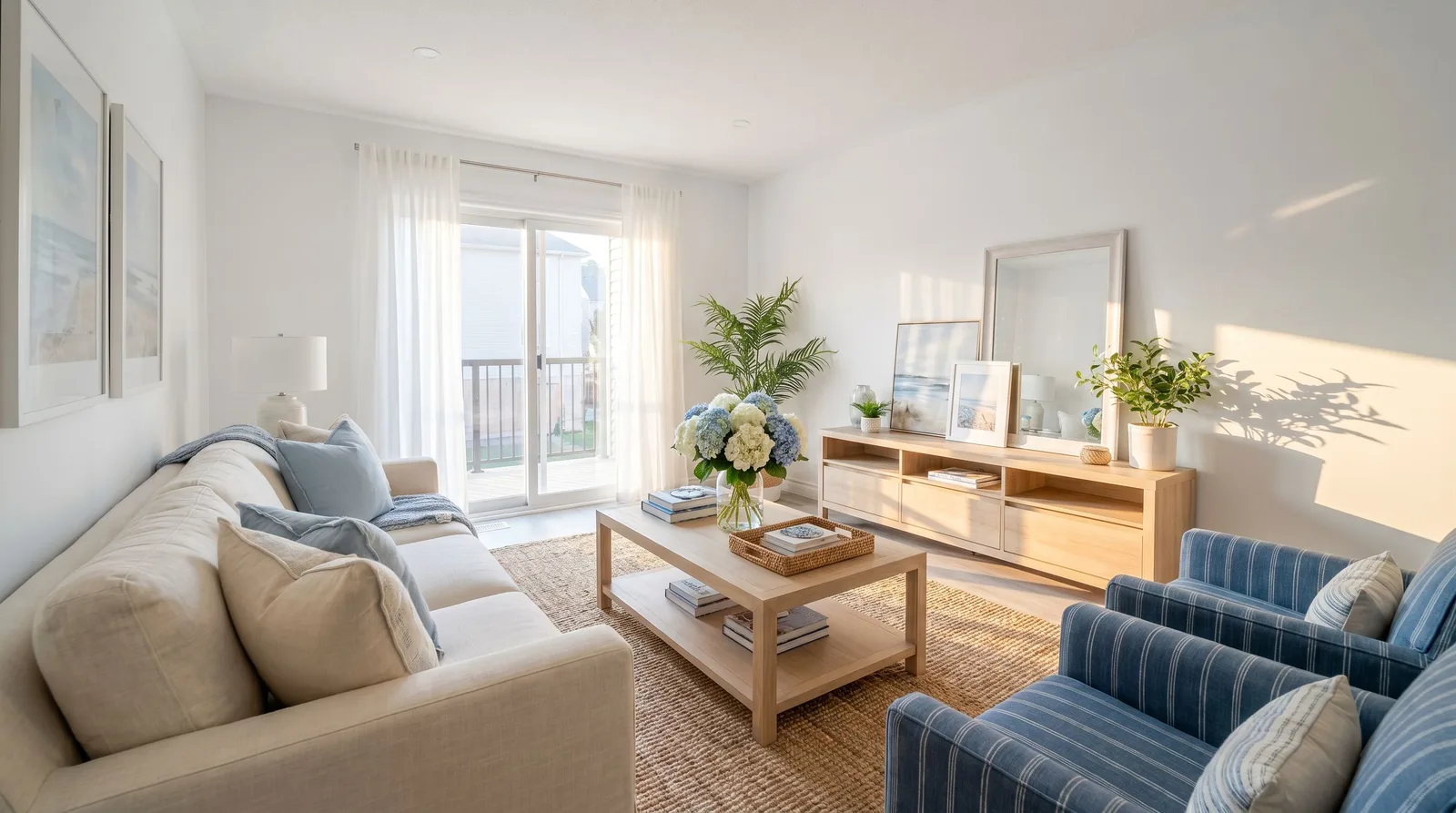 Staged
 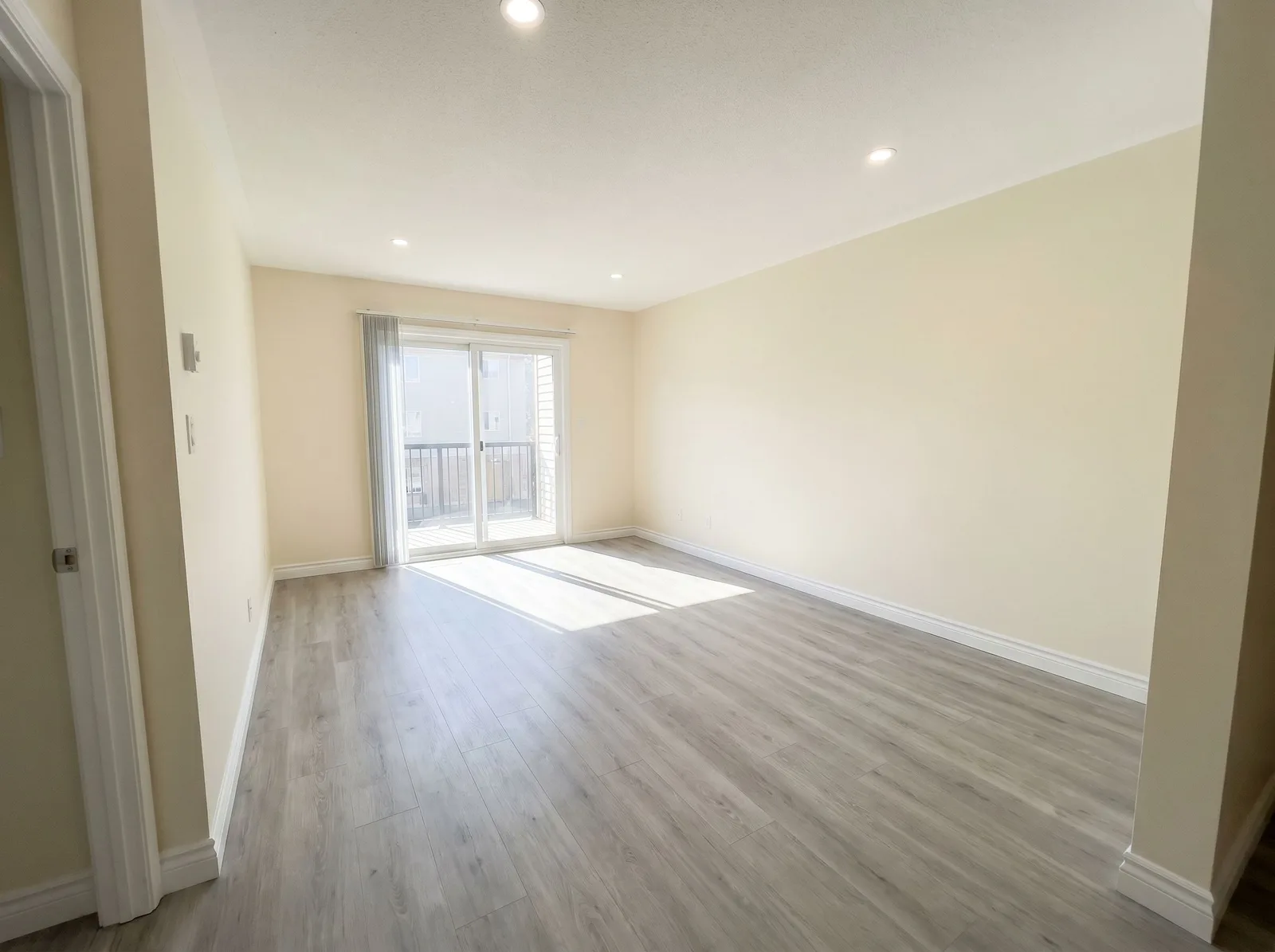 Empty
Empty 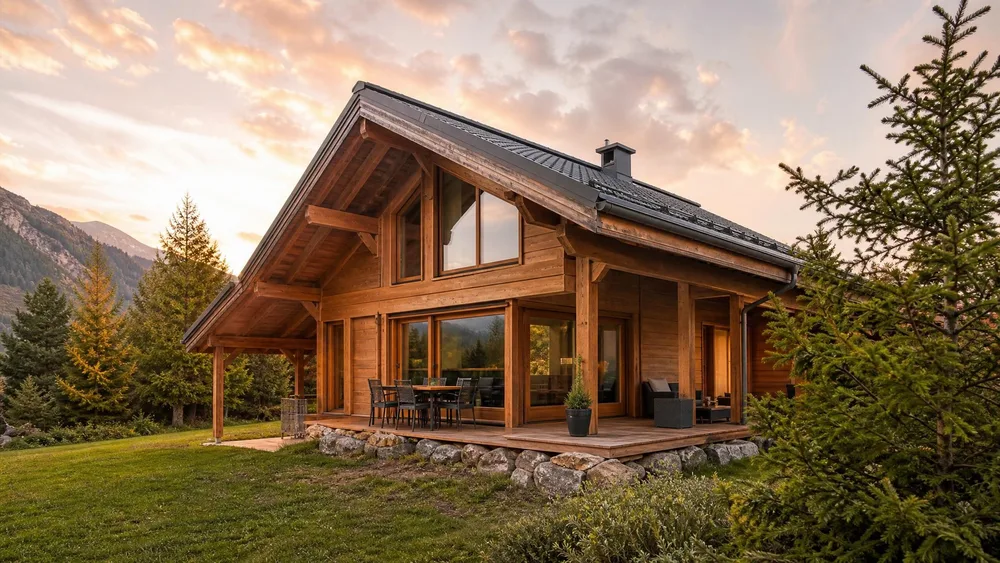 Twilight
  Bedroom
 What the rules actually say.
Three separate layers govern a staged listing photo, and they are routinely mixed up: a national ethics code, a California statute, and your own MLS’s rules. Only the last two carry a defined penalty.
| NAR Code of Ethics, Article 12 | “REALTORS® shall be honest and truthful in their real estate communications and shall present a true picture in their advertising, marketing, and other representations.” This is the whole of the national obligation. It is a truthfulness standard, not a labelling standard. |
|---|---|
| NAR Standard of Practice 12-10 | Extends that duty to “Internet content, images, and the URLs and domain names they use”, and prohibits “otherwise misleading consumers, including use of misleading images.” It prohibits misleading images. It does not require you to write “Virtually Staged” anywhere - that requirement comes from your MLS, not from NAR. |
| California AB 723 (signed 10 Oct 2025) | Adds Business and Professions Code § 10140.8. A licensee who puts a digitally altered image in an advertisement must include a disclosure that the image has been altered, “reasonably conspicuous and located on or adjacent to the image”. On a website the licensee controls, the unaltered original must be posted too - or a link, URL or QR code to a public page holding it. |
| What counts as “digitally altered” | Altered by photo-editing software or AI to add, remove or change fixtures, furniture, appliances, flooring, walls, paint colour, hardscape, landscape, facade, floor plans - and elements outside the property such as streetlights, utility poles, views through windows, and neighbouring properties. Read that list twice. A greener lawn and a replaced sky are on it. |
| What does NOT count | Images where only “lighting, sharpening, white balance, colour correction, angle, straightening, cropping, exposure, or other common photo editing adjustments” were made that do not change the representation of the property. The exclusion is narrower than the word “enhancement” suggests - it covers how the photo was developed, not what is in the frame. |
| CRMLS labelling rule (California) | Label the image in the photo description text field, using terms such as “digitally enhanced”, “digitally altered” or “virtually staged”. The photo description field specifically - a line buried in the agent remarks does not satisfy it. |
| CRMLS pairing rule | The original, unaltered version must appear in the listing immediately before or after the altered image. |
| CRMLS penalty | A warning first; then a $250 fine if it is not corrected in a timely manner. |
Verified against NAR’s published Code of Ethics, the chaptered text of AB 723 on leginfo.ca.gov, and the CRMLS knowledgebase in August 2026. Rules outside California vary by MLS - several have adopted comparable labelling policies, but we only quote the ones we could read in full, and you should check your own board’s rulebook rather than trust a summary. Sources:NAR - Code of Ethics & Standards of Practice , California AB 723 - bill text , CRMLS - digitally altered image guidance .
Four ways agents get this wrong.
Assuming “enhancement” is exempt.
Twilight conversion, a replaced sky and a lawn made green in February all change what is in the frame, so they sit inside AB 723’s definition rather than its exclusion list. The exclusion covers exposure and white balance - the darkroom, not the set. Disclose the twilight shot too.
Putting the disclosure only in the remarks.
CRMLS asks for the label in the photo description field, and AB 723 asks for it “on or adjacent to the image”. A sentence at the bottom of the listing text satisfies neither. Label the photo itself.
Staging over a defect.
A sofa placed where the water stain is, or a rug over the cracked tile, stops being staging and becomes concealment. No disclosure label rescues that - it is the misleading-image case Article 12 and SoP 12-10 were written for.
Forgetting the original.
Both the California statute and the CRMLS rule want the unaltered photo available - CRMLS wants it in the listing immediately before or after. Keep the untouched original of every room you stage; retrieving it later is the part people cannot do.
Where generated staging fits.
The workflow that keeps you inside all three layers is short.
Shoot the room empty, and keep that file.
It is your reference for staging and your required original. One wide, level shot per room, verticals straight - the same photo you would send a stager.
Stage the same room, not a different one.
Phoxel’s real-estate niche furnishes the space from your photo: walls, windows, floor plan and proportions come from the reference, and only furniture and decor are added. That is the boundary that keeps the image honest - a render of a nicer room somewhere else is not a listing photo.
Label it, and pair it with the original.
“Virtually staged” in the photo description field, the untouched shot immediately before or after. Ten seconds per image, and it is the entire difference between a compliant listing and a $250 letter.
Careful: the disclosure is your duty, not your software’s.
Phoxel generates the image. It cannot label your MLS entry, and no vendor can - the obligation in Article 12, in § 10140.8 and in your board’s rulebook attaches to the licensee.
Two things widely repeated online are worth correcting. First, the claim that NAR mandates a “Virtually Staged” watermark: it does not. Article 12 and SoP 12-10 require that images not mislead; the burned-in label is an MLS-level rule where it exists at all. Second, the idea that a “light enhancement” is safely outside AB 723 - the statute’s exclusion list is specific and short, and sky, lawn, facade and views through windows are named on the included side.
Rules here are moving quickly, and AB 723 is the first statute of its kind. Treat this page as a map of what was published as of August 2026, then confirm against your own MLS before you post.
Buy credits. 10 credits = 1 photo.
Credits work across every Phoxel niche - no subscription, no expiry. Failed generations retry for free.
Starter
- 20 photos - two listings’ worth
- Try it on your worst photo
- JPG download + ZIP
Plus
- 60 photos - a few listings
- Mix angles & backgrounds
- Save 17% vs starter
Pro
- 150 photos - a full catalogue
- One project per item
- Use across other niches too
- Save 36% vs starter
Studio
- 300 photos - full shop refresh
- Every item, multiple looks
- Save 46% vs starter
Virtual staging questions, sorted.
An empty room shows badly. A staged one has to be labelled.
Stage ten rooms for $6, keep every original, and label them properly - the whole compliant workflow costs less than one hour of a stager’s time.
Your first 2 photos are free previews - no card, just confirm your email.