Etsy photo requirements - and where AI shots are allowed.
The sizes, formats and colour profile Etsy publishes, the crops that quietly cut your product in half, and a straight answer on what Etsy’s listing-image policy says about renderings.
Your first 2 photos are free previews - no card, just confirm your email.
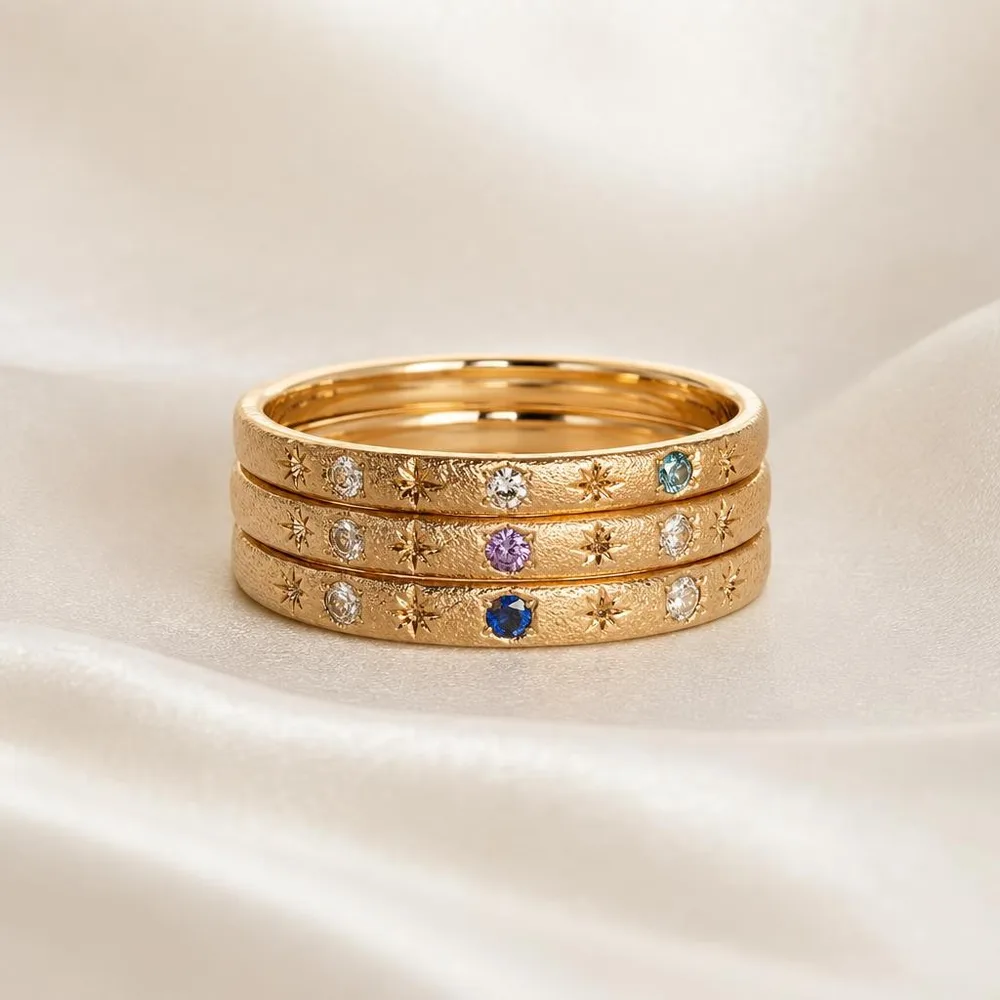 Flat lay
 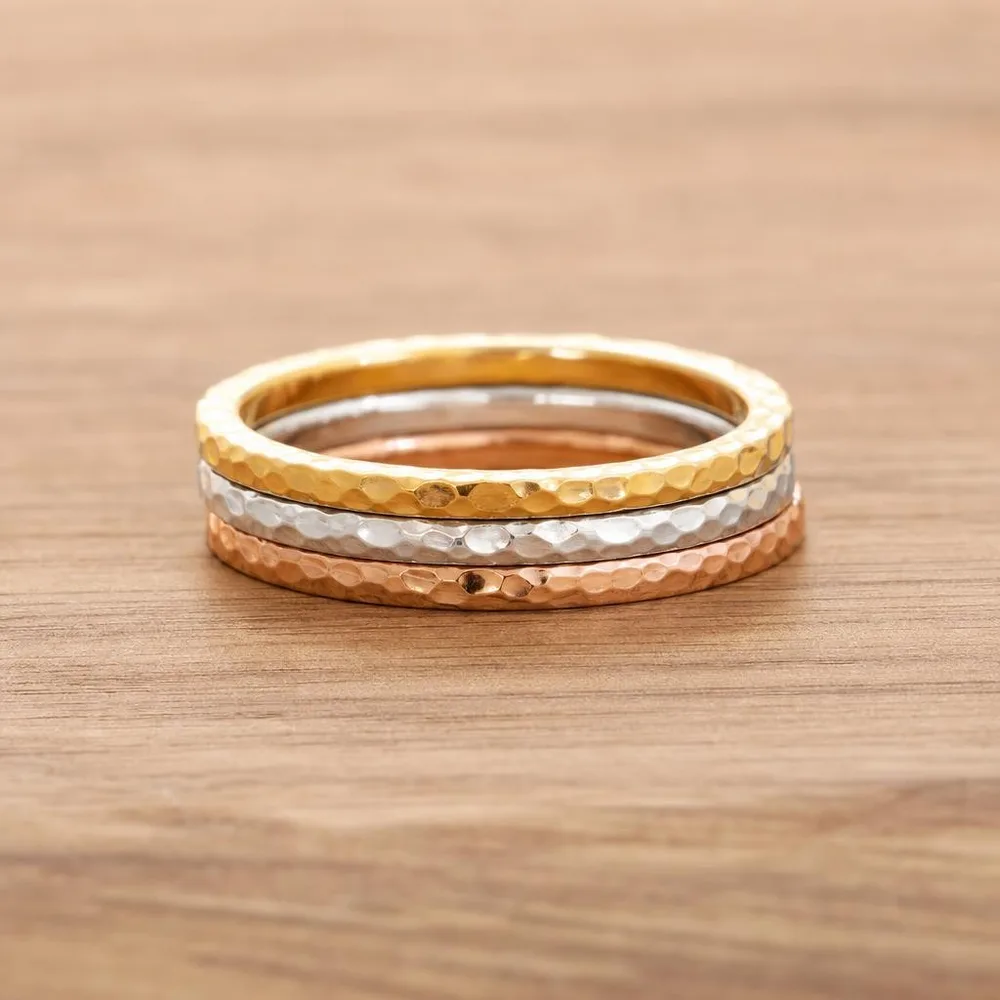 Linen
Linen 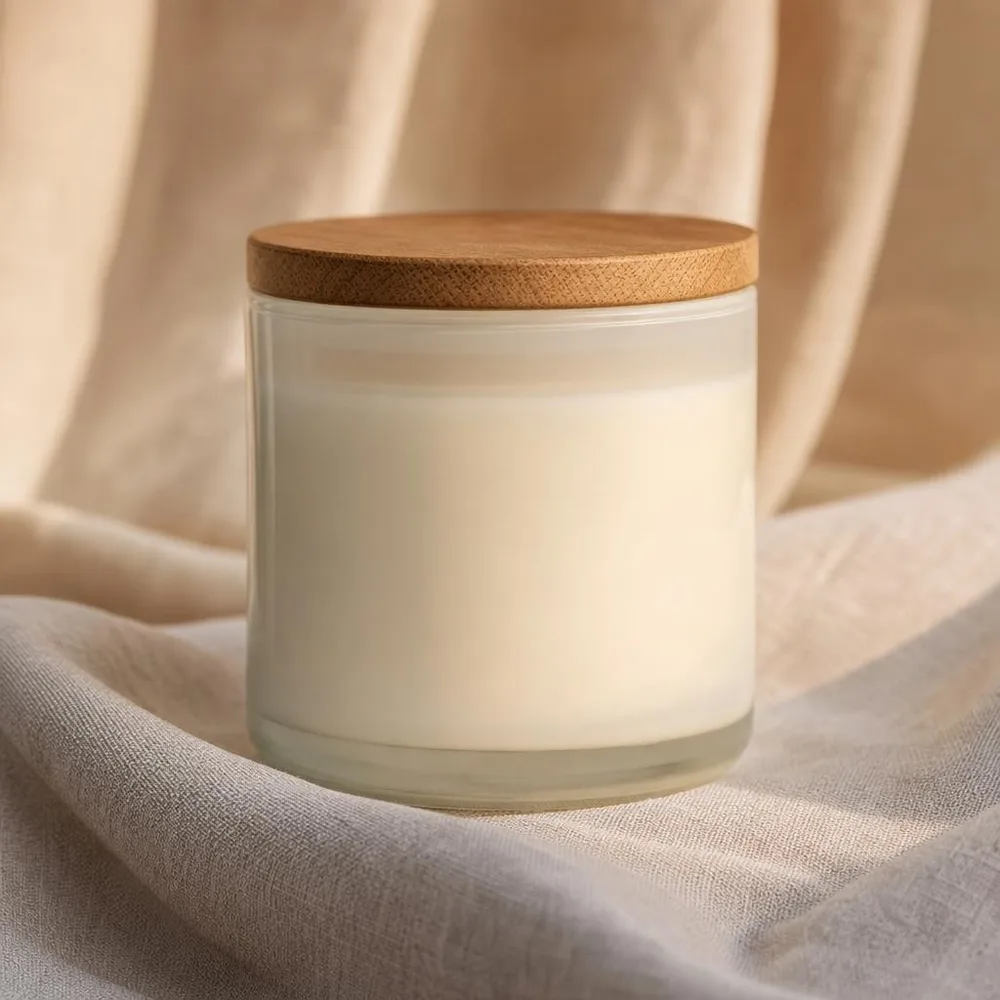 Lifestyle
 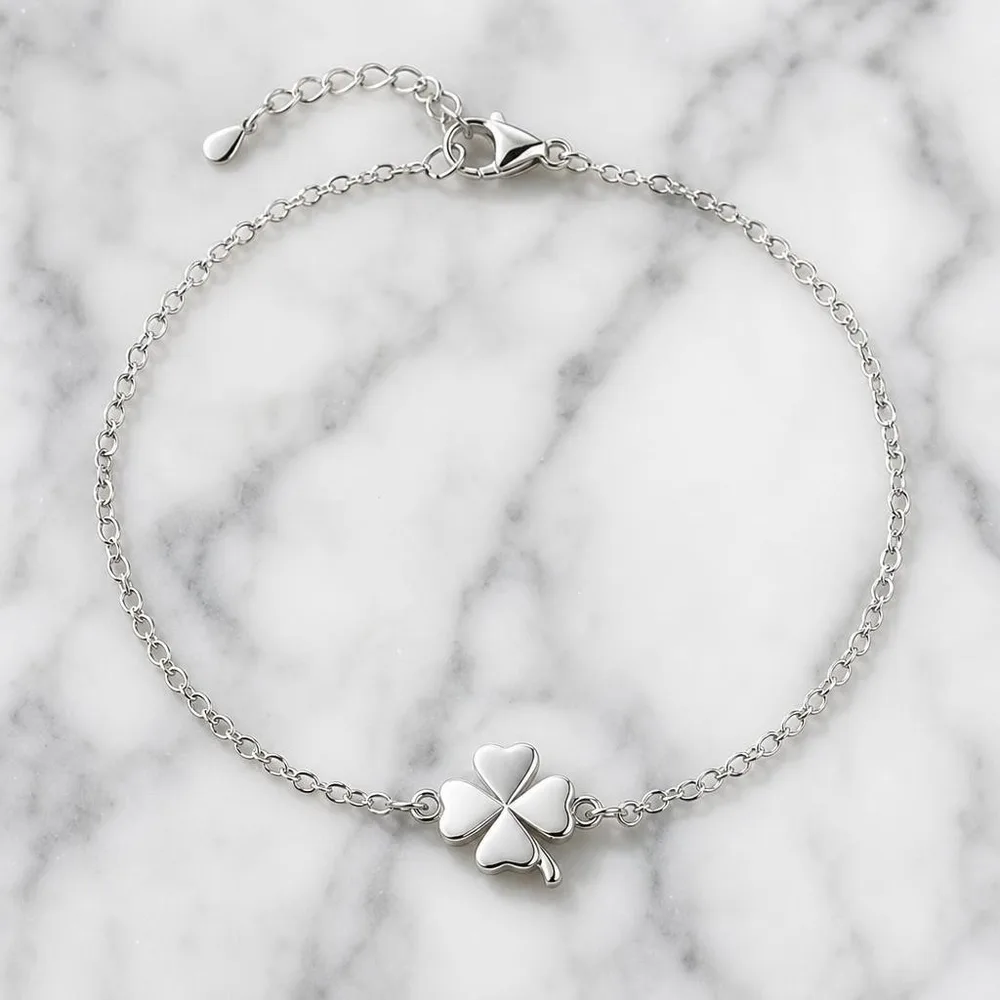 Clean
Clean What Etsy publishes.
From Etsy’s Help Centre and its Listing Image Requirements policy. Etsy’s wording is looser than Amazon’s - several “rules” you’ll read elsewhere are recommendations, and a few are invented.
| Recommended size | At least 2,000 px in width and height. Etsy says “width and height” - the “2,000 px on the shortest side” version repeated everywhere else is a paraphrase. |
|---|---|
| First photo minimum | At least 635 px wide and tall, or the listing shows lower in search. |
| File size | Images over about 1 MB may not finish uploading. Etsy words this as a warning rather than a hard cap - but it means a 2,000 px JPG needs real compression to upload reliably. |
| File formats | .jpg, .gif, .png, .svg and .heic - Etsy states these are the only types it supports. Animated GIFs and transparent PNGs are not supported; transparency renders black. |
| Colour profile | sRGB. Etsy converts everything to sRGB, and CMYK is print-only - it will shift on screen. |
| Orientation | The first photo should be landscape or square. Thumbnails are cropped to square, portrait and landscape views, so leave margin around the product or a crop will clip it. |
| Photos per listing | Up to 20 photos and 2 videos of up to 15 seconds each. Etsy contradicts itself on the minimum - its listing-creation page says 5 seconds, its dedicated video page says 3. The 15-second ceiling is consistent across both. |
| What the photos must show | Your own original photos of the actual finished product. Etsy’s policy names renderings and stock photos as what that excludes, with carve-outs for personalised items and print-on-demand base items. |
Verified against Etsy’s Help Centre and legal policies in July 2026. Etsy’s own pages contradict each other on one point - the requirements article says the first photo should be “horizontal or square”, while its tips section says to avoid square crops. Sources:Etsy Help - image requirements , Etsy - listing image requirements policy , Etsy - creativity standards .
Four things that quietly break Etsy photos.
A transparent PNG that turns black.
Etsy doesn’t support transparency - it renders as solid black, usually noticed after the listing is live. Export a flattened JPG with a real background instead.
The square crop cuts the product in half.
Etsy crops thumbnails to three shapes from one upload. A composition that fills the frame edge to edge survives none of them. Leave breathing room deliberately.
The file is over 1 MB and the upload stalls.
The 2,000 px recommendation and the 1 MB warning pull against each other. A JPG at quality 80 usually satisfies both; a straight camera export usually doesn’t.
A CMYK export shifts every colour.
Anything prepared for print arrives dull or off-hue. Convert to sRGB before upload - for a shop that sells on colour accuracy, this one costs sales quietly.
Where generated shots fit an Etsy listing.
Twenty photo slots is a lot to fill by hand - and most shops fill four of them.
Keep a real photo first.
Your own unedited photo of the finished item goes in slot one. That’s what Etsy’s policy asks for, and it’s also what buyers trust most.
Fill the supporting slots.
Lifestyle scenes, scale references, styling variations, detail crops - the shots that would otherwise need a full day and a set. Upload two or three references and generate the rest.
Match your shop’s look.
Pick one background family and reuse it across listings. A consistent grid reads as a real brand on a shop page, and that first impression is most of the job.
Careful: Etsy asks for photos of the actual item.
Etsy’s Listing Image Requirements policy says listing photos must be your own original photos of the actual finished product - and it explicitly names renderings and stock photos as what that excludes. The policy was last updated before the current wave of AI imagery and doesn’t address it by name, but the plain reading is that a fully generated shot isn’t a photograph of your finished item.
So, the honest version: on Etsy, keep a real photo of the actual item as your first image. Use generated shots where Etsy already permits computer-generated imagery - additional images, lifestyle context, and mockups for personalised or print-on-demand items. Separately, Etsy requires you to disclose in the description if the item itself was created with AI; that rule is about the product, not the photograph.
Some 2026 blog posts claim Etsy has added an AI-disclosure field for listing photos. We could not find that on any Etsy-owned page, and it contradicts the current policy text - treat it as unconfirmed until Etsy publishes it.
Buy credits. 10 credits = 1 photo.
Credits work across every Phoxel niche - no subscription, no expiry. Failed generations retry for free.
Starter
- 20 photos - two listings’ worth
- Try it on your worst photo
- JPG download + ZIP
Plus
- 60 photos - a few listings
- Mix angles & backgrounds
- Save 17% vs starter
Pro
- 150 photos - a full catalogue
- One project per item
- Use across other niches too
- Save 36% vs starter
Studio
- 300 photos - full shop refresh
- Every item, multiple looks
- Save 46% vs starter
Etsy photo questions, sorted.
Twenty photo slots. Most shops fill four.
Twenty shots for $6 - enough to give one listing the context, scale and styling the other nineteen slots exist for.
Your first 2 photos are free previews - no card, just confirm your email.