Amazon product photo requirements, in plain English.
Every spec Amazon actually publishes - background, framing, pixel size, formats - and what gets a listing suppressed. Then how to hit them starting from photos you shot on your phone.
Your first 2 photos are free previews - no card, just confirm your email.
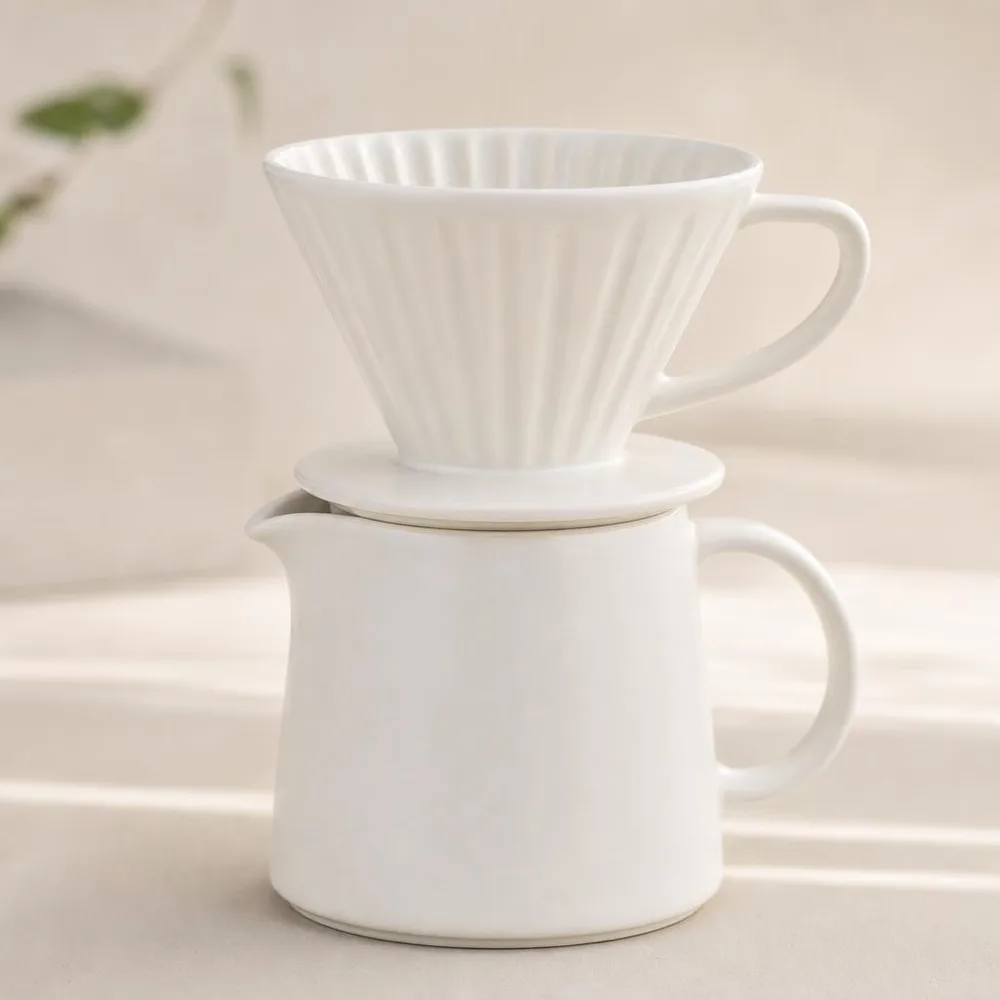 Main image
 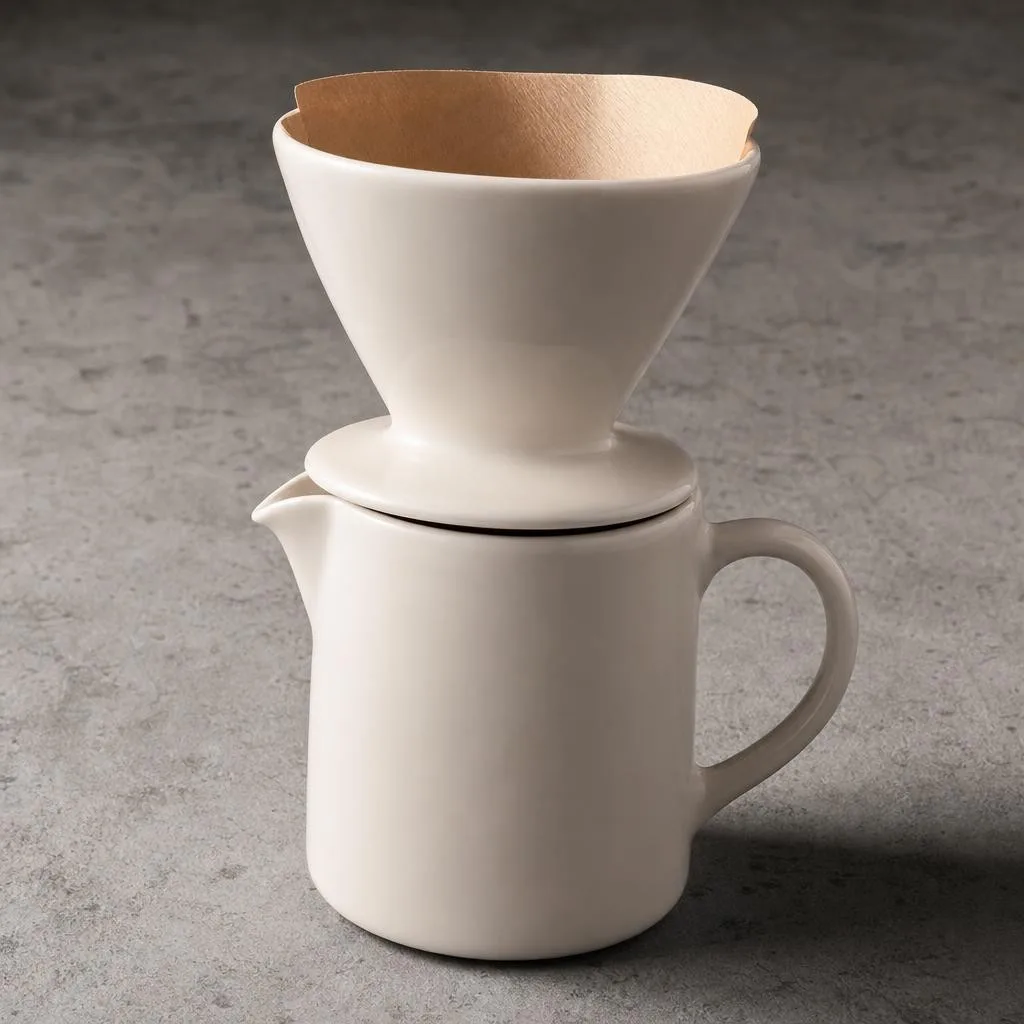 White studio
 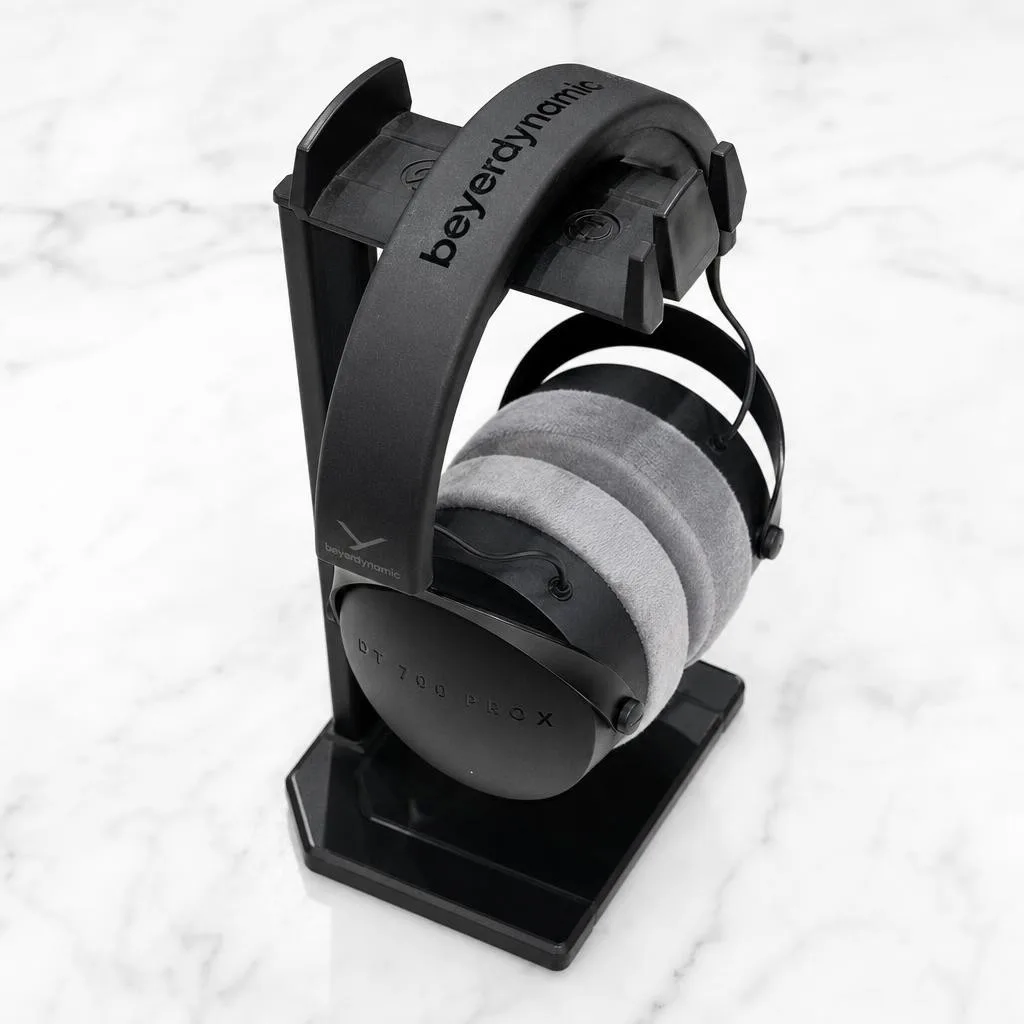 Hero angle
 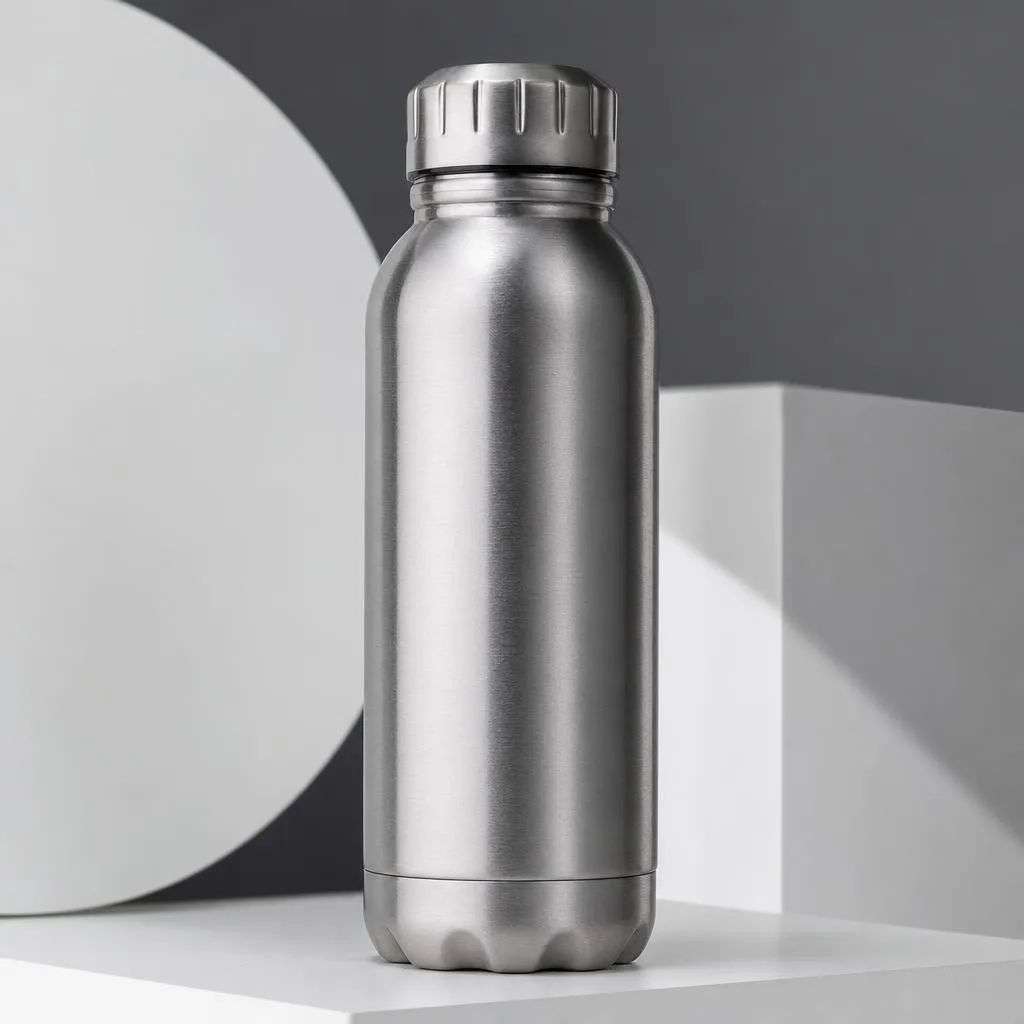 Detail crop
 What Amazon actually requires.
Taken from Seller Central’s product image guide and technical file requirements - not from blog paraphrase, which is wrong about this more often than it is right.
| Main image background | Pure white - RGB 255, 255, 255. Amazon renders its own page background at the same value, so anything merely “bright” shows up as a grey rectangle around your product. |
|---|---|
| Product size in frame | The product must fill 85% of the image. |
| Pixel dimensions | Minimum 500 px, maximum 10,000 px on the longest side. 1,000 px or larger on the longest side is what switches on the zoom function - that’s the number worth hitting, not the 500 px floor. |
| Resolution | At least 72 dpi, with minimal or no compression. TIFFs uncompressed, layers flattened. |
| File formats | JPEG (recommended), TIFF, PNG, and non-animated GIF. EPS, BMP and PDF are rejected, as are working formats like PSD and AI. |
| Colour mode | RGB preferred. CMYK is accepted but shifts tone on screen; greyscale only for genuinely grey or silver products. |
| Main image content | No text, logos, borders, colour blocks or watermarks. No props or accessories you don’t ship. No mannequins. The whole product, uncropped, shown once - one unit only. |
| Across all images | No claims like “free shipping”, no review or five-star graphics, no Amazon badges such as “Amazon’s Choice”, and no pricing text. |
| Number of images | One compliant main image is required; Amazon recommends at least six more plus a video. Amazon publishes no hard maximum - the widely quoted “9 images” is not in its documentation. |
| File naming | productidentifier.variantcode.extension - e.g. B000123456.MAIN.jpg. |
| If you get it wrong | Images that fail the technical rules can’t be uploaded at all, non-compliant images may be removed, and a listing with no compliant main image can be suppressed from search. |
Verified against Amazon Seller Central in July 2026. Amazon does change these rules - check the live pages before a large upload. Two figures you’ll see elsewhere are not in Amazon’s documentation at all: a maximum file size, and a “1600 px for zoom” threshold. Sources:Seller Central - product image requirements , Seller Central - technical image file requirements .
Four reasons main images get pulled.
The background is nearly white.
A phone white-balances a lightbox to something around #f7f6f4. Against Amazon’s own white page that reads as a dingy grey box. The requirement is exactly 255, 255, 255 - “bright” doesn’t pass.
The product floats in the middle of the frame.
85% is far more of the frame than it sounds. Generous margins look tidy in your camera roll and tiny in a search grid, next to sellers who filled the frame properly.
It’s under 1,000 px, so zoom never turns on.
Amazon accepts 500 px, but buyers can’t zoom below 1,000 px on the longest side. Anyone who wants to check the stitching or the material bounces to a listing where they can.
Badges, text and props sneak in.
No “free shipping”, no five-star graphics, no Amazon’s Choice badge, no styling props you don’t actually ship. These get images removed - and losing the main image can suppress the listing.
From three phone snaps to a compliant image set.
Same credits as every other Phoxel niche - 10 credits per delivered photo, retries of failed generations are free.
Shoot three plain references.
Front, side, and a close-up of the label - any surface, daylight, no styling. Sharpness is the only thing that matters; the background and lighting get replaced anyway.
Generate the white-background set.
Phoxel relights your actual product on true white and frames it to fill the frame, holding the exact shape, colours, materials and printed labels from your references.
Add the supporting shots.
Amazon wants six or more images beyond the main one - angles, detail crops, lifestyle scenes. Same project, same credit balance.
Does Amazon allow AI-generated product photos?
Amazon publishes no general ban on AI-enhanced or AI-generated product imagery. The rule that governs it is accuracy: the main image must be a realistic photograph representing your product’s true scale, colour and quantity. A relit render of the product you actually ship passes that test; an image that invents features, colours or contents does not.
Amazon does have one explicit AI rule, added in July 2026: an image containing a photorealistic, entirely AI-generated person must be tagged contains-synthetic-performer in its metadata before upload, and Amazon shows shoppers a disclosure. It doesn’t apply here - the product packs never generate a person, and block human faces and bodies in every generation. (Phoxel’s portrait packs do work with faces, but only your own, from selfies you upload - they are not product imagery and never invent a person.)
Buy credits. 10 credits = 1 photo.
Credits work across every Phoxel niche - no subscription, no expiry. Failed generations retry for free.
Starter
- 20 photos - two listings’ worth
- Try it on your worst photo
- JPG download + ZIP
Plus
- 60 photos - a few listings
- Mix angles & backgrounds
- Save 17% vs starter
Pro
- 150 photos - a full catalogue
- One project per item
- Use across other niches too
- Save 36% vs starter
Studio
- 300 photos - full shop refresh
- Every item, multiple looks
- Save 46% vs starter
Amazon photo questions, sorted.
The main image is the whole listing.
Twenty white-background shots for $6. Upload the product you’re listing this week and see the difference in the search grid.
Your first 2 photos are free previews - no card, just confirm your email.