Shopify product photo sizes and specs, settled.
What Shopify actually accepts, what displays best, and the one thing that matters more than any of it on your own store: a grid where every product looks like it was shot the same day.
Your first 2 photos are free previews - no card, just confirm your email.
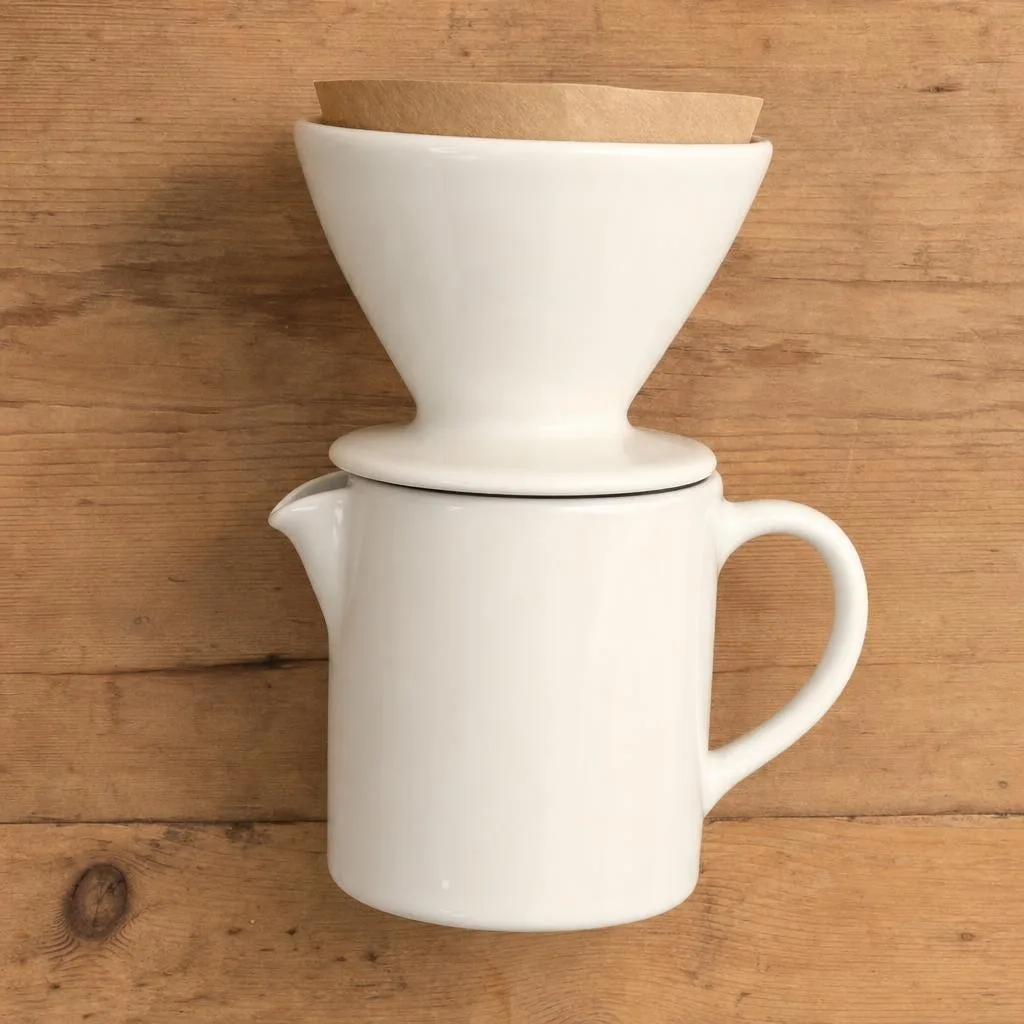 Catalogue
 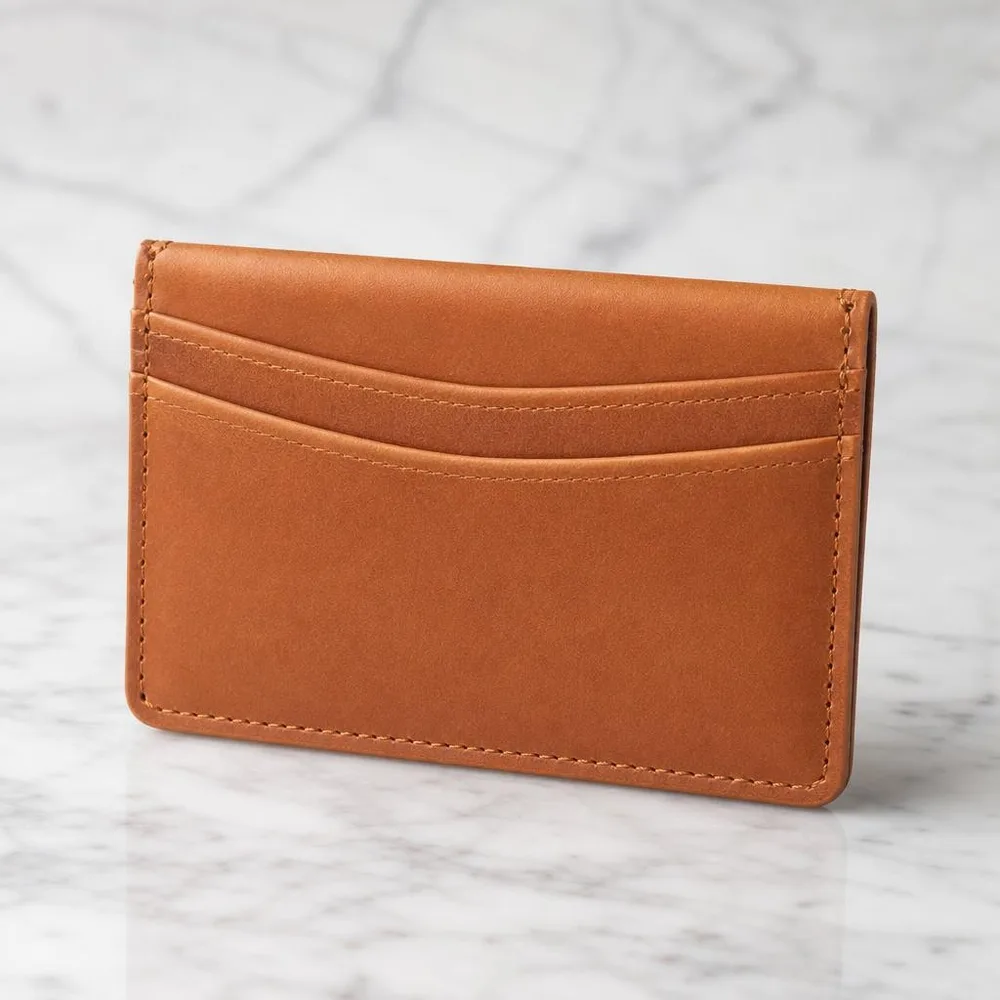 Square 1:1
 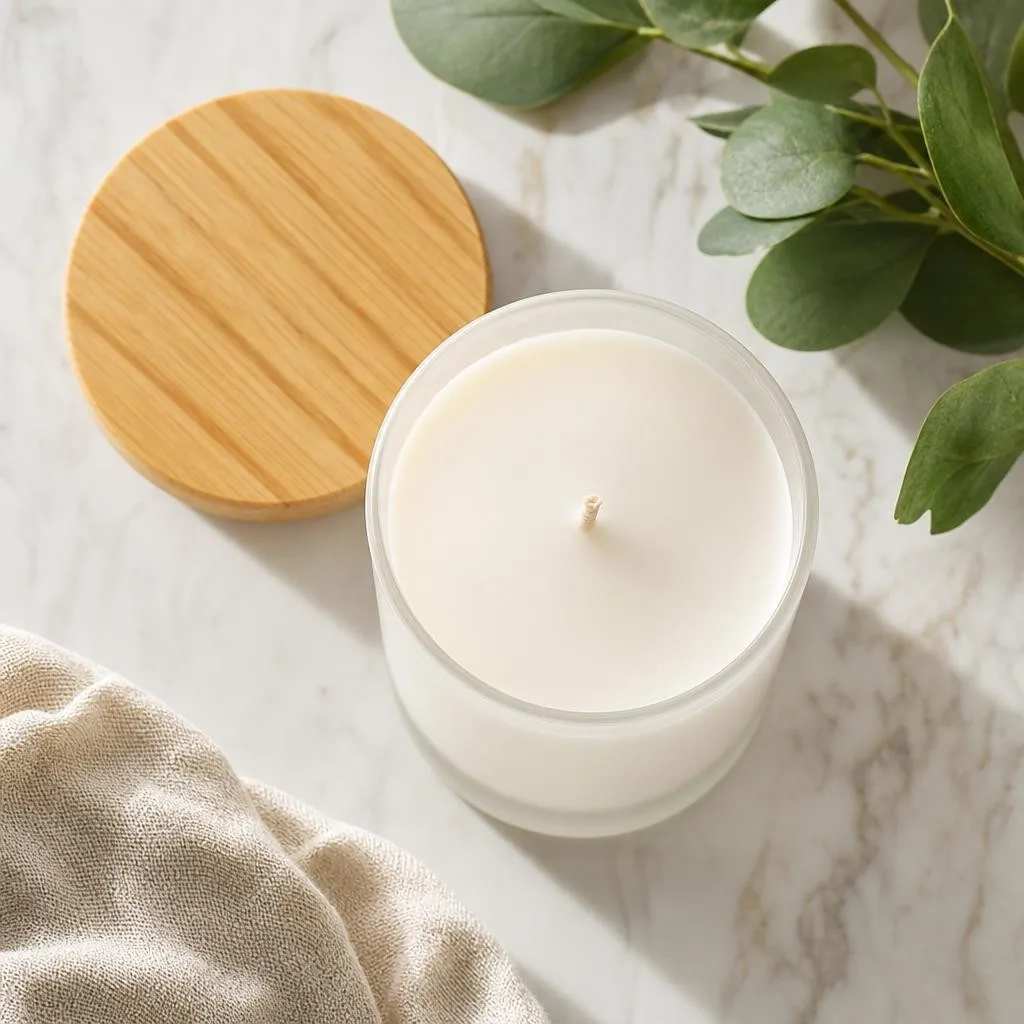 Lifestyle
 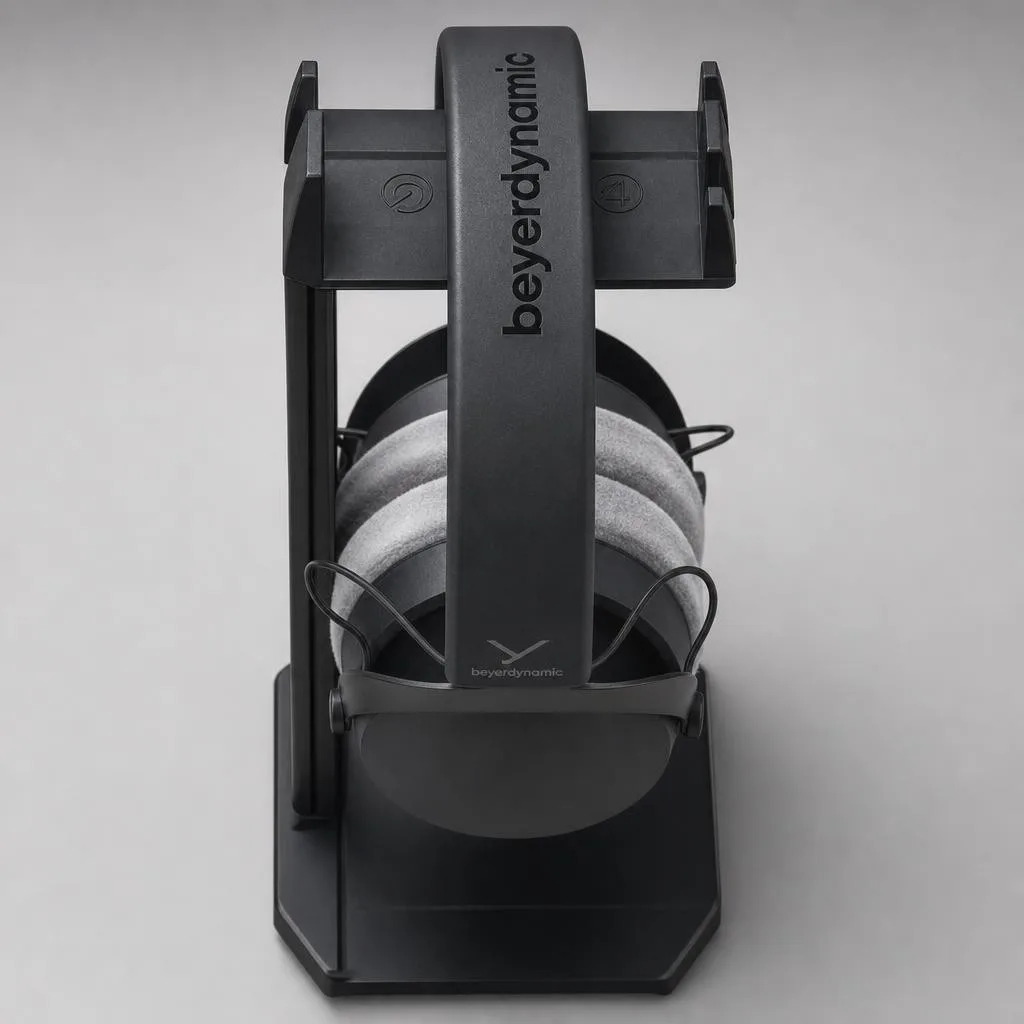 Detail
 What Shopify accepts.
From Shopify’s own product-media documentation. Shorter than a marketplace’s rulebook, because on your own store the limits are technical rather than editorial.
| Maximum file size | Under 20 MB - larger files can’t be added to Shopify at all. |
|---|---|
| Maximum dimensions | Up to 5000 × 5000 px, or 25 megapixels. |
| Recommended size | For square product images, 2048 × 2048 px usually displays best. That’s Shopify’s own recommendation, and it leaves enough resolution for theme zoom on a desktop product page. |
| File formats | PNG is the best choice for most product images, then JPEG. Shopify also accepts PSD, TIFF, BMP, GIF, SVG, HEIC and WebP. |
| Aspect ratio | No requirement - but Shopify recommends one consistent ratio across all your featured images. Mixed ratios are what make a collection page look ragged: theme grids crop to a fixed shape, so every inconsistent image loses something different. |
| Photo policy | None. It’s your store - unlike Amazon, Etsy or a rental platform, nobody reviews your images against a marketplace rulebook. The obligation that does apply is consumer law, not platform policy: photos must not mislead buyers about what they’re getting. |
Verified against Shopify’s product media documentation in July 2026. Shopify does not publish a per-product media count on that page, so treat any specific number you see quoted elsewhere as unverified. Sources:Shopify Help - product media types .
Four things that make a store look homemade.
Every product shot in a different place.
One on a windowsill, one on the kitchen counter, one against a bedsheet. Individually fine; as a collection grid, it reads as a hobby. Consistency signals a real shop more than any single photo’s quality does.
Mixed aspect ratios.
Theme grids crop to a fixed shape. Feed them 4:5, 1:1 and 16:9 and each one loses a different part of the product - the row looks misaligned even when every photo is sharp.
Uploading straight off the camera.
A 40-megapixel export blows past Shopify’s 25-megapixel ceiling and won’t upload; the ones that squeak under still cost you page speed, which costs conversions on mobile.
One photo per product.
Online, photos are the only way to handle the product. A single hero shot answers none of the questions - scale, texture, what it looks like in use - that a shopper would resolve in two seconds in a shop.
A consistent catalogue without a studio day.
The advantage of generating rather than shooting: the twentieth product gets the same lighting as the first.
Shoot each product plainly.
Two or three references per item - front, side, and a close-up of any label. No styling, no set. Sharp beats pretty at this stage.
Pick one background and hold it.
Choose a single background family for your featured images and reuse it across every product. That is what makes a collection page look like one brand instead of twenty sellers.
Add the second and third shots.
Scale reference, detail crop, lifestyle scene. These are the images that answer the questions a product page otherwise leaves to the returns policy.
On your own store, the rules are yours - with one limit.
Shopify runs no image review, and there’s no marketplace policy to argue with. That makes a Shopify store the easiest place to use generated product photography: you’re optimising for conversion and consistency rather than for a rulebook.
The limit that still applies isn’t Shopify’s - it’s consumer protection law in whatever market you sell into. Product images must not mislead a buyer about what arrives in the box: the right colour, the right scale, the right contents, no invented features. Phoxel is built to hold your product’s actual shape, colours, materials and labels for exactly this reason. Keep the render faithful and you’re on solid ground; make the product look like something it isn’t and the platform won’t stop you, but a chargeback will.
Buy credits. 10 credits = 1 photo.
Credits work across every Phoxel niche - no subscription, no expiry. Failed generations retry for free.
Starter
- 20 photos - two listings’ worth
- Try it on your worst photo
- JPG download + ZIP
Plus
- 60 photos - a few listings
- Mix angles & backgrounds
- Save 17% vs starter
Pro
- 150 photos - a full catalogue
- One project per item
- Use across other niches too
- Save 36% vs starter
Studio
- 300 photos - full shop refresh
- Every item, multiple looks
- Save 46% vs starter
Shopify photo questions, sorted.
A collection page is judged as one image.
A hundred and fifty photos for $29 - enough to reshoot a whole catalogue in one lighting setup, without booking one.
Your first 2 photos are free previews - no card, just confirm your email.