Almost every piece of advice about what to wear for a headshot is written as if someone will study the photo. Nobody studies it. Your profile shows the picture at around 400 pixels, and that is the rare view - the common one is a circle about 40 pixels wide, sitting next to a comment in a feed, seen for a fraction of a second by someone who is scrolling.
Forty pixels is roughly the width of this full stop repeated a few times. At that size a face is a handful of tones: hair, skin, whatever you are wearing, whatever is behind you. Everything else is gone. That constraint decides what to wear far more than any rule about collars.
Start with the test, not the wardrobe
Take the photo you have now, shrink it to about 40 pixels wide, look away, then look back. Three things should be true: you can tell it is a person, you can tell it is you, and your head is the thing your eye lands on first.
If your eye lands on a bright white shirt, a logo, or a window behind you, the photo is working for something other than your face. Our free LinkedIn photo checker renders exactly those three sizes side by side and measures the things that decide them - resolution against LinkedIn’s 400 x 400 minimum, exposure, focus, and how busy the background is. It takes a few seconds and it will usually tell you what you already suspected.
Contrast is the whole game
At small sizes your clothing has one job: to be different from the background and from your skin, without being louder than your face.
That rules out two common mistakes. A white shirt against a white or pale background dissolves - your head appears to float, disconnected, and the eye reads the bright patch instead of the face. And clothing very close to your skin tone does the same thing in reverse: beige on beige, and your shoulders vanish.
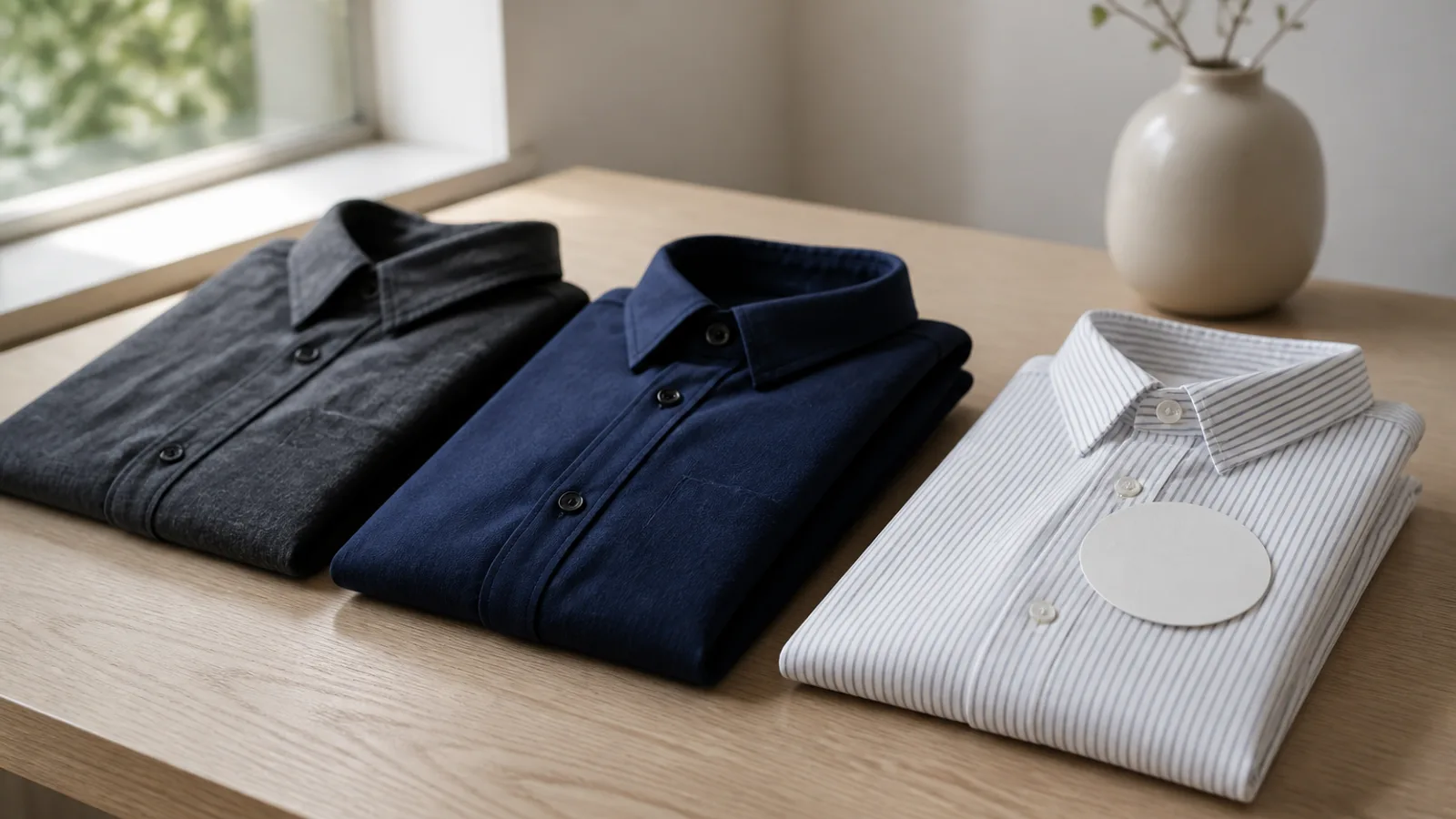
Mid-tones are the safest ground. Navy, charcoal, forest, burgundy, slate. They separate cleanly from both light and dark backgrounds, they keep their character when compressed to a thumbnail, and none of them shout.
What to check: squint at the photo until it blurs. You should still see three distinct bands - background, clothing, face. If any two merge, change one of them.
Patterns fall apart before anything else
Fine stripes, small checks, herringbone and dense prints do not survive being scaled down. They turn into a shimmering mess, and on video calls the same fabrics produce moire - those rippling bands that appear when a fine pattern fights with a sensor’s pixel grid.
The rule is not “no patterns”, it is “no small patterns”. A texture you can still make out at arm’s length usually holds up. A texture that already looks like a solid colour from across the room is fine too, because that is what it becomes. It is the middle case - visible but fine - that breaks.
What to check: take one photo of the outfit before the shoot and view it at thumbnail size. Patterns that survive that will survive anything.
Necklines, glasses, jewellery
A headshot is cropped tight, so the neckline does a lot of work. A collar or a defined neckline gives structure and a visual base for the head. A wide scoop or a strapless top leaves a large area of skin between chin and crop edge, which at small sizes reads as an undefined pale mass. It is not a modesty rule - it is a composition one.
Glasses: wear them if you wear them daily, because a profile photo without them is a photo of someone slightly different from the person who walks into the meeting. The problem is reflections, and the fix is angle rather than removal - tilt the frames very slightly downward at the temples and the light source moves out of the lens.
Jewellery has the same rule as patterns. Anything small and reflective becomes a distracting sparkle. One larger, matte piece is invisible in the best way.
Three industries, three defaults
Dress for the room you want to be in next, not the one you are in.
Finance, law, consulting. A jacket, still. Collar visible, dark or mid-tone, minimal accessories. This is the one field where under-dressing is read as a signal.
Technology and startups. A jacket reads as slightly out of touch. A well-fitting solid knit, a plain shirt without a tie, or a jacket over a crew neck all work. The bar is “deliberate”, not “formal”.
Creative, education, healthcare. Colour is allowed and often helps you be remembered, as long as it is a mid-tone rather than a neon. Healthcare has its own convention - if people expect to see you in scrubs or a coat, wear them.
If you genuinely do not know, a solid mid-tone knit or shirt with a defined neckline is the answer that is never wrong anywhere.
If you are generating the headshot
This is the part most guides skip, and it inverts the advice above. When Phoxel generates a portrait, the clothing in the final image comes from the style you pick. What you wear in your reference photos is a different question, and it matters for a different reason.
Reference photos are there to teach the model your face. So they should give it as little competition as possible: plain clothing, no busy patterns near the collar, hair off the face, no hat, no sunglasses, no heavy filters. A high-contrast logo or a strong pattern right below your chin gives the generation something to be confused by exactly where you least want it.
LinkedIn itself permits this, with one condition. A LinkedIn spokesperson has stated that AI tools used to enhance or create a profile photo are allowed, but that “the photo must reflect your likeness” - which is the whole rule, and the only one worth remembering.
Three sharp, plainly-lit photos from slightly different angles beat twenty flattering ones. Which three, and why goes into the detail - and if the result still looks slightly not-you, that is usually one of four specific failures rather than bad luck.
The checklist
- Mid-tone clothing that separates from both your skin and the background
- No fine patterns - solid, or a texture coarse enough to survive a thumbnail
- A defined neckline or a visible collar
- Glasses tilted slightly to kill reflections; keep them if you wear them
- One matte accessory at most
- The 40-pixel test: person, you, face first
Then check the file itself - resolution, exposure, focus, background - with the photo checker before you upload it. A good outfit cannot rescue a photo that is soft, dark, or shot against a bookshelf.