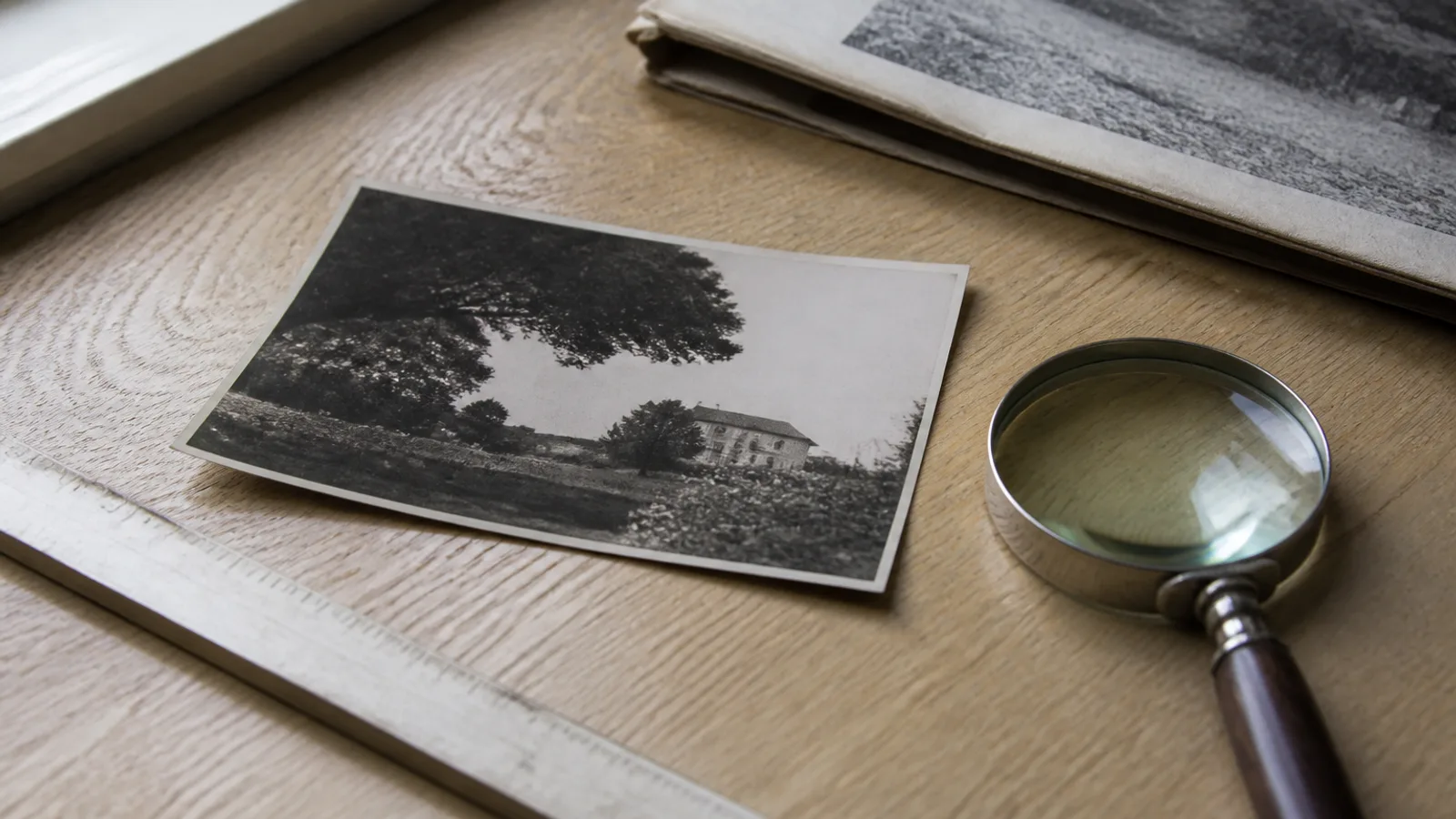
Nobody reads this page in advance. You are here because someone died, a funeral director asked for a photo by Tuesday, and the portal rejected the one you sent.
So: the specs first, the explanations after.
What the specs actually are
Every paper publishes its own, and they differ in the details, but the shape is consistent.
| Requirement | |
|---|---|
| Format | JPEG. The Chicago Sun-Times is blunt: “all files must be jpegs”. Legacy.com’s help pages ask for .jpg. |
| Resolution | At least 200 dpi at the size it will print — the Sun-Times’ own wording. Legacy.com’s floor is reported as 150 dpi; a community paper’s guidelines also say no less than 200 dpi at print size, and at least 150 dpi for scans. |
| File size | Under 2 MB (Sun-Times: “under 2,000 Kbytes or 2 MB”). |
| Colour | It prints black and white. The Sun-Times converts for the paper and keeps colour online; Legacy.com publishes photos in black and white. |
| Who is in it | Only the deceased. Legacy.com asks you to crop other people out. |
| Resizing | Several papers ask you not to resize before sending. Send the original file. |
Provenance, because a table of numbers deserves one: checked 30 August 2026. The Chicago Sun-Times FAQ we read in full and quoted directly. Legacy.com’s help centre and the Point/Plover guidelines both block automated access, so those lines are as reported rather than as read — treat them as directional and check your own paper’s page, which is the only one that governs your submission anyway.
Two of those lines do most of the damage, so take them together: 200 dpi at the size it will print, and under 2 MB. They pull in opposite directions, which is why people end up sending a photo that is either too small to print or too big to upload.
Here is the arithmetic nobody gives you. A single newspaper column is roughly 1.8 inches wide. At 200 dpi that is about 360 pixels wide — a low bar. A two-column photo needs about 760. A quarter-page tribute needs a couple of thousand. So the pixel count is almost never the problem for a modern phone photo; it is the problem for a scan made at 72 dpi, and for a screenshot of a photo someone texted you.
If you want the number for your file rather than the general case, our print size checker reads a photo’s real pixel dimensions and tells you the dpi it would print at in every common size. It runs in your browser and nothing is uploaded.
The three mistakes
1. It is a group photo, cropped too tight.
The photo families reach for is almost always the good one from a wedding or a birthday, with four other people in it. Cropping to one face is right — Legacy.com asks for it — but a column-width crop of a face that occupied a twentieth of the original frame is a handful of pixels blown up.
Crop first and check the number second. If the head-and-shoulders crop comes out under about 400 pixels wide, that crop cannot carry a printed photo, and the answer is a different source photo rather than a bigger export. Our free cropper cuts at the source resolution and shows you what you are left with.
2. It is a photograph of a photograph, taken at an angle, with the flash on.
This is the most common failure and the least recoverable. A print behind glass, photographed at arm’s length in a lit room, comes back with a reflection across the middle of it and a keystoned rectangle instead of a straight edge. The papers say this outright: photographing a print, photographing a screen, and photographing a laminated or framed photo are all listed as methods that will not produce a usable file.
The reflection matters more than it looks. Everything under a blown-out patch is gone rather than damaged — no repair can bring back detail that was never captured. Take the print out of the frame, put it flat on a table away from the window, and shoot straight down. Five things that ruin a phone copy covers the rest.
3. It is a colour photo that falls apart in greyscale.
Your paper prints in black and white, and colour hides a lot. A face lit warmly against a similarly warm background reads fine in colour and turns into one flat grey shape in print. So does a navy jacket against a dark room.
Look at it the way the paper will. Open the photo on your phone, turn on the greyscale accessibility filter for a minute, and look at the face at the size of a postage stamp. If it disappears into the background, pick another photo — that is a decision about the source, not something to fix afterwards.
If it is the only photo, and it is damaged
Often there is one photo. It is forty years old, it has a crease across the corner, and the colours have gone yellow. This is the situation the whole restoration category exists for, and it is worth being exact about what it can and cannot do.
It repairs what is still in the picture. Fading, yellow and magenta casts, scratches, creases, water stains, foxing — all of that sits on top of an intact image, and a repair pass has something to work with. Restoration on Phoxel runs at 10 credits a photo — around $0.16 to $0.30 depending on the pack — and your first two photos come free as watermarked previews, so you can see whether a single obituary photo can be saved before you pay anything.
It must not invent a face. If part of a face is missing — torn away, or destroyed by mould or a reflection — anything that fills it in produces a plausible stranger. That is not a restoration, and for a photograph that is about to run under someone’s name it is the one failure that matters. Have a retoucher rebuild it; studios charge somewhere in the $25–$120 range per photo and a person is accountable for every decision. We have written the full boundary in what restoration must never invent, and we would rather you read it than trust us on it.
Not sure which of the two you have? Our old photo checker reads a scan in your browser and splits it into exactly those lists: what has to be captured again, and what a repair pass will fix. It never uploads the photo, which for this particular photo is the point.
Twenty minutes, in order
- Find the largest original you have. The file from the camera, not the one from the group chat. Messaging apps recompress, and that is where dpi goes to die.
- If it is a print, copy it properly. Out of the frame, flat, straight down, no flash, daylight from the side. Scanning it instead? Work out the dpi first: a whole 4 × 6″ print only needs 90 dpi to fill a newspaper column, but a face cropped from a quarter of its width needs 360.
- Crop to head and shoulders with the cropper’s obituary preset, the deceased only. It locks 4:5, works out the dpi your crop gives across one and two newspaper columns, and says so when the crop falls under 400 px wide.
- Check it clears 200 dpi at the printed size with the print size checker.
- Look at it in greyscale at thumbnail size.
- If it is damaged, repair it — and if a face is missing, hand it to a person instead.
- Export a JPEG under 2 MB and send the file without resizing it further. The resizer’s obituary preset hunts for the quality that fits and leaves the pixel dimensions exactly where they are.
For funeral directors
You explain most of this to a family every week, at the worst possible moment, usually over the phone. This page is written so you can send it instead: the specs are sourced and dated, the tools are free, nothing asks for an account, and no photo leaves the family’s own device.
If you would like it adapted for your firm — your paper’s specs, your deadlines, your name on it — tell us and we will make you a version. That offer has no invoice attached to it.