eBay photo requirements - and what counts as the actual item.
The sizes and limits eBay publishes, the six things its picture policy bans outright, and a straight answer on generated photos - including the part where eBay ships its own background-replacement tool.
Your first 2 photos are free previews - no card, just confirm your email.
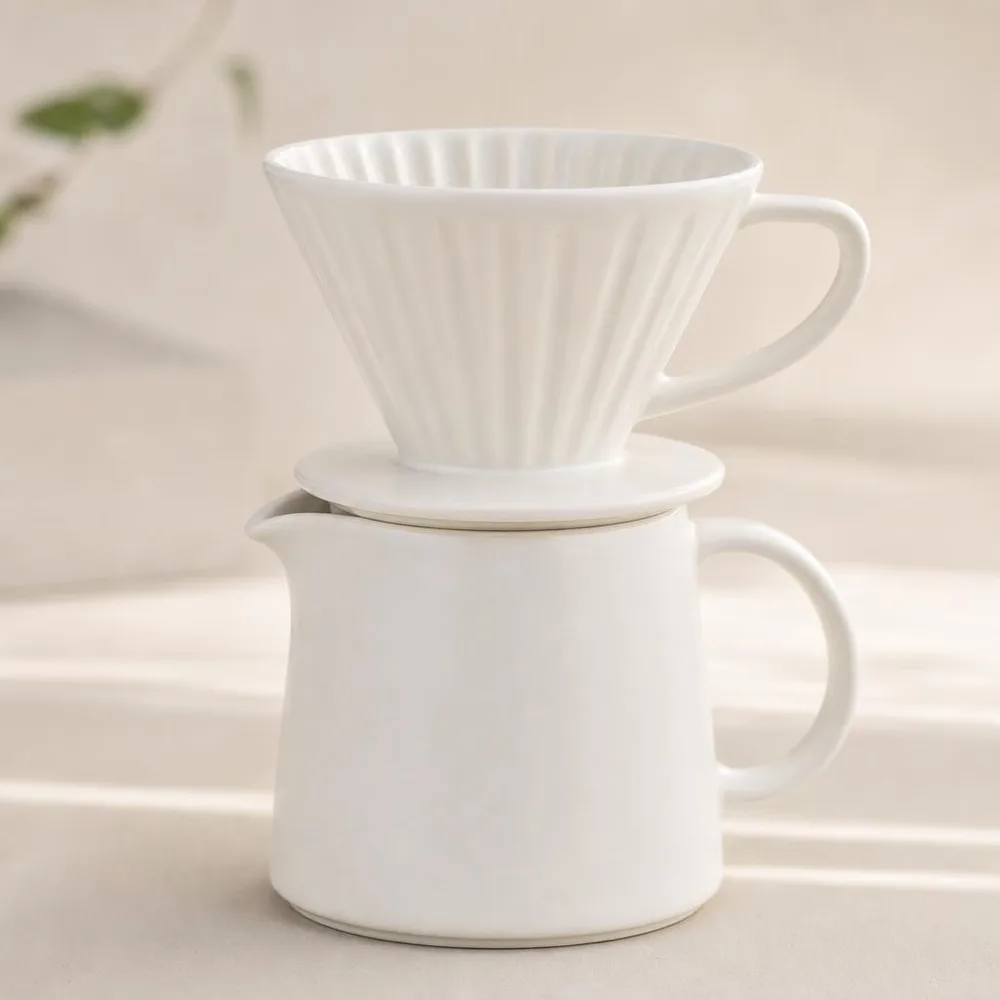 Main photo
 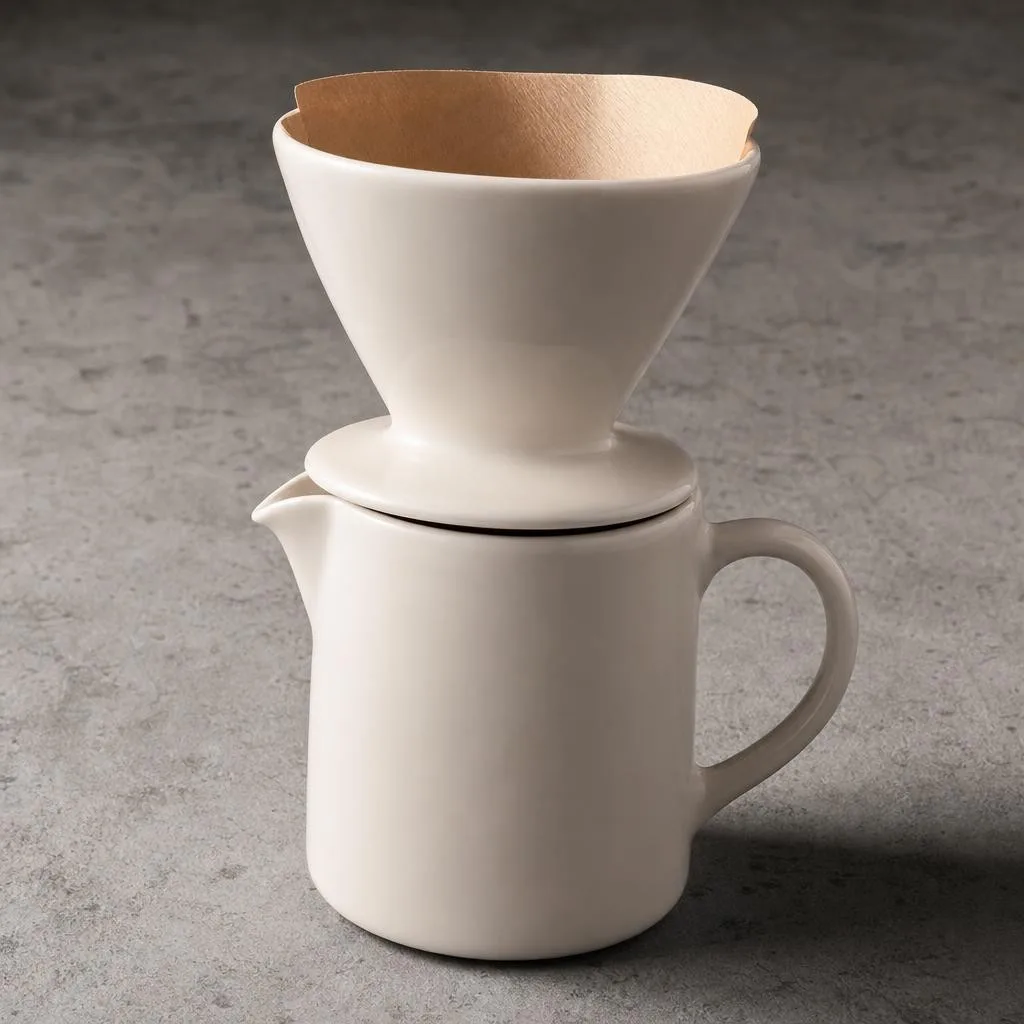 Neutral backdrop
  Square 1:1
 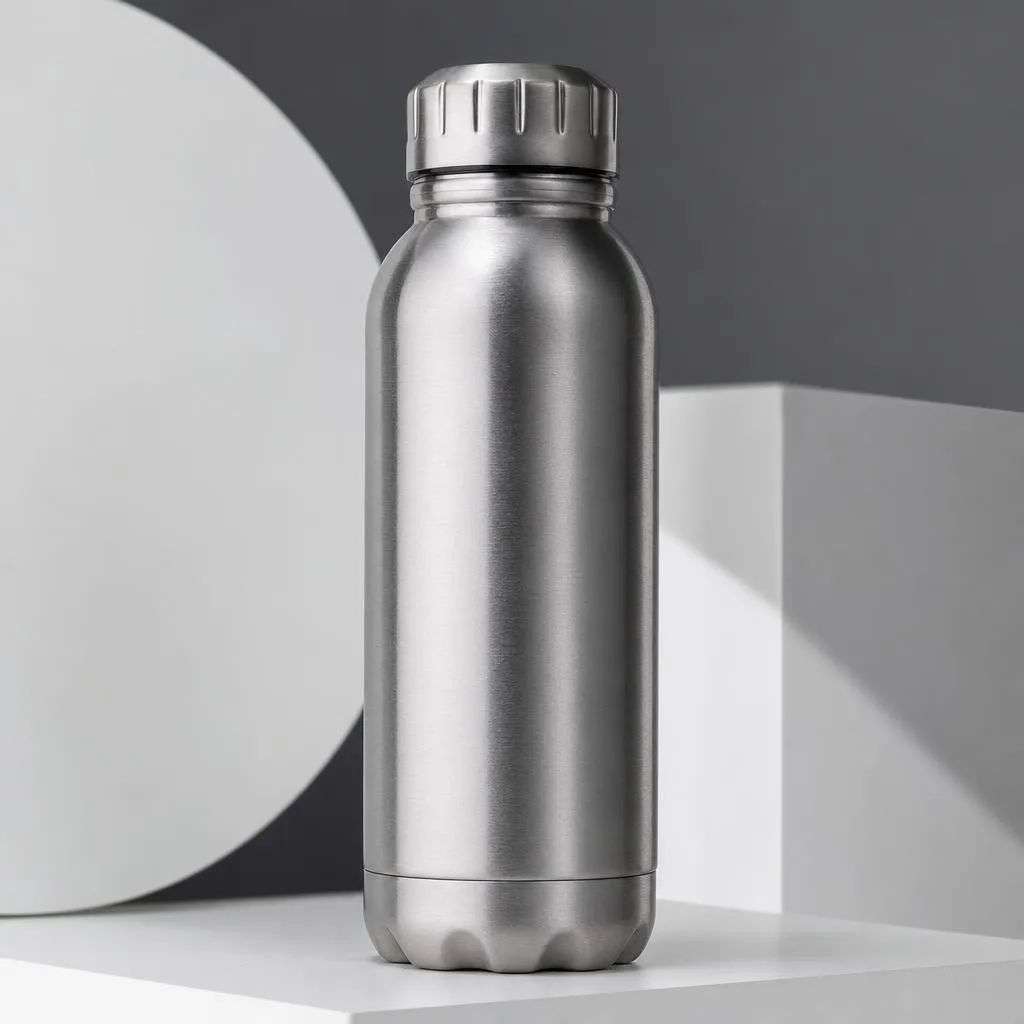 Detail
 What eBay publishes.
From eBay’s picture policy and its “Adding pictures to your listings” help article. eBay separates hard policy (what gets a listing removed) from tips (what helps it sell) - both are below, labelled.
| Minimum size | At least 500 px on the longest side. This one is policy, not advice. The tips article states the same figure as 500 × 500 minimum resolution. |
|---|---|
| Recommended size | About 1,600 × 1,600 px. eBay’s reason is zoom: “Small photos get blurry when enlarged.” 500 px clears the policy and still looks bad on a phone. |
| Photos per listing | Up to 24. At least one is required, and the first one becomes the main photo shown in search. |
| File size | Maximum 12 MB per photo. |
| File formats | JPEG, PNG, GIF, TIFF, BMP, WEBP, HEIC and AVIF. A wider list than most marketplaces - WEBP and AVIF are both accepted. |
| Aspect ratio | 1:1 or 16:9 “generally look best in listings, search results, and other placements”. |
| What the main photo must show | The whole item, face-on. For a single item it must not show variations; for a bundle it must show everything included. |
| Banned outright | Photos that don’t accurately represent the item · placeholder images · stock photos for used, damaged or defective items · added borders · added text, artwork or marketing material · watermarks of any type. Watermarks are named twice: banned by policy, and separately flagged in the tips as something that can hurt your search placement. |
| How long eBay keeps them | Copies stay with completed listings for up to 90 days and can be reused when you relist. |
Verified against eBay’s picture policy and its adding-pictures help article on 2 August 2026. eBay states the minimum size twice in slightly different words - “500 pixels on the longest side” in policy, “500 × 500” in the tips - treat the longest-side wording as the binding one. Sources:eBay - picture policy , eBay - adding pictures to your listings .
Four things that get eBay photos pulled.
A watermark added to stop photo theft.
It is the single most common own-goal on eBay. The policy bans watermarks “of any type, including those used for ownership attributions” - the exact reason most sellers add them. The tips article adds that badges, logos and copyright notices can hurt where your listing ranks.
The catalogue photo on a used item.
Stock photos for used, damaged or defective items are banned by name, and the tips repeat it: “You can’t use a catalog or stock photo if you’re listing an item as used.” Sealed and new is a different question - used is not.
“500 px meets the minimum”, so 500 px it is.
It clears the policy and fails the buyer. eBay recommends about 1,600 px precisely because listings get zoomed, and a photo that falls apart under zoom reads as something to hide.
A main photo that shows more than you’re selling.
Three colourways in the main shot of a single-variation listing, or a bundle photo that omits half the bundle. eBay is explicit on both, and it is the fastest way to earn a not-as-described return.
Where generated shots fit an eBay listing.
Twenty-four slots is a lot of photos. Which ones you may generate depends entirely on the item’s condition.
New or sealed: generate the presentation.
When the item is exactly what the box says, the photograph’s job is to show it clearly. Clean backdrop, even light, 1:1 crop, a detail shot - the set a studio would produce.
Used: photograph the real thing, flaws included.
eBay asks for closeup images of any flaw, scratch or imperfection, and says so because it prevents returns. Those photos have to be yours, of your item. Nothing generated substitutes for them.
Fill the supporting slots either way.
Scale references, angle coverage, a neutral-backdrop hero to sit next to your title in search. Upload two or three references and generate the rest of the twenty-four.
Careful: eBay’s rules are about the item, not about the pixels.
Read eBay’s picture policy closely and there is nothing in it about how a photo was produced. Every ban is about misrepresentation: photos that don’t accurately represent the item, stock photos standing in for used goods, added text and watermarks that get between the buyer and what they’re looking at.
eBay makes that reading explicit by shipping its own tool for it. In the listing form, the background enhancement button replaces your photo’s background with solid white automatically - background work isn’t merely tolerated on eBay, it is a feature they built. Relighting a real product against a clean backdrop sits in the same place.
So the line is condition, not technique. For a new or sealed item, generated presentation shots are consistent with the policy as written. For anything used, damaged or defective, your photos must be of your actual item and must show its actual state - every scratch the buyer will find. A generated photo that quietly smooths a scuff off a used camera isn’t a photo style choice, it’s the exact misrepresentation the policy exists to stop, and eBay resolves those disputes in the buyer’s favour.
Buy credits. 10 credits = 1 photo.
Credits work across every Phoxel niche - no subscription, no expiry. Failed generations retry for free.
Starter
- 20 photos - two listings’ worth
- Try it on your worst photo
- JPG download + ZIP
Plus
- 60 photos - a few listings
- Mix angles & backgrounds
- Save 17% vs starter
Pro
- 150 photos - a full catalogue
- One project per item
- Use across other niches too
- Save 36% vs starter
Studio
- 300 photos - full shop refresh
- Every item, multiple looks
- Save 46% vs starter
eBay photo questions, sorted.
Twenty-four slots. Most sellers fill four.
Twenty photos on a clean backdrop for $6. Upload the item you’re listing this week and fill the rest of the gallery.
Your first 2 photos are free previews - no card, just confirm your email.