Google Business Profile photo rules - and the one line that decides everything.
The sizes and formats Google publishes for your profile photos, what the logo and cover slots actually do, and a straight answer about generated imagery - which here is mostly “no”, for a reason worth understanding.
Your first 2 photos are free previews - no card, just confirm your email.
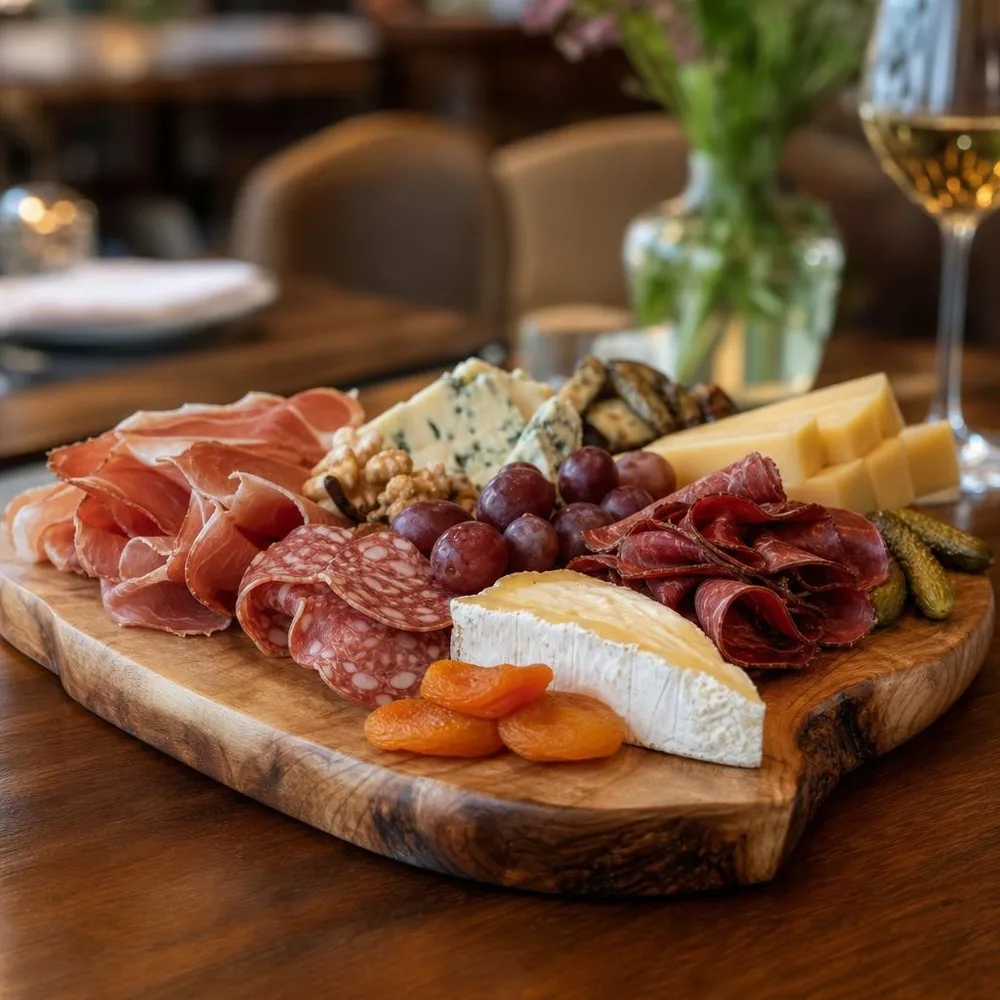 Restaurant table
 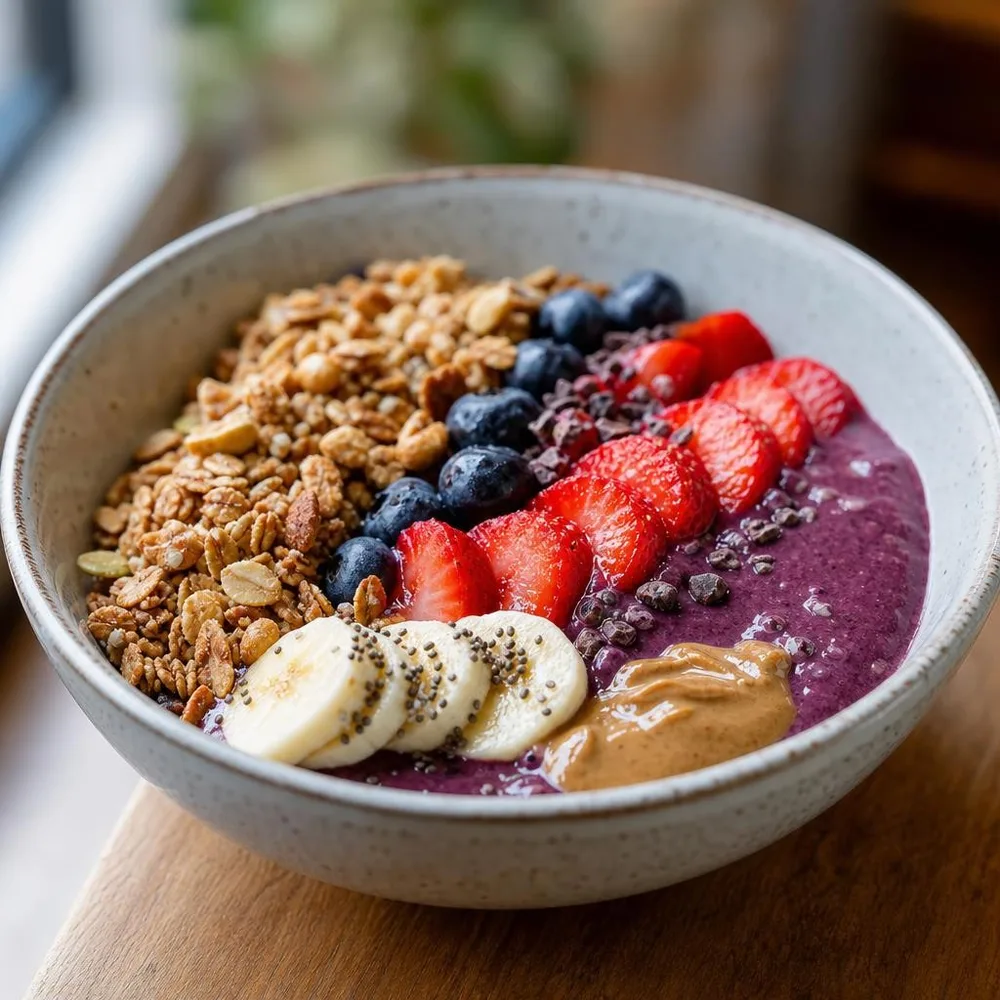 Café
Café 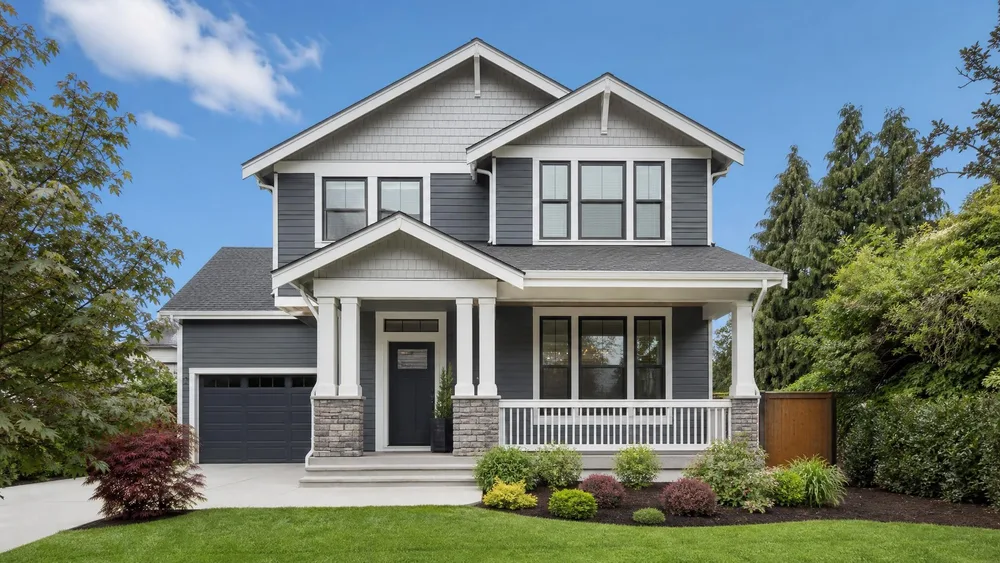 Storefront by day
  Single dish
 What Google publishes.
From Google’s own Business Profile help article. Google frames these as “your photos look best if…”, but the quality line at the bottom is enforced as a rule, not a suggestion - profiles do lose photos over it.
| Format | JPG or PNG. |
|---|---|
| File size | Between 10 KB and 5 MB. A lower bound is unusual - a heavily compressed thumbnail can fail for being too small. |
| Recommended resolution | 720 px tall by 720 px wide. |
| Minimum resolution | 250 px tall by 250 px wide. |
| Quality | In focus, well lit, with “no significant alterations or excessive use of filters”. Google’s own summary: “the image should represent reality”. This is the line that matters most on this page, and the one every third-party guide leaves out. |
| Video | Up to 30 seconds, up to 75 MB, 720p or higher. |
| Photo slots | Logo, cover photo, and business photos. The logo helps customers recognise you; the cover is the one you nominate for the top of the profile. Google is explicit that nominating a cover photo doesn’t guarantee it shows first - the profile can still pick another image. |
| When they appear | Photos and videos only show on Google after the Business Profile is verified. |
| Bulk upload | Businesses with 10 or more locations can upload photos via spreadsheet. |
Verified against Google’s Business Profile help article on 3 August 2026. Numbers on this page come from Google directly - the figures circulating in SEO posts for “Google My Business image size” disagree with each other and with Google. Sources:Google - manage your Business Profile photos & videos .
Four ways local businesses lose profile photos.
The heavily filtered “hero” shot.
Warm grade, crushed blacks, a sky that wasn’t there. Google asks for no significant alterations and no excessive filtering, and the profile photos most likely to be removed are the ones that look most produced.
A logo uploaded as the cover photo.
They are separate slots doing separate jobs. The logo identifies you in listings; the cover is meant to show the place. Putting a logo in both wastes the only slot that shows a customer what your business looks like.
An over-compressed image under 10 KB.
Everyone watches the 5 MB ceiling. The floor catches people exporting for the web at maximum compression, and the upload just fails.
Uploading before verification and assuming it broke.
Photos don’t appear on Google until the profile is verified. Nothing is wrong with the file - the profile isn’t live yet.
Where generated photos fit - and where they don’t.
This is the strictest guide in this series, so here is the honest split.
Your Business Profile: photograph it yourself.
The storefront, the room, the staff, the actual plate that arrives at the table. Google asks the image to represent reality, and a customer standing outside comparing the photo to the building is exactly the test it is written for.
Your menu, site and delivery apps: different rules, different job.
The same dish, relit and composed, is fine where you control the surface - your own menu, your website, Uber Eats and DoorDash, your social posts. Those platforms ask for accuracy about the dish, not about the room.
Use the profile to find out what to shoot.
Profile insights show which photos get looked at. Generate the variations elsewhere, learn which framing people respond to, then take that photo properly for the profile itself.
Careful: Google asks the photo to represent reality.
Most of the platforms in this series regulate what a photo shows. Google also regulates how much it has been worked on. The guideline is short and it is unambiguous: photos should be in focus and well lit, with no significant alterations or excessive use of filters - “in other words, the image should represent reality”.
That is a higher bar than eBay’s, and a different one from Etsy’s. It isn’t only about honesty regarding the product; it is about the photo being a plain record of the place. A generated storefront, an invented interior, or a dish composed in a room you don’t have all fail that test even if nothing about them is technically untrue.
So our own advice for this platform is to shoot the profile yourself. It is also not much of a loss: profile photography is the one job where a phone in good daylight genuinely does the work, because customers are not judging your lighting - they are checking they will recognise the door. Save the generated set for the surfaces where composition is the point.
Buy credits. 10 credits = 1 photo.
Credits work across every Phoxel niche - no subscription, no expiry. Failed generations retry for free.
Starter
- 20 photos - two listings’ worth
- Try it on your worst photo
- JPG download + ZIP
Plus
- 60 photos - a few listings
- Mix angles & backgrounds
- Save 17% vs starter
Pro
- 150 photos - a full catalogue
- One project per item
- Use across other niches too
- Save 36% vs starter
Studio
- 300 photos - full shop refresh
- Every item, multiple looks
- Save 46% vs starter
Business Profile photo questions.
Shoot the profile. Generate the menu.
Twenty menu-ready photos for $6 - for the surfaces where composition is the job, not the ones where the photo has to be a record.
Your first 2 photos are free previews - no card, just confirm your email.