Uber Eats wants 5:4. DoorDash wants 16:9. One photo cannot satisfy both.
Both platforms publish their image specs, and the specs disagree. Here are the real numbers from each, the content rules that cause most rejections, and the honest limit on what a generated photo may show.
Your first 2 photos are free previews - no card, just confirm your email.
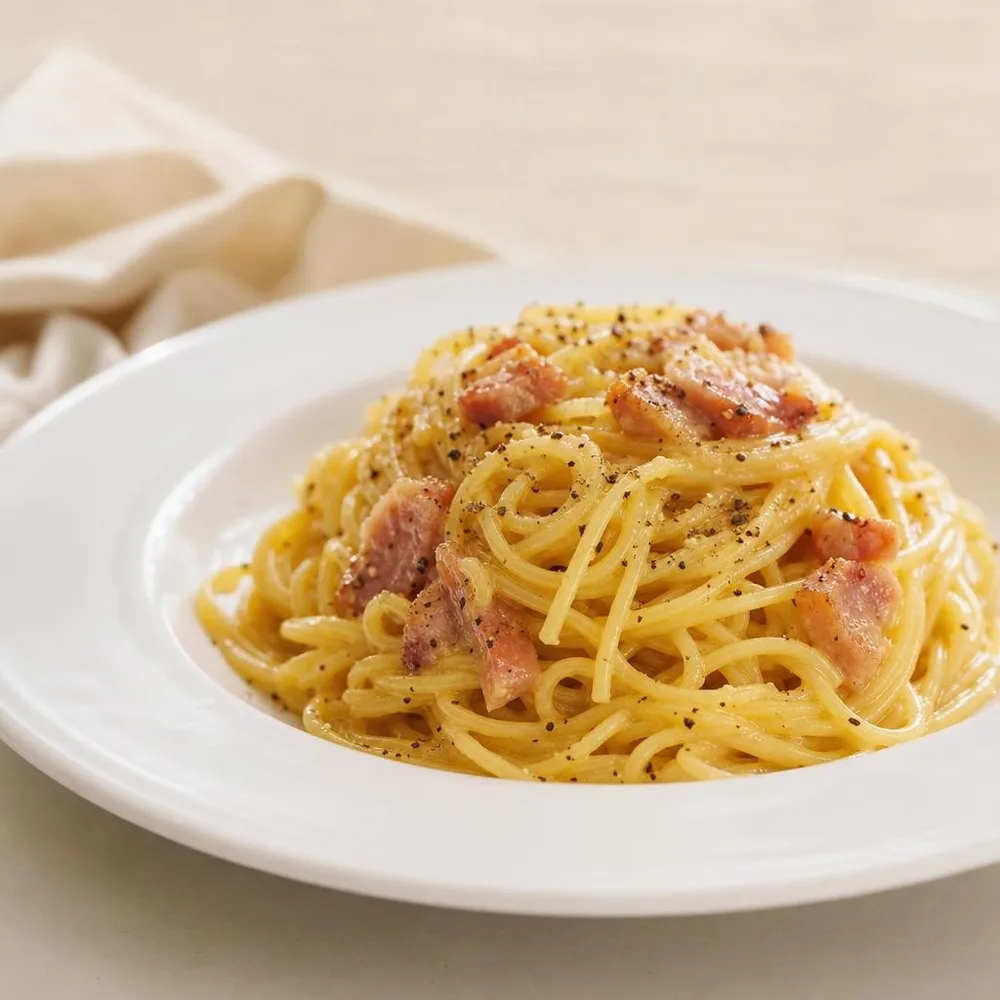 Bowl
Bowl 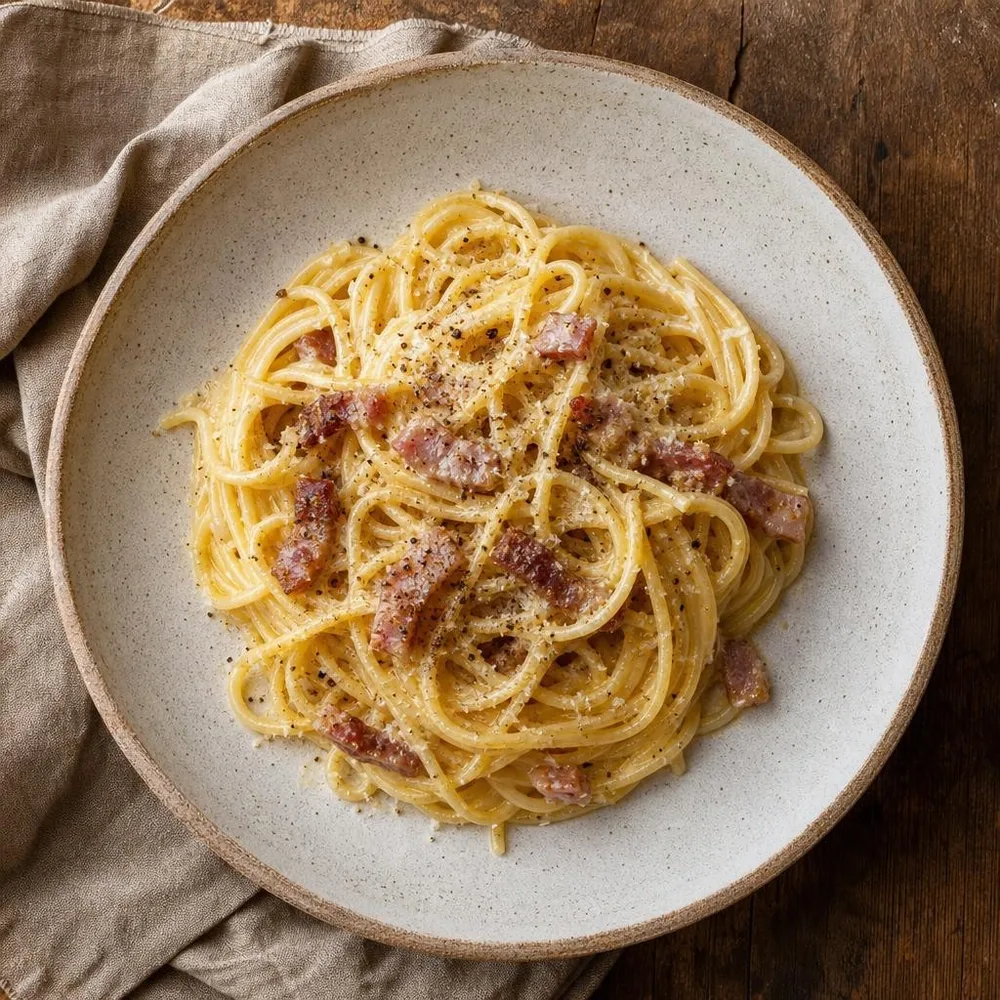 Burger
 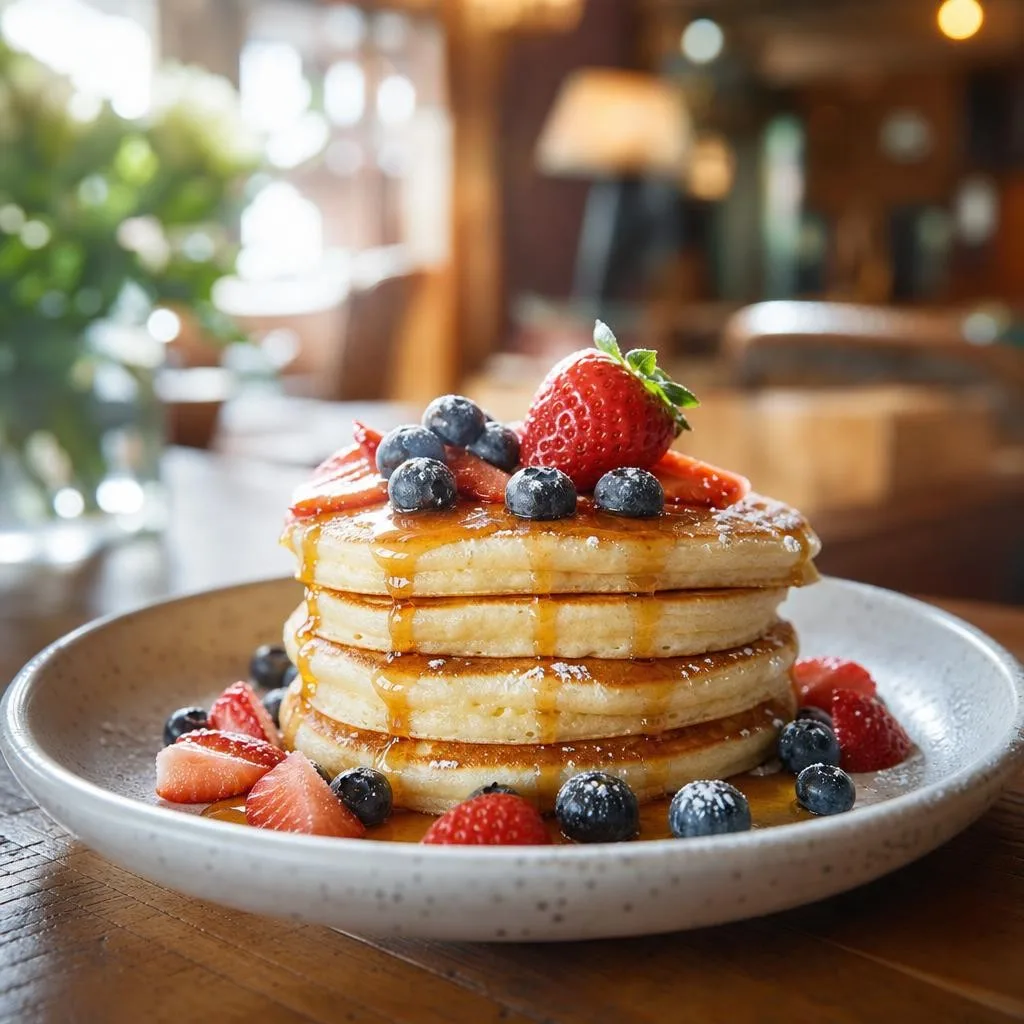 Overhead
 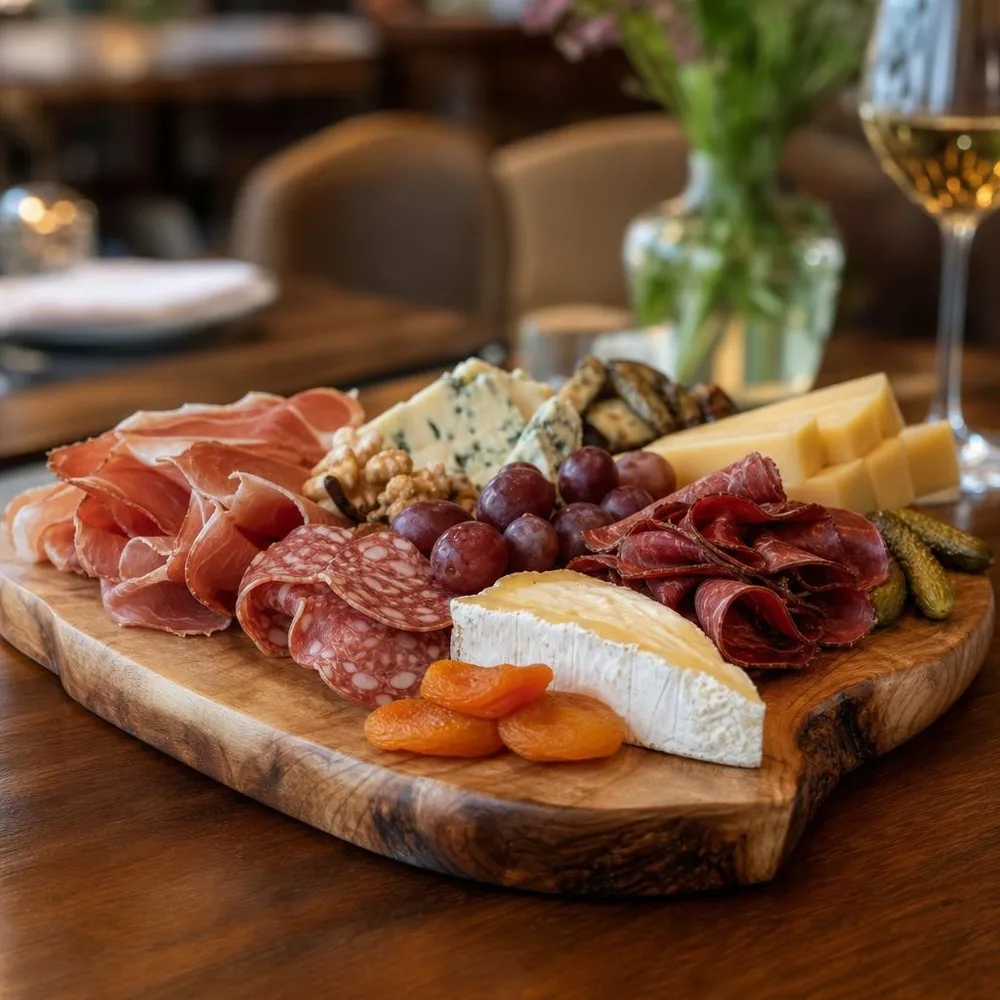 Plated
 What each platform publishes.
From Uber’s merchant help centre and DoorDash’s merchant learning centre. The two sets are not compatible, which is the single most useful thing on this page.
| Uber Eats - item photo ratio | Between 5:4 and 6:4 (recommended). Landscape orientation. This is where most restaurants trip: a square phone photo is neither. |
|---|---|
| Uber Eats - item photo size | Width 550–10,000 px, height 440–10,000 px. JPG, PNG or GIF, max 10 MB. |
| Uber Eats - cover photo | Exactly 2,880 × 2,304 px, JPEG, 5:4. |
| Uber Eats - content rules | Must accurately represent a single item from your menu, framed in the centre. No people except hands. No text, logos or watermarks, except where they appear on packaged food. Must show clean, sanitary conditions. Stock photos from search engines or stock libraries are explicitly rejected. |
| Uber Eats - review | Every photo is reviewed manually; reviews take up to 3 business days. |
| DoorDash - item photo | Landscape 16:9, minimum 1,400 × 800 px. JPG, JPEG or PNG. |
| DoorDash - content rules | No text or graphics overlays and no borders. The photo should show the single individual dish the item links to, in focus and properly lit. |
| DoorDash - logo (not the dish) | Minimum 230 × 230 px; the system crops the centre square, so a 1:1 image works best. The widely repeated “DoorDash minimum is 230×230” refers to the logo. Item photos need 1,400 × 800. |
Verified against Uber’s merchant-submitted menu and catalog photo guidelines and DoorDash’s merchant learning centre in August 2026. Uber words its item ratio as a recommendation and its pixel range as a hard limit; DoorDash words 1,400 × 800 as a minimum. Both change specs without announcement - re-check before a large upload. Sources:Uber Eats - menu & catalog photo guidelines , DoorDash - photo requirements , DoorDash - adding menu photos .
What gets menu photos rejected.
One photo uploaded to both platforms.
A 16:9 shot sized for DoorDash falls outside Uber’s 5:4–6:4 range, and a 5:4 shot stretched to 16:9 distorts the food. Export the dish twice from the same source image - crop, never stretch.
A price or “NEW” badge burned into the image.
Both platforms reject text overlays outright; DoorDash also rejects borders. The only text either allows is what is genuinely printed on packaged food. Put the price in the price field.
Two dishes in one frame.
Uber requires a photo to represent a single item, and DoorDash wants the individual dish the item links to. The combo shot with the drink and the side gets rejected - shoot the item that is being sold.
Upscaling a small photo to hit the minimum.
Blowing a 600 px snap up to 1,400 px produces exactly the softness DoorDash rejects for focus. Generate or shoot at size instead; an upscaled photo fails on quality even when it passes on dimensions.
A menu set that clears both platforms.
One dish, one upload, two exports.
Photograph the dish you actually serve.
A phone snap of the real plate is the input - the food niche is built to relight and restyle that dish, not to invent a different one. Plate it the way it leaves the kitchen.
Generate at 16:9 for DoorDash.
Pick the wide ratio when you create the project. Output is 2K, so a 16:9 frame lands around 2,048 × 1,152 - comfortably past the 1,400 × 800 minimum with room to crop.
Crop the same shot to 5:4 for Uber Eats.
Our free image resizer has Uber Eats and DoorDash presets - drop the file in, take both exports, upload each to the platform it was cut for. No stretching, no re-shoot.
Let the no-people rule take care of itself.
Generated output never contains people, which is the direction both platforms push anyway - Uber allows hands and nothing more.
Careful: the photo has to be the dish you serve.
Both platforms require a menu photo to accurately represent the item, and this is the rule that matters more than any pixel dimension - a customer who receives something visibly smaller or plainer than the picture is a refund, a bad rating, and eventually a merchant review.
The food niche is deliberately built as honest enhancement: it improves lighting, colour and composition of the dish in your reference, and its prompt is constrained against inventing ingredients, inflating the portion or adding garnishes that are not there. That constraint is real, but it is not a guarantee - you are the one who knows what leaves your kitchen. Check each generated shot against the plate before it goes live, and discard any that flatter it.
One nuance on Uber’s stock-photo ban: it targets images pulled from search engines and stock libraries, which a generated photo of your own dish is not. That does not exempt it from the accuracy rule - it only means the ban is not the reason to avoid it.
Buy credits. 10 credits = 1 photo.
Credits work across every Phoxel niche - no subscription, no expiry. Failed generations retry for free.
Starter
- 20 photos - two listings’ worth
- Try it on your worst photo
- JPG download + ZIP
Plus
- 60 photos - a few listings
- Mix angles & backgrounds
- Save 17% vs starter
Pro
- 150 photos - a full catalogue
- One project per item
- Use across other niches too
- Save 36% vs starter
Studio
- 300 photos - full shop refresh
- Every item, multiple looks
- Save 46% vs starter
Delivery photo questions, sorted.
Twenty dishes, both platforms, $6.
Photograph each plate once on a phone. Get the wide crop for DoorDash and the 5:4 for Uber Eats out of the same shot.
Your first 2 photos are free previews - no card, just confirm your email.