TikTok Shop image requirements - including the clause about renderings.
The specs TikTok publishes in Seller University, the rules that get listings rejected, and an honest read of the sentence that decides whether generated photos belong here at all.
Your first 2 photos are free previews - no card, just confirm your email.
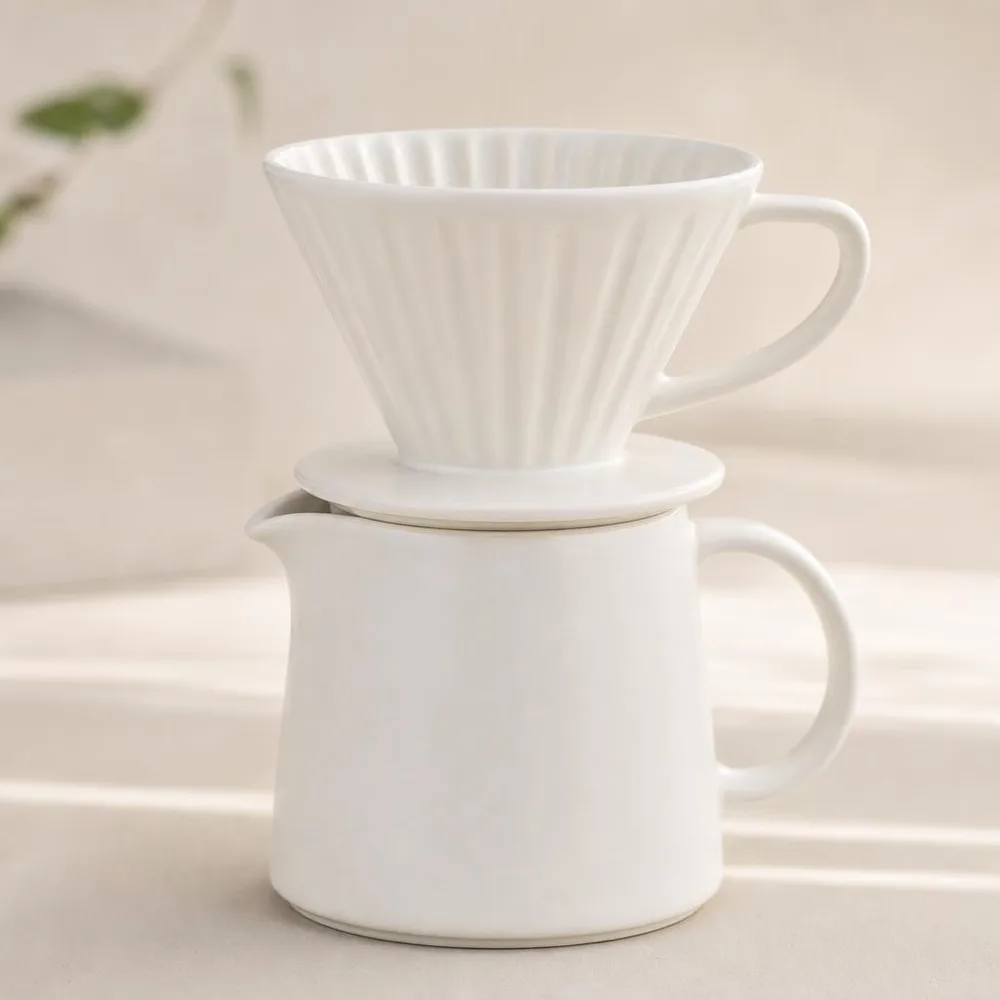 Pure white main image
 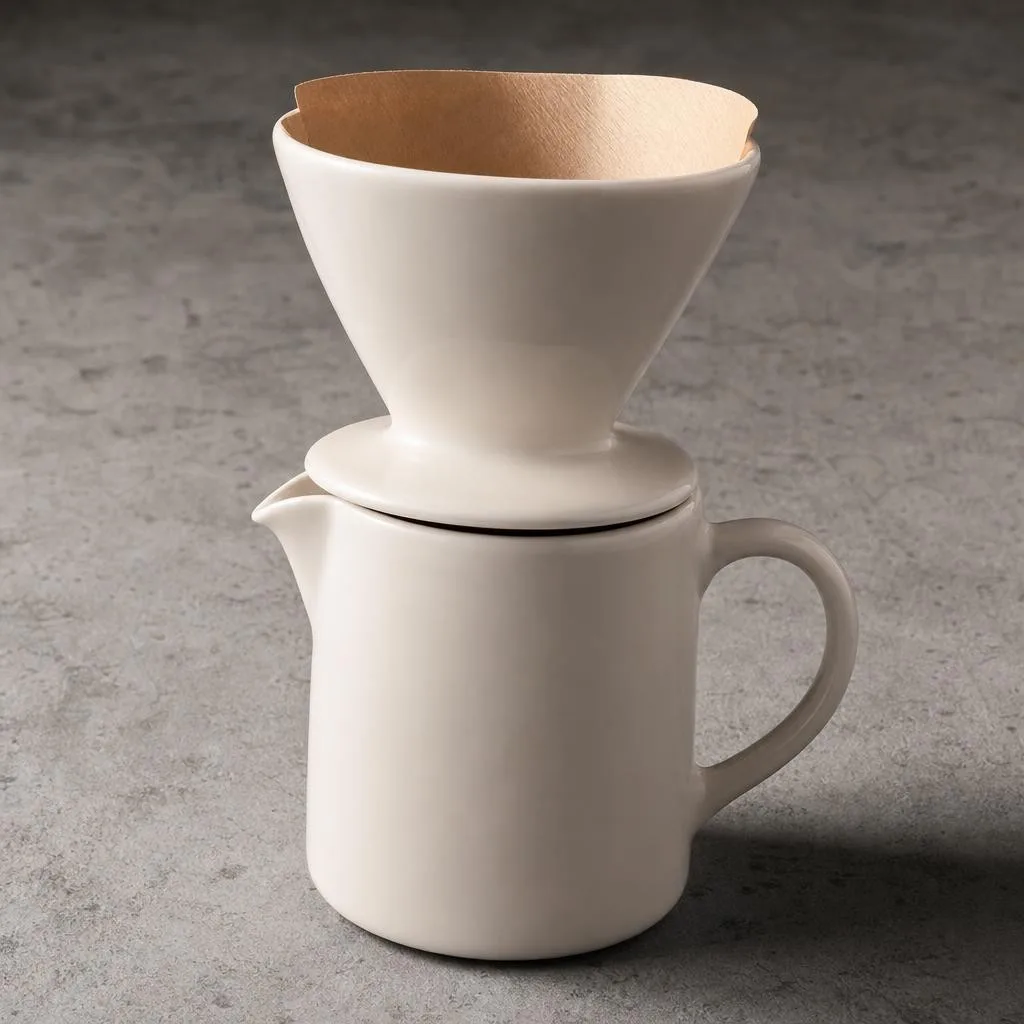 Square 1:1
 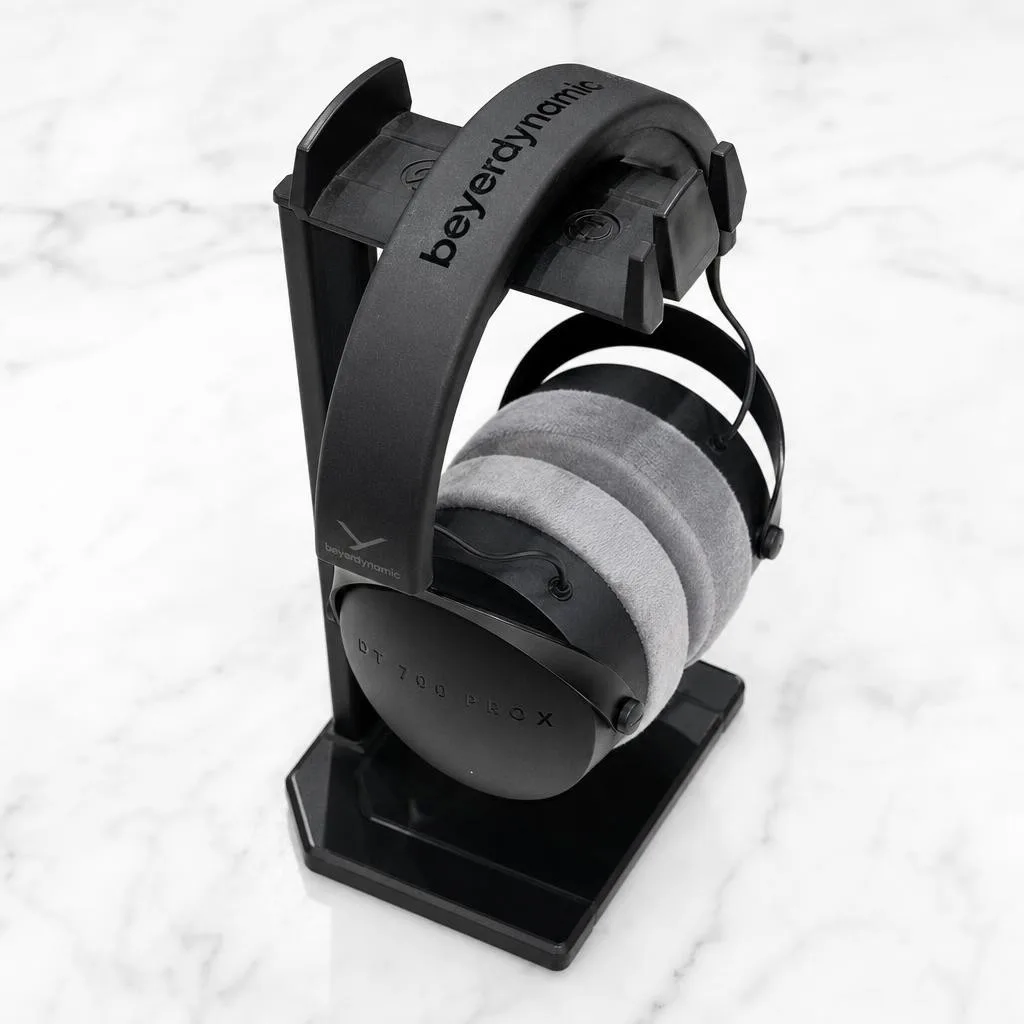 Detail
 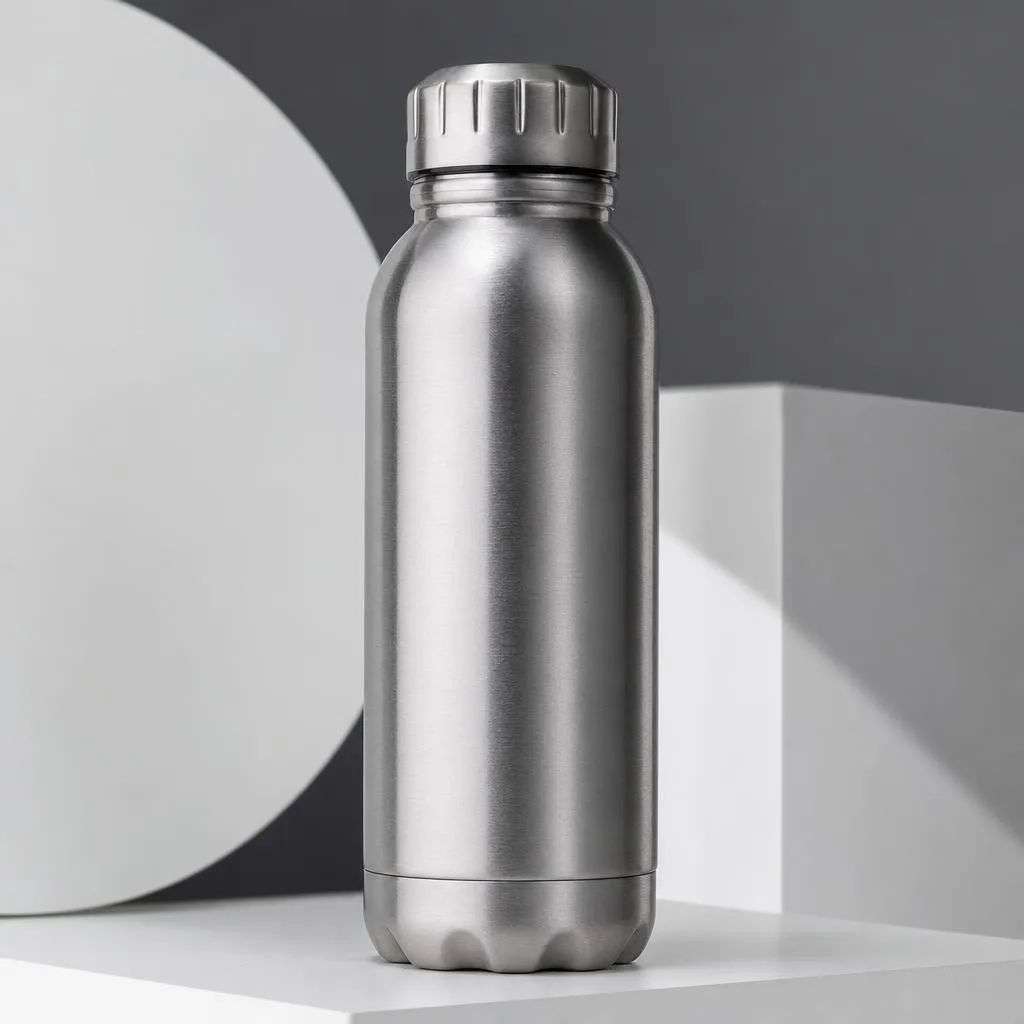 Styled scene
 What TikTok Shop publishes.
From TikTok Shop’s Product Listing Policy and its “Product Listing: What You Need to Know” article in Seller University. Both are seller-facing and both are quoted here rather than paraphrased.
| How many | Up to 9 square images per product, one of which is nominated as the main image. |
|---|---|
| Minimum size | At least 600 × 600 pixels, every image. |
| Shape | Square. TikTok says “9 square images” without qualification. |
| Main image | Must show the front physical view of the product on a pure white background, and be “an objective and straightforward representation of the product for sale”. |
| The other eight | Front, back, sides and details including accessories. Key features, usage scenarios, variations, styled scenes, close-ups and size comparisons are all allowed. Repeats are not: “Multiple images showing the same angle are not allowed.” |
| Never on any image | Added logos, text, borders, watermarks, or graphics covering the product or in the background. No marketing or promotional stickers - TikTok says this may result in rejection. |
| Colour | Images must be in colour. Black-and-white is not acceptable. |
| What the image may contain | “Images must include only what the customer will receive.” Props that aren’t in the box are a policy problem here, not a styling choice. |
| Branded products | Brand names, logos and slogans must be clearly visible in the images and videos. |
| Video | One video per listing, maximum 5 MB. |
| Category exception | Children’s swimwear and undergarments must be shown flat - no child models and no mannequins. Other categories may use models and mannequins. |
Verified against TikTok Shop Seller University on 3 August 2026. Note that several 2026 blog posts claim TikTok requires a visible “AI-generated” label on product images; we could not find that on any TikTok-owned page and are not repeating it. Treat it as unconfirmed until TikTok publishes it. Sources:TikTok Shop - Product Listing Policy , TikTok Shop - Product Listing: What You Need to Know .
Four things that get a TikTok Shop listing rejected.
A promo sticker on the first image.
“50% OFF” in a red starburst is the instinct that TikTok names explicitly: no marketing or promotion stickers, and it may result in product rejection. The discount belongs in the price field, where it also actually works.
Nine photos of the same angle.
Uploading the same front view nine times to fill the slots is a stated violation. TikTok wants front, back, sides, details, scenes and a size comparison - nine different pieces of information, not nine copies.
A styled shot with props you don’t ship.
The coffee cup and the plant next to your product read as part of the bundle. TikTok’s wording is blunt: images must include only what the customer will receive.
A moody black-and-white product shot.
It looks premium and it is not allowed. Colour only, no exceptions in the policy text.
Where generated shots fit a TikTok Shop listing.
Nine slots is a lot to fill, and the policy is stricter than most about how you fill them.
Photograph the product itself.
Front view for the main image, then the angles. TikTok asks for an objective representation of the item on pure white, and that is a photograph of your item.
Use generation for the surfaces, not the substance.
A clean white backdrop your kitchen table can’t produce, consistent lighting across nine shots, a styled scene for the supporting slots. What must not change is the product, and what must not appear is anything you don’t ship.
Cover the nine, deliberately.
Front, back, both sides, two details, a usage scene, a variation and a size comparison. That is the set TikTok describes, and most shops upload four.
Careful: TikTok bans digital renderings by name.
The Product Listing Policy contains a sentence that no other marketplace in this series has: “All product images must accurately and clearly represent the product that is for sale. Placeholders and digital renderings of a product are not allowed.”
Read it plainly. A rendering is an image of a product built rather than photographed - the CGI pack shot, the 3D visualisation, the mock-up of a thing that was never in front of a camera. That is what the clause is aimed at, and a fully synthetic image of your product falls on the wrong side of it.
Where a relit photograph of your real product sits is genuinely less settled than on eBay, whose rules concern the item’s condition rather than the image’s production. TikTok’s wording is about the image, and it is stricter. So the cautious reading - the one we would follow ourselves - is to treat the main image as something that must be a photograph of the actual item, and to use generated variants in the supporting slots knowing the policy is tighter here than elsewhere. If your category is one where rejections are expensive, keep the whole set photographic and use generation for your ads and social instead, where none of this applies.
Buy credits. 10 credits = 1 photo.
Credits work across every Phoxel niche - no subscription, no expiry. Failed generations retry for free.
Starter
- 20 photos - two listings’ worth
- Try it on your worst photo
- JPG download + ZIP
Plus
- 60 photos - a few listings
- Mix angles & backgrounds
- Save 17% vs starter
Pro
- 150 photos - a full catalogue
- One project per item
- Use across other niches too
- Save 36% vs starter
Studio
- 300 photos - full shop refresh
- Every item, multiple looks
- Save 46% vs starter
TikTok Shop image questions.
Nine slots. Most shops fill four.
Twenty photos on a true white background for $6 - enough to cover every angle the policy asks for, with spares.
Your first 2 photos are free previews - no card, just confirm your email.