Zillow tops out at 2048 px - your 4K export is being thrown away.
Zillow publishes real numbers, and they are smaller than most sellers assume. Here is what its own help pages say, what happens to photos above and below the limits, and which rules actually govern staged photos on a Zillow listing.
Your first 2 photos are free previews - no card, just confirm your email.
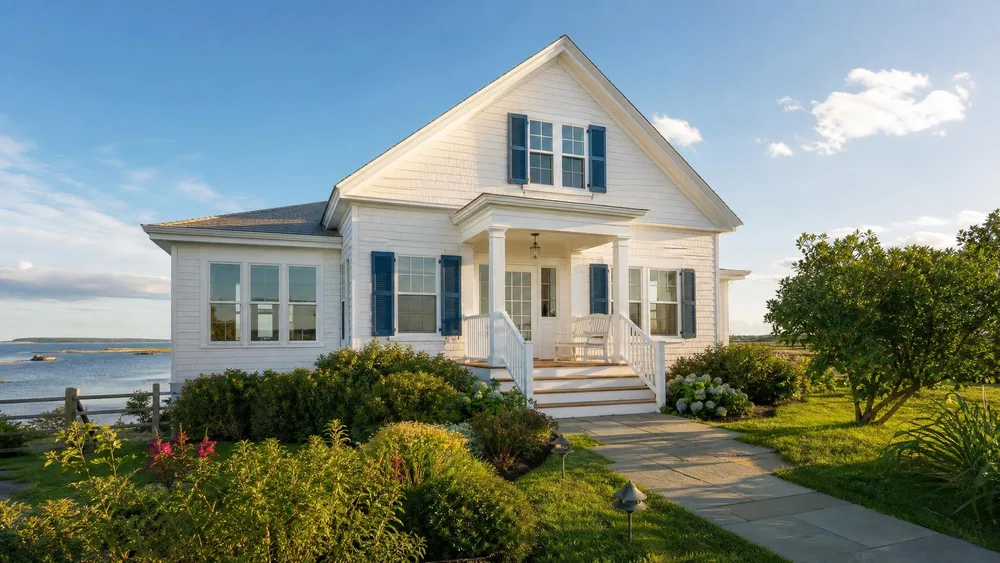 Exterior
 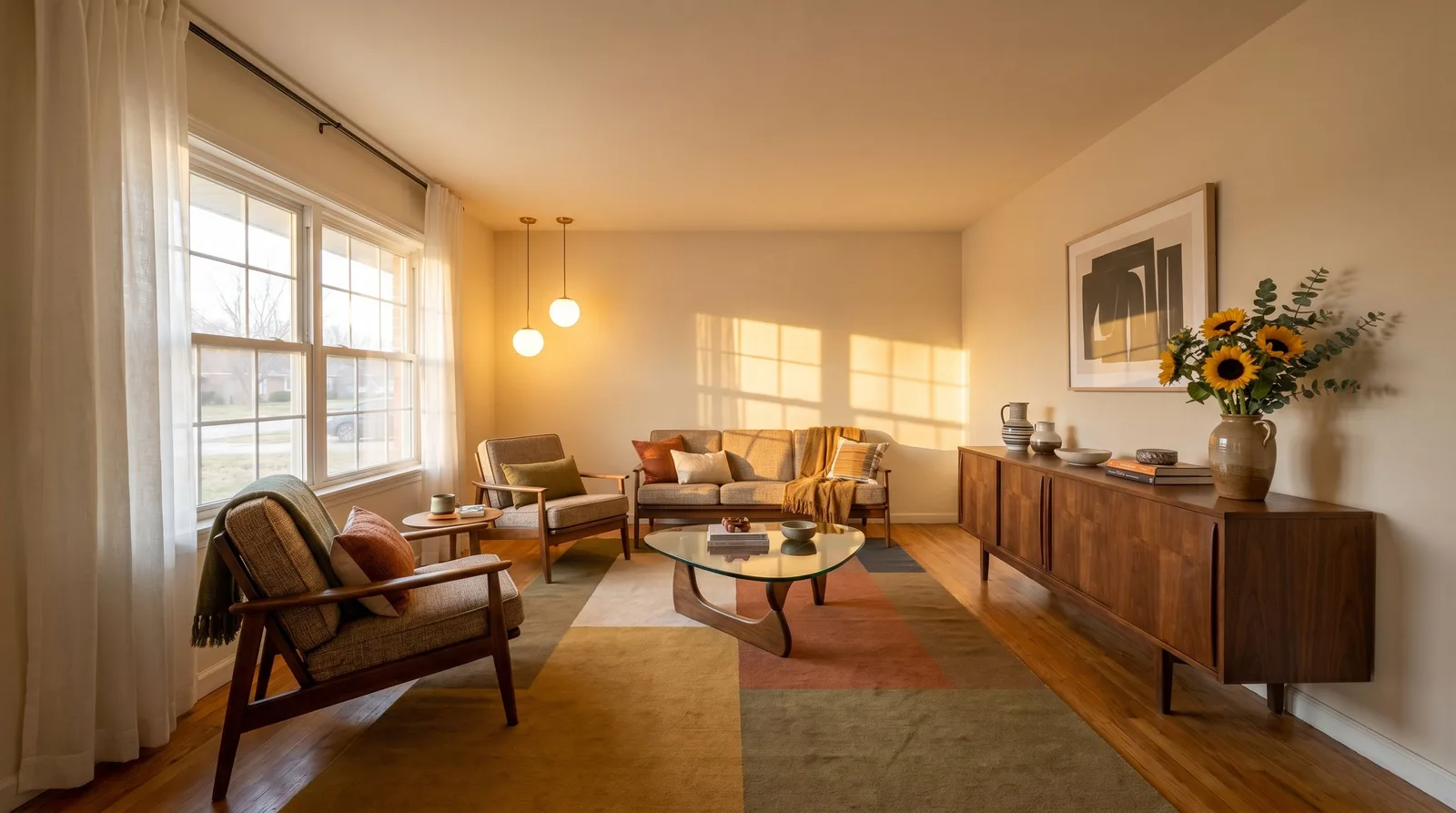 Staged
 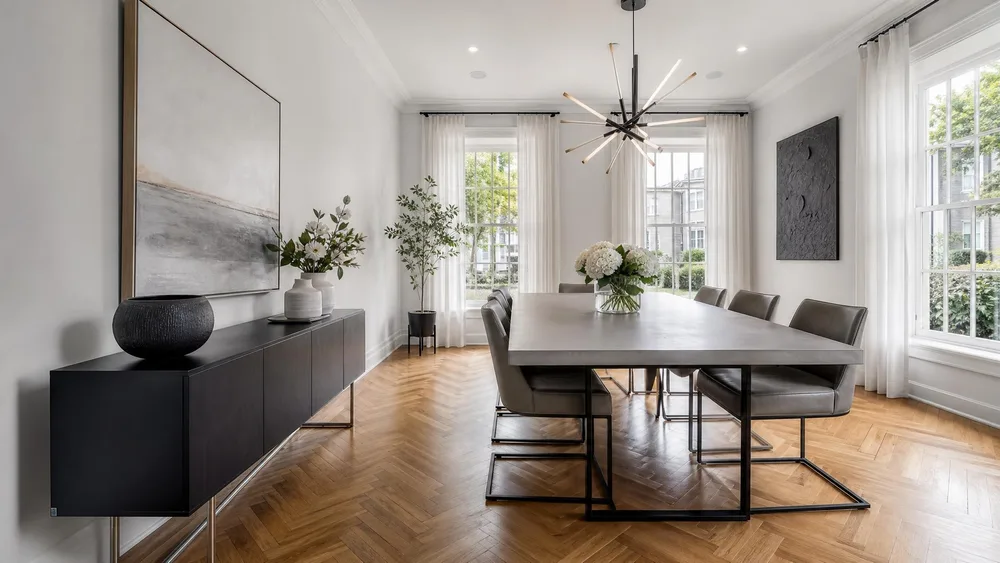 Interior
  Bedroom
 What Zillow publishes.
From Zillow’s own Photo Uploading Tips page. Most listings arrive on Zillow through an MLS feed - for those, your MLS’s photo rules apply first and Zillow displays what the feed sends.
| Maximum display size | The maximum dimensions allowed for a Home Details image is 2,048 × 1,536 pixels. A 4:3 box. Anything larger is scaled down to fit it - the extra pixels in a 4K export never reach a buyer’s screen. |
|---|---|
| Minimum size | A minimum dimension of 1,024 × 768 pixels. |
| File size | Only photos smaller than 25 MB can be uploaded. There is no resolution limit - just the size limit. |
| The 200 KB warning | Images under 200 KB can be uploaded, but a message warns that the small size will result in poor-quality images. A heavily compressed export can trip this even at large pixel dimensions. |
| File formats | JPG, GIF, BMP, FPX, PNG, PSD and TIF. LAB colour space is not supported. PSD and TIF work but are enormous - a JPG at quality 85 looks identical at a fraction of the upload time. |
| Recommended export | Zillow’s own recommendation: use the 2,048 × 1,536 size - “bigger is better” up to that ceiling. |
Verified against Zillow’s Photo Uploading Tips page in August 2026. Zillow’s rentals arm publishes separate, looser limits for feed partners, and those pages move around - check the Rentals Network policy if you list rentals through a feed. Figures repeated in third-party blogs (a “50-photo maximum”, a “16:9 requirement”) do not appear on any Zillow page we could read. Sources:Zillow - Photo Uploading Tips .
Four ways Zillow photos go wrong.
Exporting 4K and letting Zillow do the downscale.
Everything above 2,048 × 1,536 is resized by Zillow’s pipeline, with no control over sharpening. Export at exactly 2,048 × 1,536 yourself - you choose the crop and the sharpening, not the resizer.
A 16:9 photo in a 4:3 frame.
Zillow’s maximum box is 4:3. A cinematic 16:9 export fits inside it at a smaller effective size than a 4:3 crop of the same shot. Frame rooms with 4:3 in mind and you use every pixel Zillow will show.
Compressing under the 200 KB floor.
Batch “optimise for web” presets can push interior shots under 200 KB - Zillow itself warns these will look poor. At 2,048 px, JPEG quality 80–85 lands comfortably between the 200 KB warning and the 25 MB cap.
Staging the photo and skipping the label.
Zillow displays what your MLS feed sends - and MLS rules plus, in California, AB 723 require altered photos to be disclosed. The staging is legal; the missing label is what earns the fine.
A Zillow-ready set, start to finish.
One empty room to one compliant, full-resolution listing photo.
Shoot the room, keep the original.
One wide, level shot per room. The untouched file is both your staging reference and the original your MLS may require you to keep available.
Stage it without touching the architecture.
The real-estate niche furnishes the room in your photo - walls, windows and layout stay put, furniture and decor are added. Output is 16:9 or 4:5; for Zillow’s 4:3 box, generate 16:9 and crop modestly, or shoot 4:3 and stage that.
Export at 2,048 and label it.
Size to 2,048 px with the free resizer (custom preset, 2048 × 1536), then burn the “Virtually staged” label on with the free watermark tool. Both run in the browser; the file never leaves your machine.
Careful: Zillow doesn’t regulate staging - your MLS and your state do.
Zillow’s photo page is about pixels and formats; it publishes no rule on virtual staging or AI imagery there. That does not mean staged photos are unregulated on Zillow - it means the rules ride in with the photo. Most Zillow listings mirror an MLS feed, so your MLS’s labelling rule (CRMLS: label in the photo description, original adjacent, $250 after a warning) applies to the copy Zillow shows. In California, AB 723 adds a statutory disclosure duty for digitally altered images in any advertisement - Zillow included.
The practical rule is simple: a staged photo that is labelled and paired with its original is welcome everywhere; an unlabelled one is a violation that happens to be syndicated to the largest audience in real estate.
The full rulebook - NAR’s wording, AB 723’s definition list, the CRMLS fine - is in our virtual staging disclosure guide.
Buy credits. 10 credits = 1 photo.
Credits work across every Phoxel niche - no subscription, no expiry. Failed generations retry for free.
Starter
- 20 photos - two listings’ worth
- Try it on your worst photo
- JPG download + ZIP
Plus
- 60 photos - a few listings
- Mix angles & backgrounds
- Save 17% vs starter
Pro
- 150 photos - a full catalogue
- One project per item
- Use across other niches too
- Save 36% vs starter
Studio
- 300 photos - full shop refresh
- Every item, multiple looks
- Save 46% vs starter
Zillow photo questions, sorted.
Zillow shows 2048 px. Make them count.
Stage ten rooms for $6, export at Zillow’s exact ceiling, label them properly - done before the open house.
Your first 2 photos are free previews - no card, just confirm your email.