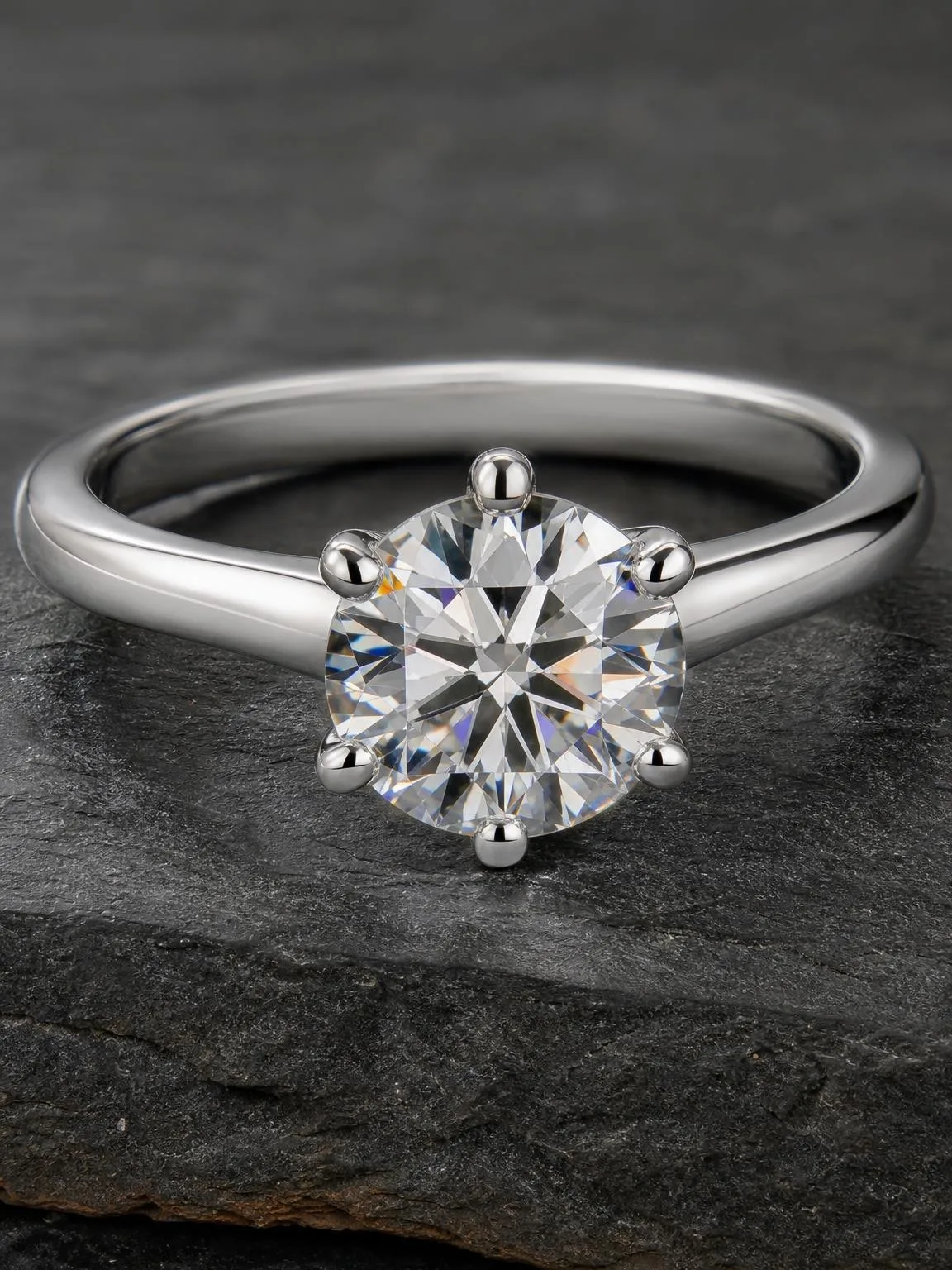
A phone can shoot a chair, a hoodie or a plate of food perfectly well. Jewellery is where it starts to struggle, and not because the camera is bad. It’s because a ring is three difficult things at once: very small, highly reflective, and made of surfaces that show you the whole room instead of themselves.
Four things go wrong, always the same four. Three of them you fix while shooting. The fourth is the one worth paying attention to.
1. The camera can’t focus that close
Point a phone at a ring and it hunts, then settles on the fabric behind it. Minimum focus distance on most phone lenses is around 10 cm, and a ring fills the frame only when you’re closer than that.
Fix: don’t get closer - zoom instead. Back off to 20–25 cm and use the 2× or 3× lens if your phone has one. You lose nothing that matters at listing resolution, and the optics behave. Tap to lock focus on the stone or the hallmark, not on the band.
2. Everything is a reflection of you
Polished silver is a mirror. In most home photos you can find, at full zoom, the photographer, the window, and the ceiling light - all curved around the metal.
Fix: shoot beside a window that never gets direct sun, with the light to the side, never behind you. Wear something plain and light-coloured; you will be in the reflection, so be a soft grey shape rather than a red logo. A sheet of white paper curved behind and above the piece kills most of the room in one move.
3. The colour is wrong
Warm indoor bulbs turn silver yellow and white gold beige. Buyers return jewellery over colour more than over anything else, and “it looked different online” is not a dispute you win.
Fix: one light source only. Mixing a window with a ceiling lamp gives two colour temperatures in one frame, and no amount of editing separates them afterwards. Turn the lamps off.
4. The background is a kitchen table
This is the one that makes home jewellery photos look like home jewellery photos. The piece is fine, the focus is fine - but it’s sitting on wood grain, or a towel, or a slightly grey sheet of printer paper with a fold in it.
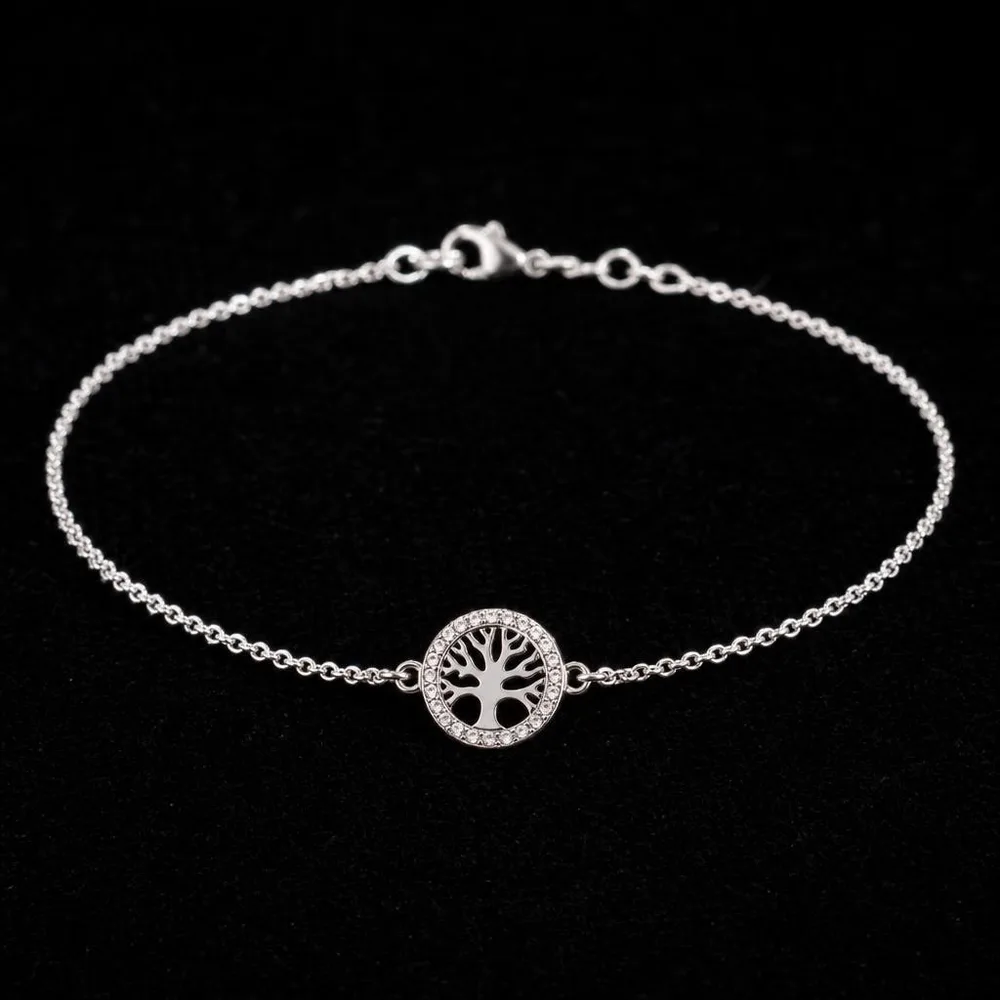
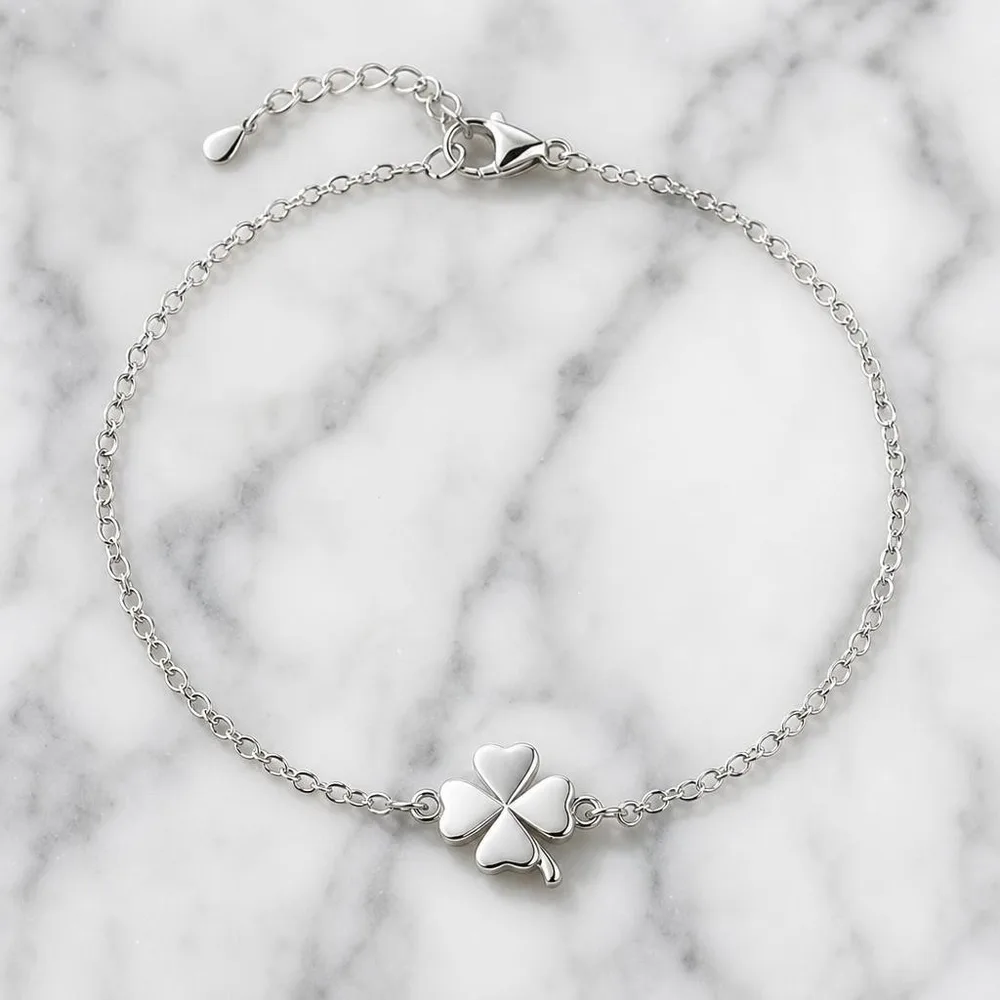
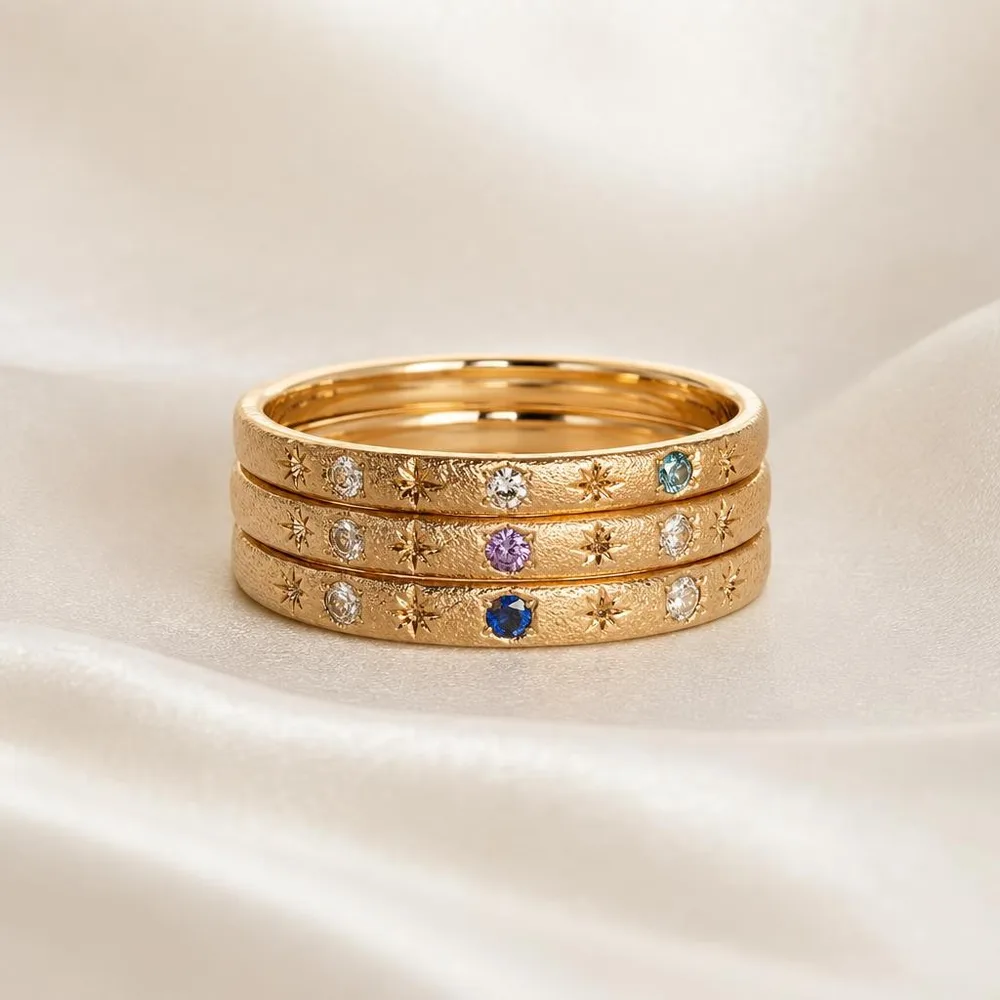
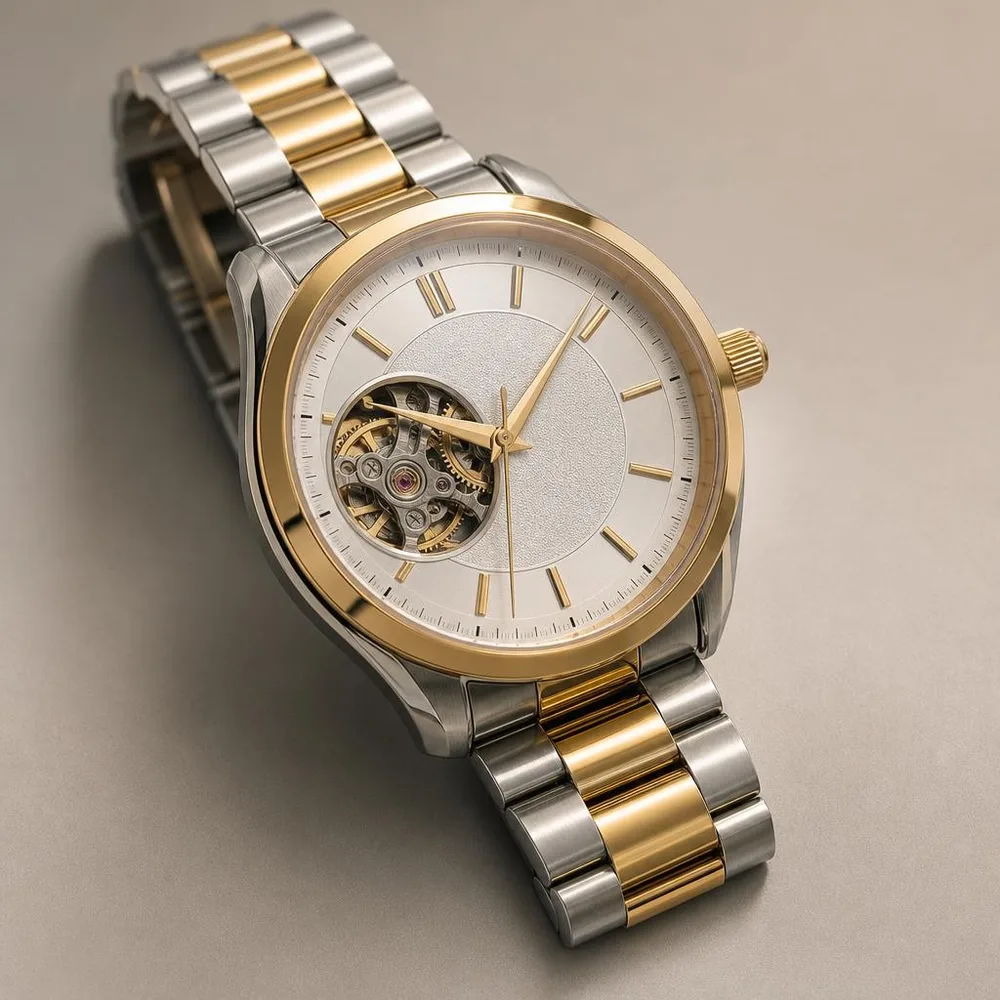
Fix: this is the part worth generating. Backgrounds are the one element of a jewellery shot that has nothing to do with the item’s honesty - black velvet, white marble, silk, a soft gradient. A surface you don’t own, lit in a way your kitchen can’t do, with the ring exactly as it came out of your camera.
What generation should and shouldn’t touch
The line here is sharper than in most categories, because jewellery is where misrepresentation is most expensive.
Fine: the surface it sits on, the light around it, the shadow it casts, the composition. None of that is a claim about the item.
Not fine: the stone’s colour or clarity, the metal’s tone, the size, the wear on a second-hand piece, an engraving that isn’t there. On Etsy - where most independent jewellers sell - the policy asks for your own photos of the actual finished item, and altering the piece itself puts you on the wrong side of that. A pre-owned watch with the scratches polished out in software is a returns problem and a policy problem at once.
There’s a practical reason too, beyond the rules: jewellery buyers zoom. They will look at your clasp at 400%. A generated stone falls apart under that inspection in a way a generated marble surface never does.
The short version
Back off and zoom rather than leaning in. One light, from the side, no ceiling bulbs. Dress plainly, because you’re in the reflection whether you like it or not. Then let the background be the part you didn’t have to buy.
Twenty jewellery shots on velvet, marble and silk cost $6 in credits - roughly what one hour of a rented light tent costs, and you keep the files.