Most hosts photograph their place the way they’d photograph a house they’re proud of: living room, kitchen, bedroom, bathroom, done. Guests don’t browse that way. They swipe four thumbnails, decide, and never open the rest.
So the question isn’t “did I photograph everything”. It’s “are the first four right”.
The first four, in order
1. The best room, wide, in daylight. Usually the living room or the main bedroom. Shoot from a corner at chest height - not from the doorway, and not from your eye level, which makes ceilings look low. Curtains open, all lights on anyway: mixed light reads as warm, not yellow, once the room is bright enough.
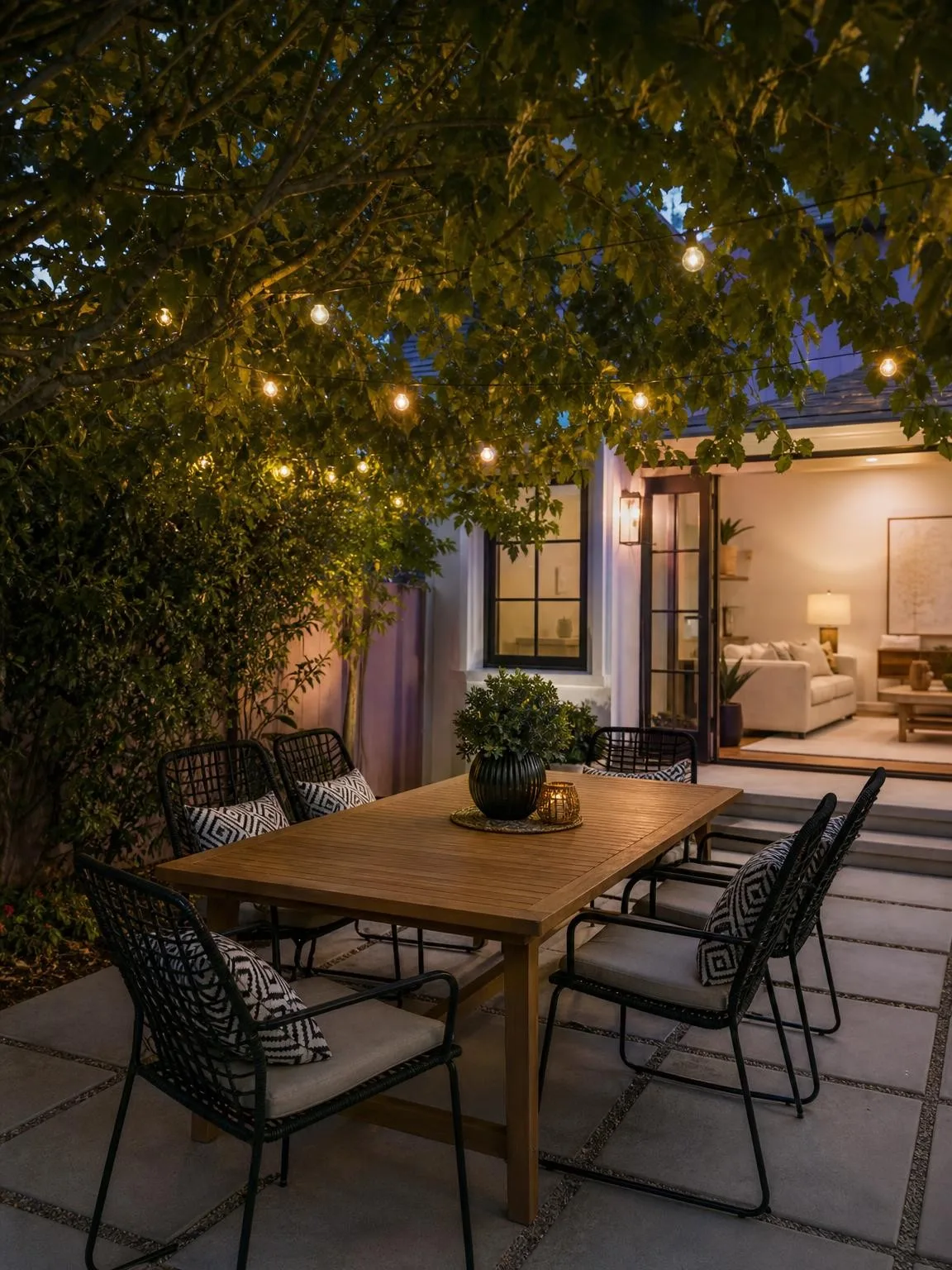
2. What makes it different. The balcony, the view, the fireplace, the garden, the bath under a window. This is the slot that separates you from the six identical flats nearby, and it’s the one most hosts waste on a second angle of the sofa.
3. Where they sleep. Made bed, no personal items, one wide angle. Guests are checking mattress size and whether the room has a window.
4. Where they cook or eat. Clear the counter completely. An empty worktop reads as “clean and spacious”; a kettle and three jars read as “someone else’s kitchen”.
Everything after that is verification, not persuasion - guests look at it once they’re already interested.
The rooms hosts forget
Bathrooms get one bad photo or none, and it’s the room guests worry about most. Photograph it clean, dry, with the shower visible and the toilet not in the centre of the frame.
The entrance and hallway matter more than they seem: they answer “will I find this place and does it feel safe”. A stairwell photo is not glamorous but it prevents a certain kind of one-star review.
And the things people specifically search for - a washing machine, a desk, parking, a cot. If it’s in your amenities list, it should be in a photo. Amenities that are claimed but never shown are the most common source of “not as described”.
What you can and can’t fix afterwards
This is where hosts get into trouble, so it’s worth being exact.
Fine: brightening an under-exposed room, straightening verticals, colour-correcting a yellow cast, cleaning up a dull sky. That’s the same work a professional would do in Lightroom and nobody has ever objected to it.
Not fine, and specifically named by Airbnb: using editing to hide damage, cover flaws, or add amenities that aren’t there. Their host ground rules say content gets removed for exactly this, and the requirements guide quotes the wording in full.
The practical line: a guest standing in the room should recognise it immediately. If they’d be surprised, you’ve crossed it - no matter which tool produced the surprise. That’s true of a wide-angle lens that doubled the apparent size of the bedroom just as much as it’s true of generation.
Where generation actually helps
Not in making the room look like a different room. In the boring, repeatable part: the same space photographed once and rendered in good light, in the season you’re not currently in, with the furniture you actually own.
A winter listing shot in November looks grim; the same room in summer light books better and is still the same room. That’s the honest use, and it’s the one that survives a guest walking in.
If your listing is under-booked, the fix is almost never a better camera. It’s the first four thumbnails, a photographed bathroom, and every claimed amenity visible somewhere.