The email says “search suppressed”, the reason says “main image”, and sales are zero until it’s fixed. The good news: image suppressions are the mechanical kind of Amazon problem - no appeals essay, no seller-performance mystery. Fix the pixels, re-upload, wait for the crawl.
Work this list in order; each check has a free browser tool where one exists.
1. Is the background actually 255, 255, 255?
Not white-ish. Amazon’s main-image rule is pure white - RGB 255, 255, 255 exactly - and “we shot it on white paper” almost never measures pure. Grey-white reads fine to your eye and fails to a pixel check. Drop the file into the white background checker: it measures the actual border RGB, tells you how far off you are, and will push the backdrop to 255 for you and re-run the same check on the file it hands back. If it comes back near-white, relighting won’t rescue it - regenerate or properly cut out.
2. Does the product fill ~85% of the frame?
The same tool estimates frame fill. Amazon asks for the product to occupy about 85% of the image; a product floating in white space is a suppression waiting for a crawler. Crop tighter - but leave a small margin so nothing touches the edge.
3. Is the image big enough for zoom?
At least 1,000 px on the longest side or zoom is disabled - and under-1,000 mains are prime suppression material. Ceiling is 10,000 px. Export at 2,000 px square and you’re comfortably inside both; the resizer’s Amazon preset does it in one drop.
4. Anything on the image that isn’t the product?
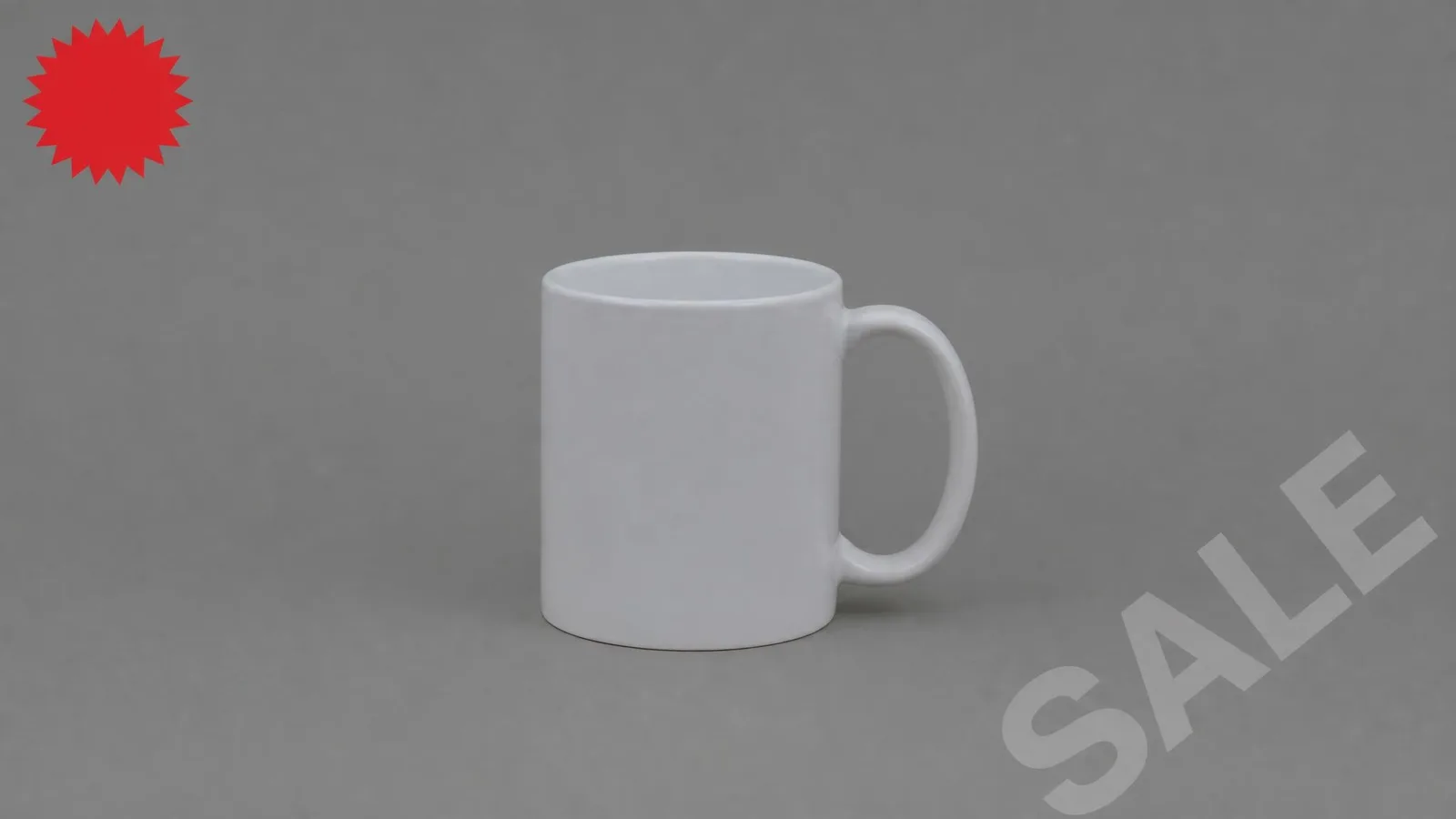
The main image bans text, logos, watermarks, badges (“SALE!”, “#1”), borders, and props that aren’t in the box. The photographer’s corner watermark counts. The lifestyle props go in image slots 2–9, not slot one. This check has no tool because it’s a five-second look - be ruthless about it.
5. Is it the right kind of image?
Graphics, illustrations and renders-that-look-like-renders get flagged in categories that require photographic mains. A generated photo that reads as a photograph of your actual product is in-policy where a drawn illustration isn’t - the full requirements guide covers the category nuances and cites Amazon’s own pages.
Re-upload and verify
Replace the main image, then check the live listing after Amazon re-renders (give it a few hours): zoom works, the background merges invisibly with the page’s white, no “currently unavailable” banner. If the listing had real sales velocity, expect a few days of ranking wobble - annoying, recoverable, and much better than the alternative of leaving it suppressed.
Then do the thing that prevents round two: run every other main image in your catalog through the same five checks now, while you’re annoyed enough to be thorough. Ten minutes with the two tools above catches the next suppression before Amazon does.